The quick answer
Arkheron is scheduled to enter Early Access on November 27, 2026 for Steam, PlayStation 5 and Xbox Series X|S. Before launch, playtest access depends on an invitation and the current test window. The November 6–7 technical test supported PC and Xbox; its progression will be wiped before Early Access.
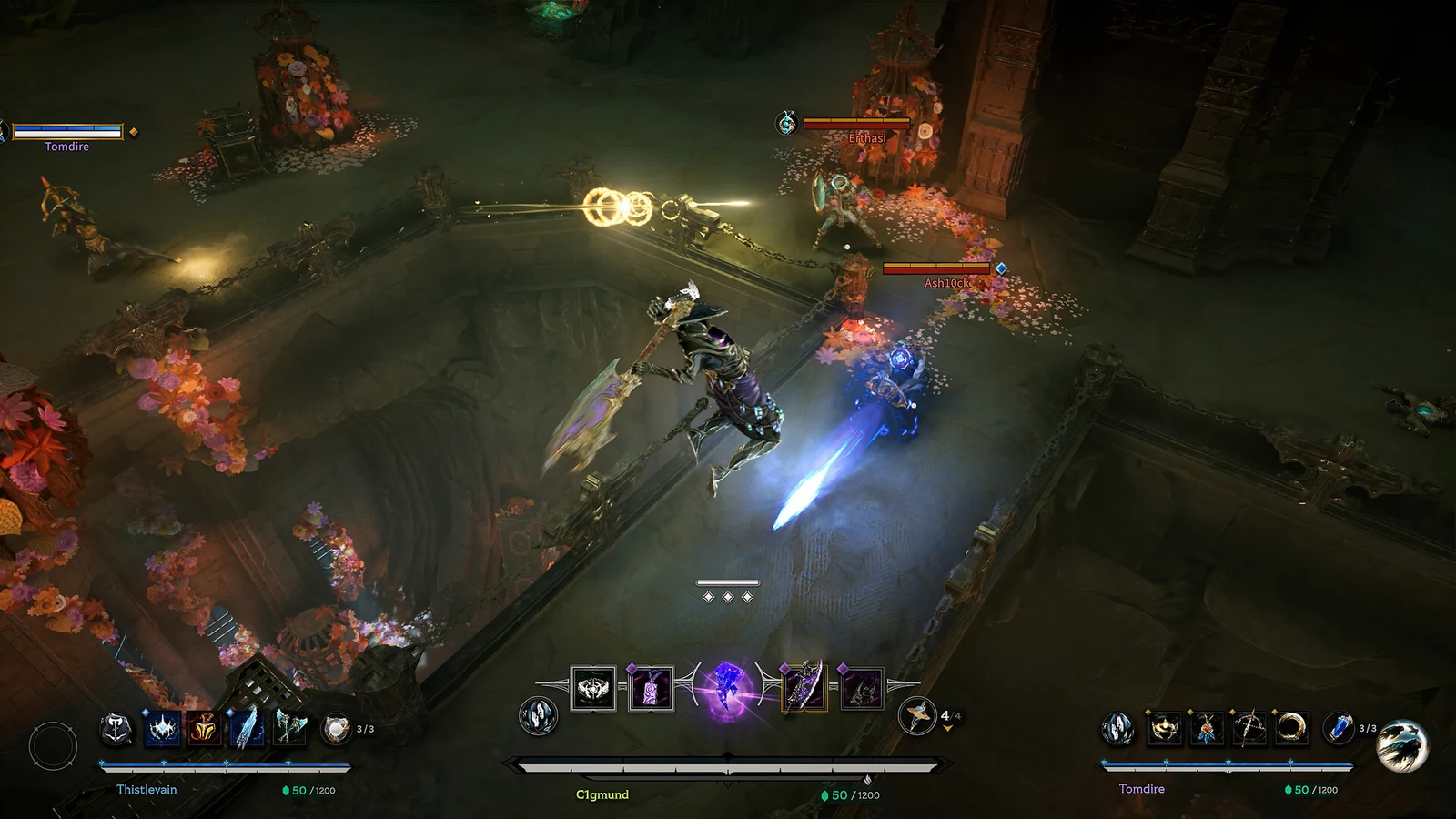
Choose the right route into the game
The November 27 date is the announced Early Access launch, rather than a promise of a finished 1.0 game. Bonfire’s announcement says onboarding, progression, matchmaking and performance remain in development. A playtest build or an old beta invitation belongs to a different stage of that process.
| Your situation | Next step | What to check |
|---|---|---|
| You want to start at Early Access launch | Wishlist Arkheron on your platform’s official store | November 27 is the announced date; check the store again before planning a session |
| You have never joined a test | Use the official Play page’s platform waitlist, or request Steam Playtest access in Steam | A request joins the invitation process; it does not guarantee immediate entry |
| You already have test access | Update the existing test installation and check the latest official test notice | Matchmaking windows and supported platforms can change between tests |
| You redeemed a console beta code but cannot find it | Look in your library using the names below | Searching the retail store can show only a wishlist listing |
Bonfire’s access page points returning testers toward Tutorial, Training, Bot Games and Custom Games outside its advertised public matchmaking windows. Its September beta information is not a schedule for a new November test. Check the dated official news feed before assuming Ascension or Spires queues are open.
Platforms: separate launch support from test support
Early Access is announced for Steam, PS5 and Xbox Series X|S. Steam lists cross-platform multiplayer. The November 6–7 technical test, however, explicitly supported PC and Xbox, with no PlayStation participation. A platform missing from one test does not remove it from the launch announcement.
For an existing console beta installation:
- Xbox: open My games & apps → Full library and look for Arkheron Insider.
- PlayStation: open Game Library → Your Collection, set its filter to All, and look for Arkheron Beta.
If neither entry appears, check the account on which you redeemed the code before requesting another one. Follow the support links on the official Play page for account or platform-code help. This is about finding an existing entitlement, not obtaining launch access through an old beta listing.
What happens to technical-test progress?
The November 5 provisional patch notes state that progression was enabled for the November 6–7 test and will be wiped before Early Access. Treat that test as a chance to learn the controls and systems rather than a head start that will carry into launch.
Those notes describe a provisional build. They do not establish a final launch balance sheet or a permanent progression-reset policy after release. If you are choosing a build for launch, wait for the launch version’s actual item changes rather than copying a test-era tier list without checking its date.
Play with friends who already have access
The official access instructions allow custom lobbies outside public matchmaking windows. For players whose test access is active:
- Update the game, then open Custom Lobbies on the modes screen.
- To host, choose Ascension or Spires, then Create Lobby.
- Share the lobby code with the players joining you.
- To join, enter that code in Custom Lobbies and select Join Custom Game.
Before troubleshooting the code itself, establish that everyone has access to the relevant build and that their platform is supported for that test. The November PC/Xbox test is a concrete example of why a general crossplay announcement alone cannot answer that question.
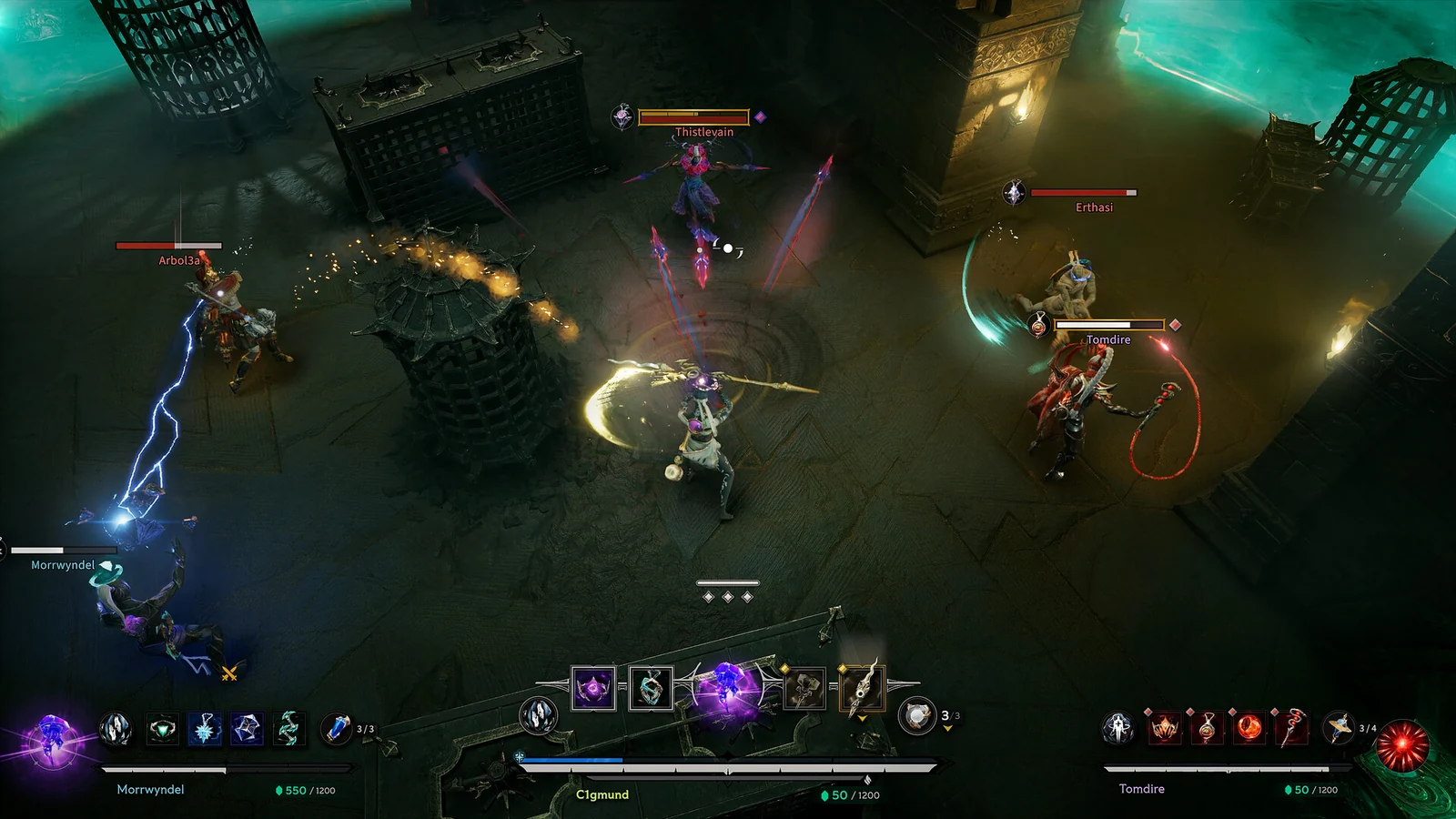
Check your PC before joining a session
The current Steam listing gives the following Windows requirements. These are published requirements, not measured frame-rate results.
| Component | Minimum | Recommended |
|---|---|---|
| Operating system | Windows 10 or later | Windows 10 or later |
| Processor | Intel Core i5-9600K or equivalent 6-core | Intel Core i7-9700K or equivalent 8-core |
| Memory | 8 GB RAM | 12 GB RAM |
| Graphics | Nvidia GTX 1060, 6 GB VRAM | Nvidia RTX 2070, 8 GB VRAM |
| Storage | 25 GB available | 25 GB available |
| Network | Broadband connection | Broadband connection |
Check available disk space as well as GPU memory. Meeting the listed minimum does not guarantee a particular resolution or frame rate, and these requirements do not establish native macOS or Linux support.
What to confirm before November 27
Use the platform store and the latest dated announcement to confirm the release date, edition terms and access offer before buying or arranging a group session. The October announcement previews a Friend Pass, but that mention alone does not explain its full conditions. Do not assume a test invitation, friend invite and launch Friend Pass are interchangeable.
Keep this page’s pre-release date in mind when comparing it with older beta coverage. The next useful check is the official launch announcement and any newer post in the news feed.
More help with version changes across our game guides.
Sources
- The Tower Opens November 27Bonfire Studios · Checked Nov 9, 2026
- Play Arkheron: access, modes and console librariesBonfire Studios · Checked Nov 9, 2026
- November 6–7 technical-test scope and progression wipeBonfire Studios · Checked Nov 9, 2026
- Arkheron Steam listing and PC requirementsBonfire Studios / DRIMAGE · Checked Nov 9, 2026