The quick answer
Open a Bee Pack for your hive, then follow one batch from the bees to the bottling station and the sales stand. The Pawford family moves and sells the honey automatically. If you have a Steam Deck demo farm, install v1.11.1 or later before importing it.
Open a Bee Pack and follow the first batch
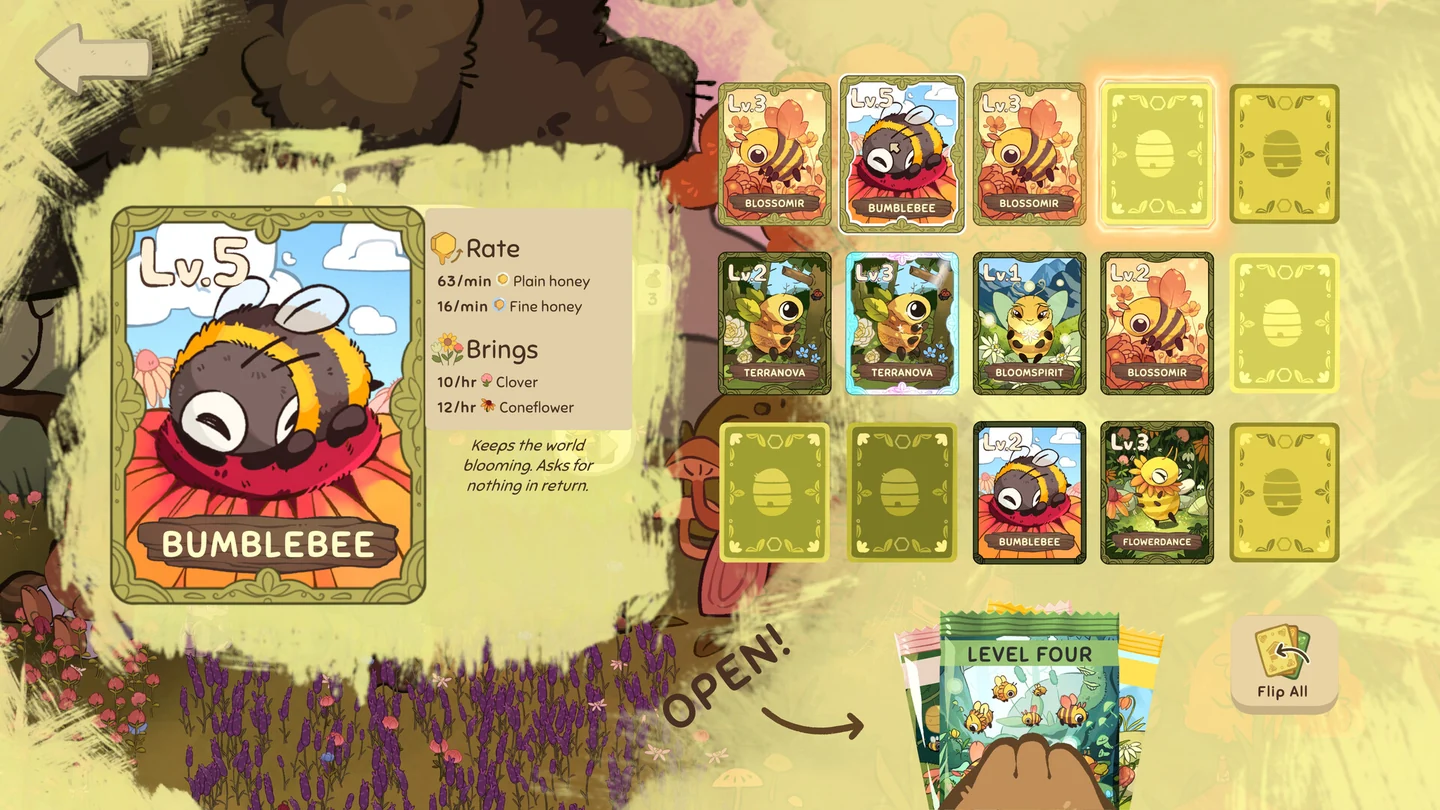
- Start with the hive you have and open a Bee Pack. Reveal the cards and check the collection and the matching hive for the bees you just obtained. Keep the flower field in view so you can see the difference between collecting a bee and having a hive producing honey.
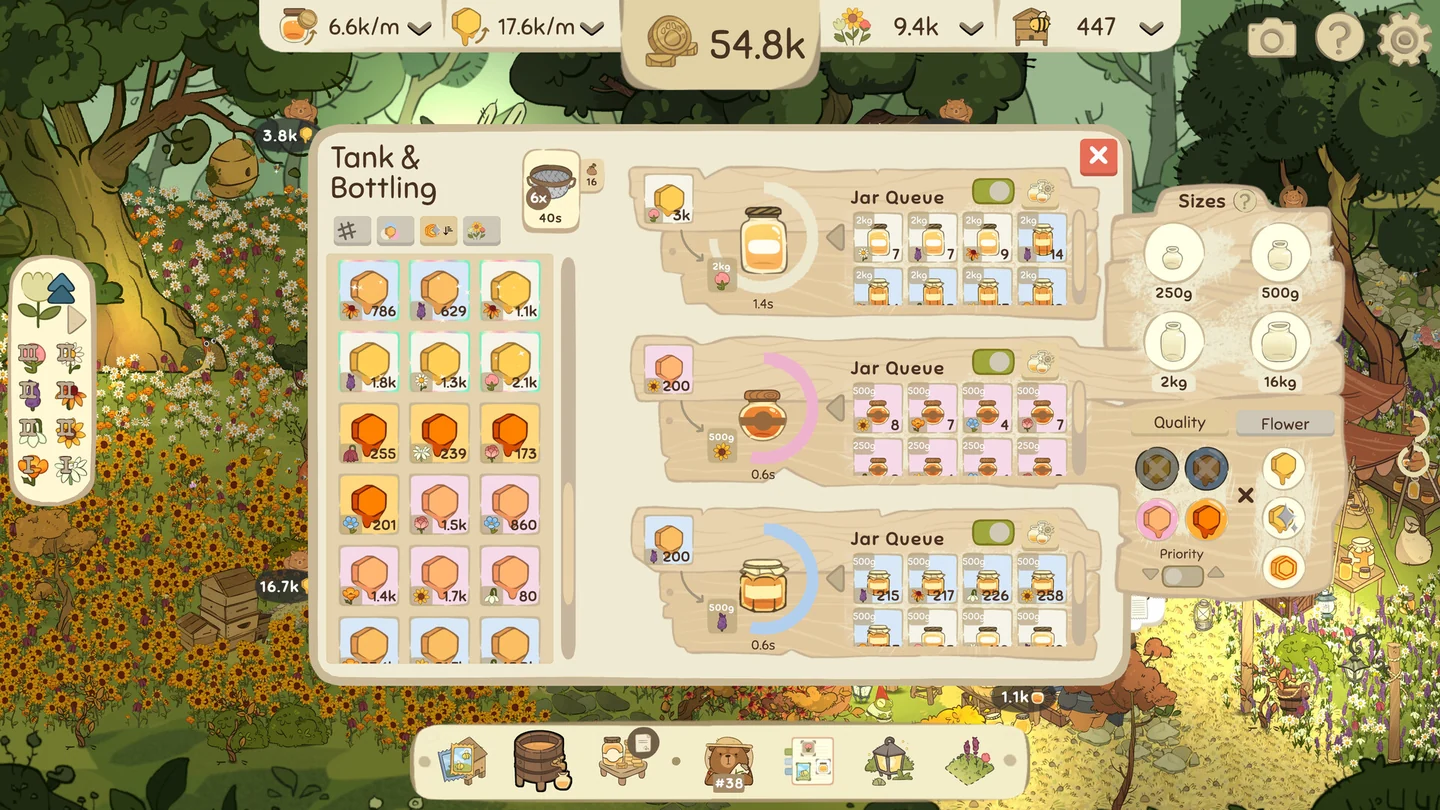
- Watch the Pawfords pick up honey and bring it to the bottling station. The developer describes this as semi-idle. You can direct collection with a click, while the station bottles honey without a separate click for every jar.
- Follow a finished jar to the sales stand. The bears can move jars and handle sales. Check that a jar has actually sold by observing your income before deciding which part of the farm to buy next.
Fix the first part of the line that stops moving
| Last thing you saw | What to check next |
|---|---|
| Bee cards but no honey on the way | Look at the hive and flower field before buying another pack. Confirm the bees you collected belong with the hive you are watching. |
| Honey at the bottling station, few finished jars | Watch a complete bottling cycle. If it cannot keep up with the input, a bottling improvement is a better first use of your proceeds than more bees. |
| Finished jars but little income | Follow a bear to the sales stand and wait for a customer. Compare sales and jars delivered before expanding the hive. |
| Income is steady | Pick one next goal: broaden the collection with packs or improve the step that limits how many jars reach the stand. |
The full game expands the collection with all packs, bees, flowers and honey bottles. Uncle Naps offers larger honey orders with rewards, and targeted jars can help complete missing entries. First make sure one ordinary batch can go from your hive to a sale. That gives you a working line to compare when you take on a larger order.
Import the Steam demo farm or try a separate slot
Download the official demo if you want to try the loop before buying. For an existing demo farm, open the full game on the same Steam account and device first. Check for your original progression in the import flow, then verify a familiar hive, album entry or completed task before changing the old installation.
Steam Deck: monoii studio’s v1.11.1 notes specifically fix demo file import on the Deck. If the importer does not see the farm, confirm the installed full-game version and whether the demo can still see the save. Keep both installations until you verify the transfer. The Steam store lists Deck compatibility as Unknown. The targeted import fix and Valve’s device rating answer different questions.
If an updated import still opens an empty farm, report the game version, device, Steam demo or other demo distribution, and whether the original save remains visible. The Steam patch confirms a Deck fix for demo import. Other demo distribution or cross-device transfer needs its own check.
More help with crafting & progression across our game guides.
Sources
- Bottled by Bears store and gameplay overviewmonoii studio · Checked Nov 14, 2026
- Bottled by Bears release and full-game additionsmonoii studio · Checked Nov 14, 2026
- Full-release explanation of collection, bottling and salesmonoii studio · Checked Nov 14, 2026
- Bottled by Bears v1.11.1 demo import fixmonoii studio · Checked Nov 14, 2026
- Bottled by Bears official demo listingmonoii studio / Steam · Checked Nov 14, 2026