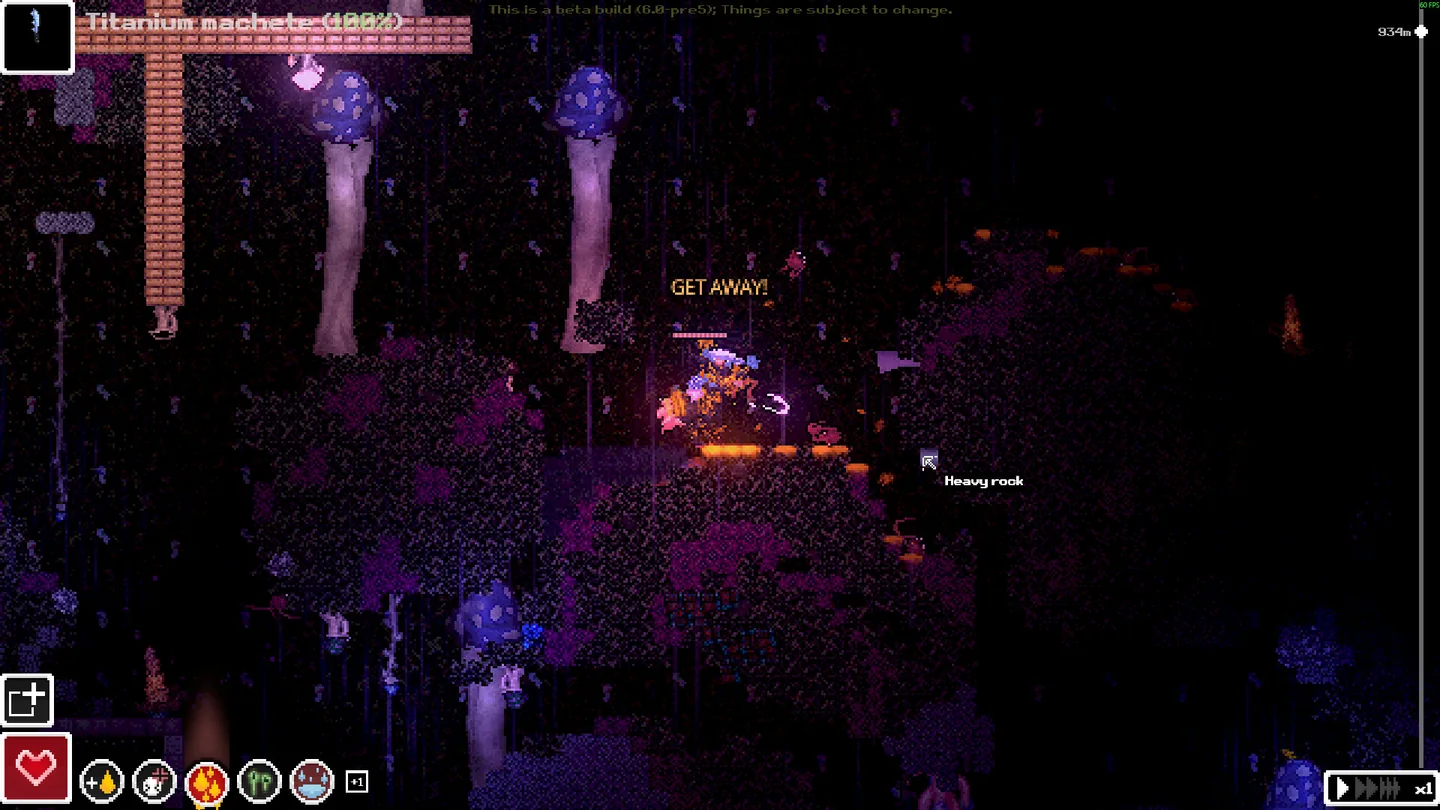
The quick answer
Open the health panel and identify the bleeding limb. Apply a Dressing and follow the on-screen wrap prompt. Recheck the limb and whole-body blood-loss readings before moving on. Release 1.0 adds opiate and venom displays and changes the watch's bleedout text.
Find where the blood loss is coming from
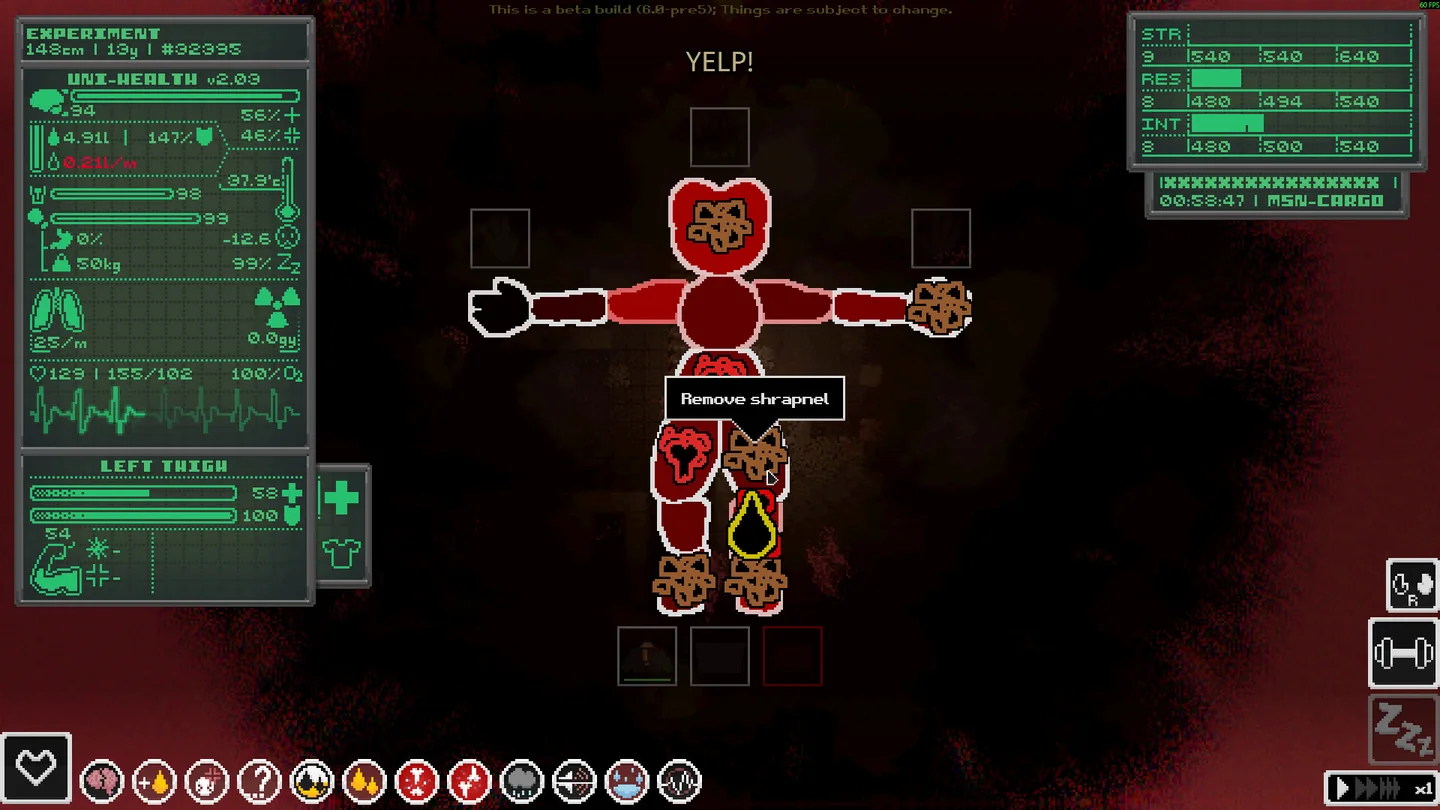
First get to a position where you can inspect the character without taking another hit. In the health panel, check the body overview and select the affected limb. Look at the local bleed reading and any other marked injury. Select another limb if you cannot explain the overall blood loss from the first one.
The game’s simulation tracks limb damage, blood and cardiovascular condition. A dressing addresses an external wound. A weak or injured limb can still need attention after bleeding improves.
| What you see in the game | Next check |
|---|---|
| The watch warns about bleeding | Open the health panel and look for which limb is contributing to it |
| The selected limb shows bleeding | Select a Dressing for that limb and follow the wrapping prompt |
| That limb improves but whole-body loss continues | Check the rest of the body and re-read the current condition |
| The limb still looks damaged after the bleed reading clears | Check the remaining condition and the applicable item tooltip before using another supply |
Wrap the dressing and read the result
Use a Dressing in the health panel and start the wrap on the affected limb. The interface prompts you to drag the dressing around the limb. Follow the on-screen direction and watch the result as you work. The publisher’s illustration shows that you can stop wrapping before using the entire dressing. Recheck the local readout so you know whether you have actually controlled the wound.
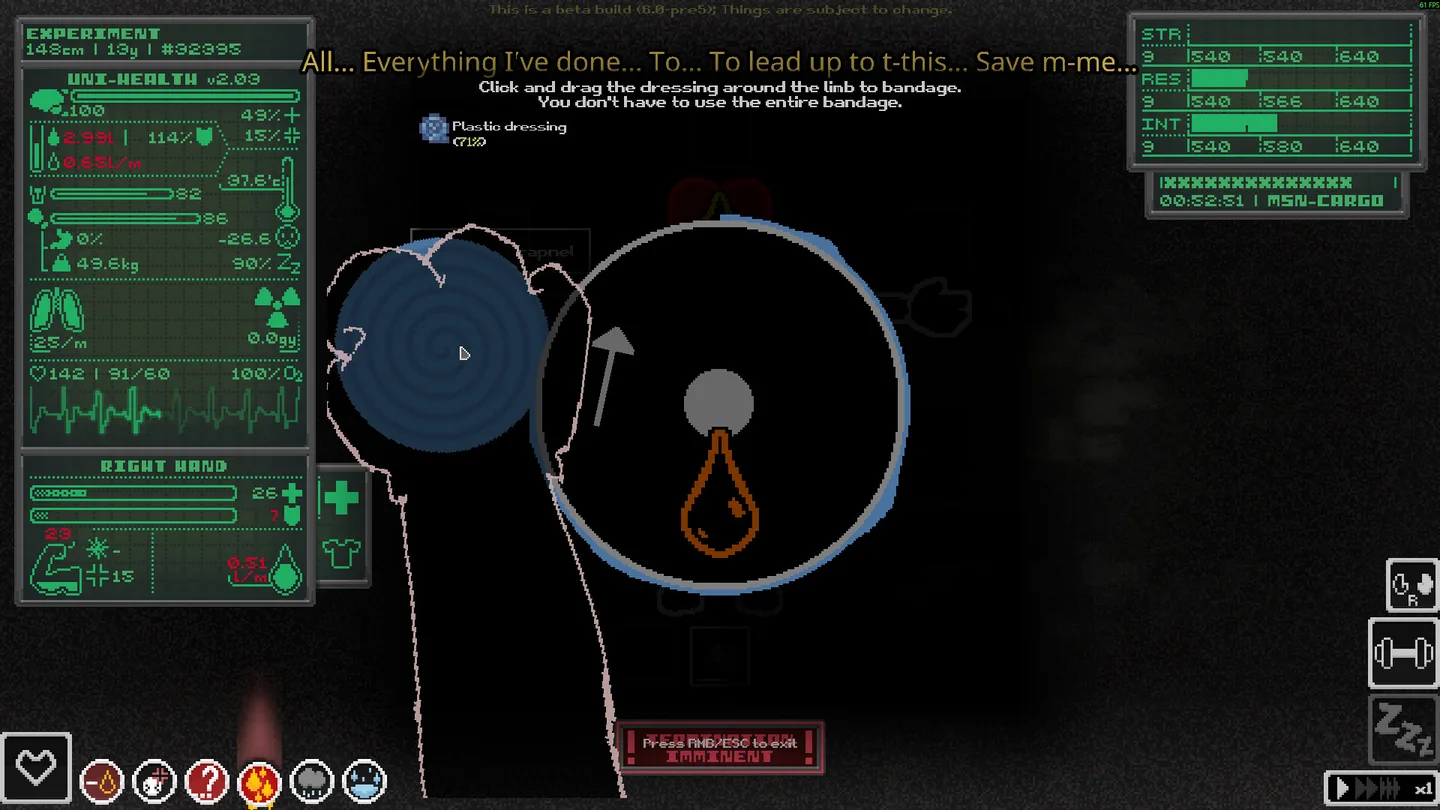
If the inventory will not open mid-treatment, finish or exit the drag action first. Orsoniks lists this behavior in the 1.0 patch. Once you are out of the wrap, inspect the limb again and then check the whole-body display. A remaining bleed reading is a reason to keep checking before you descend.
Interpret 1.0’s new readings separately
The 1.0 health panel can display opiates and venom. Use the relevant labels and item tooltips to distinguish those conditions from blood loss. The watch’s bleedout text was adjusted in 1.0. It can prompt an immediate check while the limb detail tells you where to act. This is especially useful when one dressing has improved a visible wound and the overall situation still looks unstable.
After an injury has stopped getting worse, decide whether to use remaining supplies, seek a safer path or leave the current loot behind. For the steps before the next layer, return to the first descent and supplies checklist.
For example, after a fall you might see a bleed warning and damage to a leg. Wrap the limb with the active bleed, then check the limb and the overall blood-loss indicator again. If the limb reading has improved while blood is still dropping, inspect the other limbs and check the conditions shown in the overview before using a second dressing on the same leg.
More help with crafting & progression across our game guides.
Sources
- Release 1.0 changes to health readings and panelsOrsoniks · Checked Nov 11, 2026
- Steam store and publisher screenshot showing the dressing actionOrsoniks · Checked Nov 11, 2026
- Developer and publisher launch releaseOro Interactive · Checked Nov 11, 2026
- Community medical guide based on the demo First Aid courseGuideWiki · Checked Nov 11, 2026