The quick answer
On 64-bit Windows 10 or 11, install your own copy of Cyberpunk 2077 at exactly version 2.5 with Phantom Liberty. Get the Windows launcher from OPEN//77, sign in with a free project account and let it verify the game and install the client. Join a listed world or enter the host’s address and port under Direct Connect.
OPEN//77 is an independent multiplayer mod. Its public Alpha lets you join community servers without an invitation or application. The servers run their own game modes; this is separate from the base game’s single-player campaign.
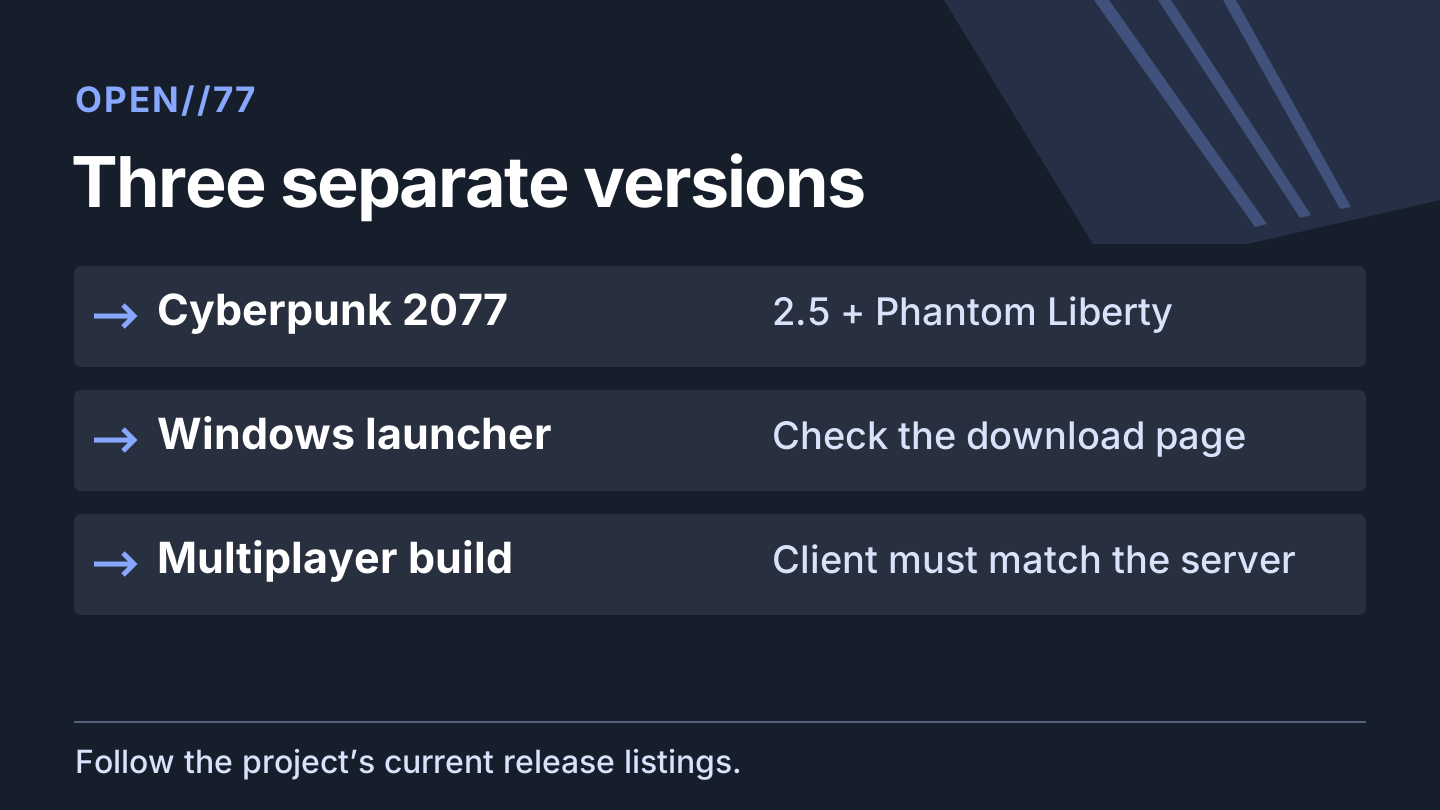
Check three versions before installing
| What you’re checking | What to look for |
|---|---|
| Cyberpunk 2077 and Phantom Liberty | A legitimately owned PC copy, exactly 2.5, with Phantom Liberty installed. The project checks the executable; a later game patch is not automatically compatible. |
| Windows launcher | Use the project’s download page. On November 13 it listed Windows launcher 2.50.0+op77.210. The older .149 in the launcher guide describes recovery from a previous update. |
| Multiplayer client and server | Let the launcher install or update the client. The same download page listed the dedicated server at 2.50.0+op77.223 on November 13 and says the client is versioned with the server build it uses. The server package is for the host. |
These steps cover the documented Windows player setup. The download page also lists a Linux launcher preview and a separate Linux hosting package. The preview listing does not change the documented Windows player requirements for this walkthrough.
Install the client and enter a world
- Open the project’s download page and choose the Windows launcher. The project says the executable is unsigned and publishes a SHA-256 checksum beside the file. Follow your device’s security policy if it is blocked.
- Open the launcher and sign in through your browser with your free OPEN//77 account. Let the launcher find and verify the game. If it asks for a location, point it to the folder containing the game. The guide says Epic installs need manual selection.
- Close Cyberpunk 2077 before applying the multiplayer update. If the launcher offers an update for itself, finish that and reopen it; the client update is separate.
- Pick a world in the launcher or compare it with the live server directory. To join a friend’s unlisted server, ask for the reachable address and port, then enter hostname:port in Direct Connect. Private addresses may be absent from the directory, and an Unknown status does not tell you whether a host is online.
Direct Connect still uses your OPEN//77 sign-in and the server’s access rules. If the host has a password or whitelist, ask them how to get access.
Find what failed before changing your install
| Symptom | Try next | What it tells you |
|---|---|---|
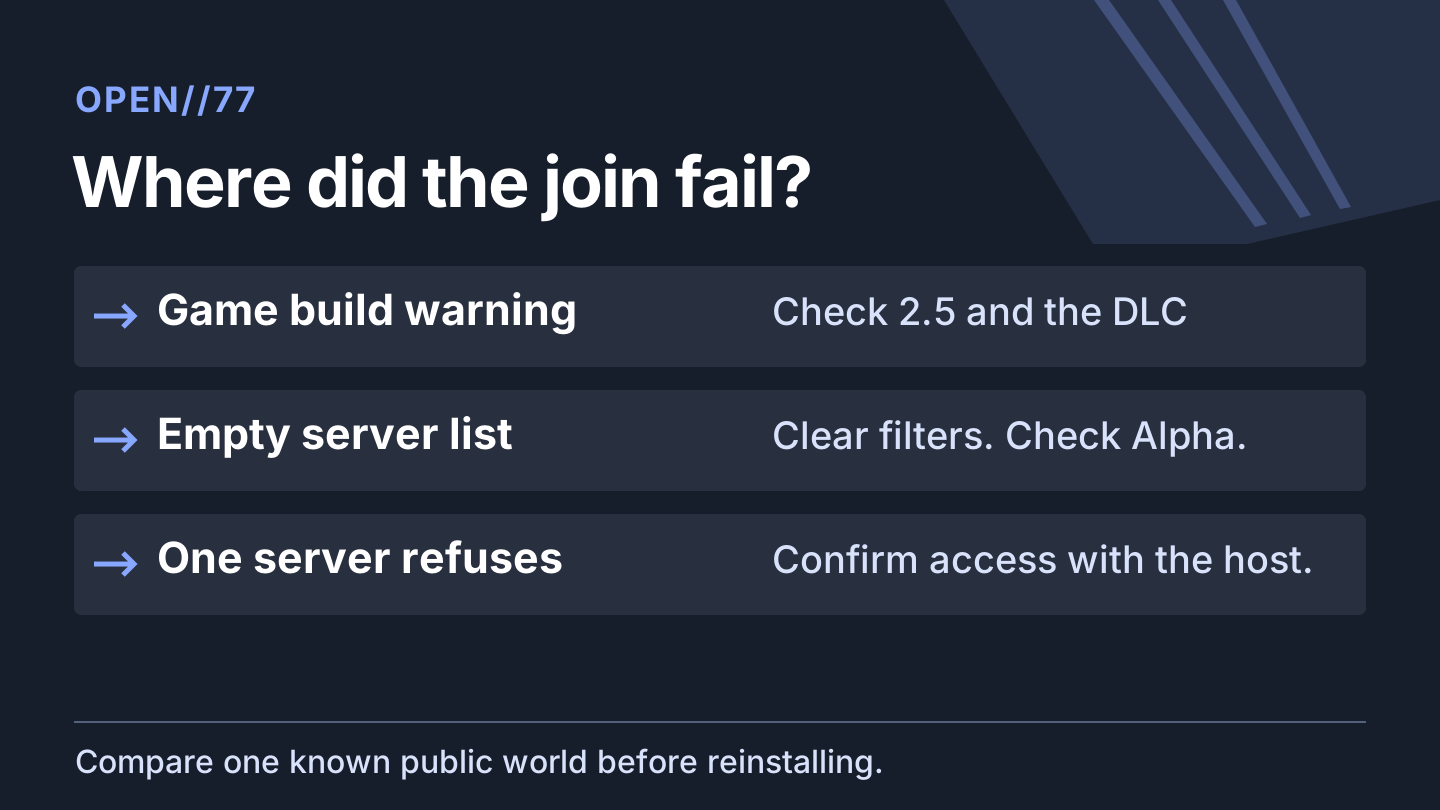
| Game not found or build warning | Check the folder, executable, installed expansion and exact supported build. The launcher docs describe the read-only –detect-only check. | The launcher can warn before the join service rejects the build. If the game has moved past the supported build, check the project’s updates before changing game files. |
| The public list is empty | Clear filters and refresh. Check that the launcher uses Open//77 Alpha with Stable updates. Local development looks at a separate directory. Compare the web directory and service status. | If the web directory shows worlds but your launcher does not, record the launcher’s directory and update settings before reinstalling. |
| Only one server refuses the join | Confirm the address, port and admission rules with the host. Compare with a public world that allows new players. | If another world works, ask the first operator about its server build and resources. The launcher guide says a server still on 2.31 cannot accept a 2.5 client. |
| Every server fails or Alpha approval reappears | Check the current launcher download, update the client on Stable, sign in again and record the exact error. | Open Alpha does not require approval. A stale launcher, expired session or failed update is more useful to investigate than applying again. |
For project support, gather the game build, launcher and client versions, target server, error text and approximate time. The launcher writes a log under %LOCALAPPDATA%/Open77/launcher.log. Review it for private information before sharing. Keep a separate backup of important single-player saves before changing any mod setup.
More help with co-op & servers across our game guides.
Sources
- Open Alpha requirements and access rulesOPEN//77 project · Checked Nov 14, 2026
- Platform and exact game build requirementsOPEN//77 project · Checked Nov 14, 2026
- Current public launcher and dedicated server listingsOPEN//77 project · Checked Nov 14, 2026
- Launcher installation, Direct Connect and diagnosticsOPEN//77 project · Checked Nov 14, 2026
- Cyberpunk 2077 update 2.5 announcementCD PROJEKT RED · Checked Nov 14, 2026