The quick answer
Checked November 12, 2026. Coin Crew Games confirmed that Steam Hotfix #3 broke crossplay. A fix for the default Steam build has yet to be confirmed. If your Steam–Xbox session is affected, the Steam player can temporarily use previous_build after backing up their save. Keep the default build for Hotfix #3’s puzzle fixes. PlayStation does not support native crossplay.
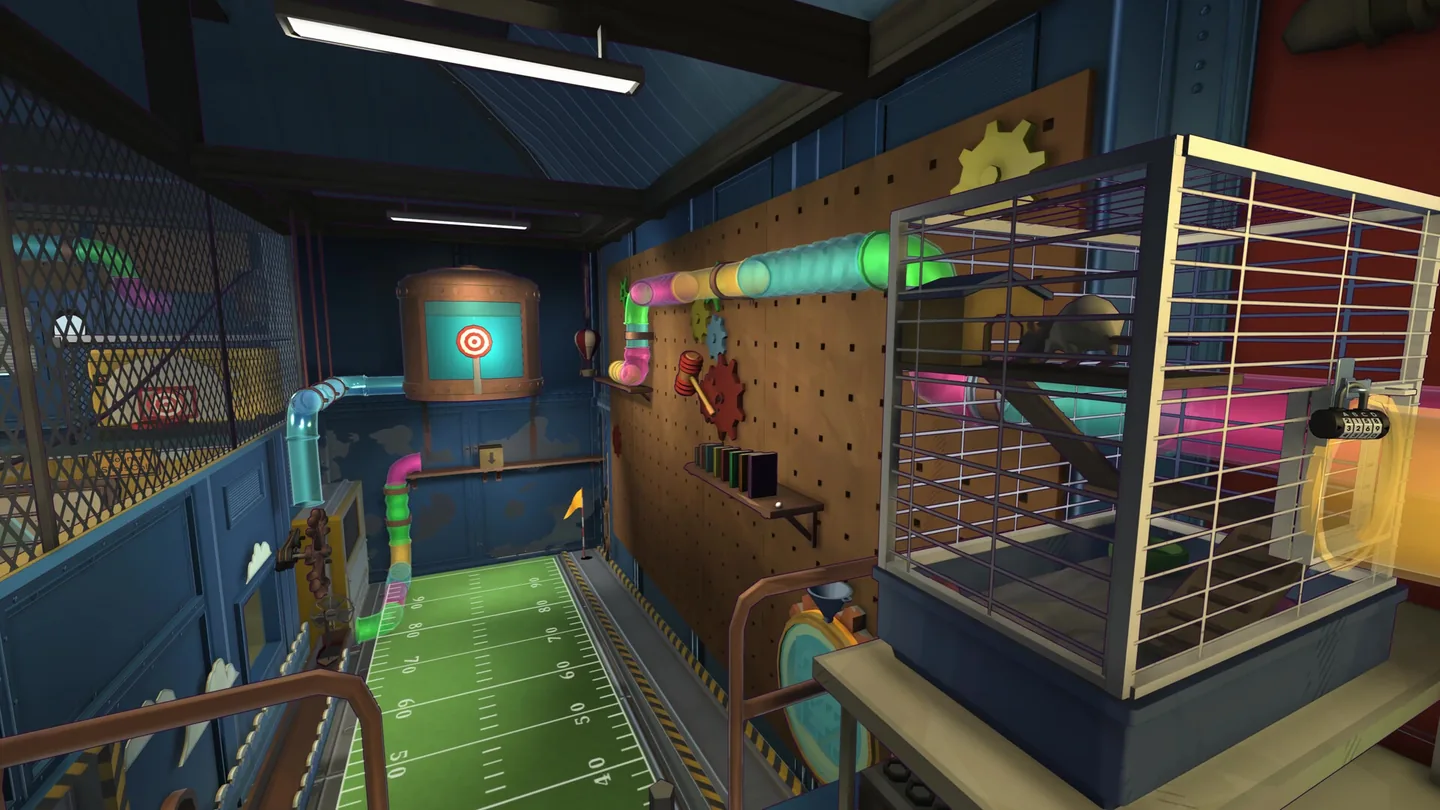
Check your co-op setup
The sequel supports solo play or two players in co-op. For native online play, the developer FAQ says both players need their own copy. Confirm the edition, platform and storefront on both ends before switching builds.
| How you are playing | What the game supports | What to check first |
|---|---|---|
| Steam PC with Xbox Series X or S | PC–Xbox native crossplay is supported. Steam Hotfix #3 broke it. | If the Steam player is on the affected default build, follow the temporary branch steps below. |
| PS5 online | Two PS5 players can play online with PlayStation Plus. PlayStation cannot join PC or Xbox natively. | Check that both players are on PS5. A Steam branch change cannot enable this pairing. |
| Steam–Steam or Xbox–Xbox online | Native online co-op for two on the same platform. | Check that both clients are up to date and retry the invite. The announced regression specifically concerns Steam crossplay. |
| Couch co-op or Steam Remote Play Together | Two people can share a local split-screen game. A Steam host can stream their local game to one guest through Remote Play Together. | For couch play, check the local inputs. For Remote Play Together, confirm the stream and guest input before troubleshooting the game. |
Temporarily switch to previous_build on Steam
Use this for the confirmed regression when a Steam PC player is trying to play natively with an Xbox player. If you can still play together, or your current problem is a progression blocker fixed by #3, keep the default version.
- Exit the game and copy your save. On Windows, paste
%USERPROFILE%\AppData\LocalLow\CoinCrewGames\ProjectFLEAinto File Explorer. Copy the SaveData folder to a separate folder with the date in its name. Leave the original in place. If a Steam Cloud conflict appears later, compare the timestamps and the last session you actually played before choosing a copy. - Switch the Steam player’s build. In Steam Library, right-click Escape Academy 2: Back 2 School, open Properties → Game Versions & Betas, and choose previous_build. Let Steam finish the download. The Xbox player stays on their regular console build.
- Try the same two-player invite again. Check that both players can enter the session, move and use the menu. This branch omits some Hotfix #3 fixes. Keep the backup so you have a copy from before the change.
Return to the default Steam build
When Coin Crew Games confirms the crossplay fix for the public Steam build, exit the game, reopen Properties → Game Versions & Betas, and select the default public version. Wait for the download, then check the branch label in your Steam Library and try the same invite again. You can also return to the default build now if you need one of the progression fixes below. Check Steam’s official news for this game before deciding which build to use.
If Player 2 is stuck in the floor
A player reported that the second character spawned in the floor and could not open the menu. Coin Crew’s reply identifies a crossplay regression. If you are in the Steam–Xbox pairing above, use that branch check first. For couch play or a same-platform session, start by fully closing the game on both systems where applicable and retrying with a fresh session. Keep the existing save.
Note whether Player 2 is stuck before either player can move, after loading a particular save, or only when interacting with one puzzle. Repeating the same symptom on an updated same-platform session is useful to report. Include both platforms, the Steam branch if applicable, who hosted, what happened on the last working session, and the room name. Use the developer’s support instructions to submit a ticket or bug report.
Use Hotfix #3 for these puzzle blockers
The patch notes list these three fixes and say they should also help saves that were already stuck. Back up your progress, then open your existing save on the default Steam build and check the specific interaction.
| Room or quest | Symptom Hotfix #3 addresses | Check after loading |
|---|---|---|
| In Darkness The Truth Will Be Revealed | The exit ladder could become unusable. | Try interacting with the exit ladder again. |
| Deciphering Melodies | One side of the music box puzzle could stop accepting input. | Check whether you can interact with the affected side. |
| Memory Leak | Chemicals could already be missing from the world. | Return to the quest and check that the chemicals are available. |
These checks follow the developer’s documentation. GGFeed did not run the game or try a branch change in an active save. For related help, browse co-op and server guides or save and setup guides.
More help with co-op & servers across our game guides.
Sources
- Developer reply confirming the Steam crossplay regression and previous_buildCoin Crew Games · Checked Nov 12, 2026
- Escape Academy 2 FAQ: platforms, two players, saves and supportCoin Crew Games · Checked Nov 12, 2026
- Hotfix #3 progression fixesCoin Crew Games / iam8bit Presents · Checked Nov 12, 2026
- Steam release, couch co-op and Remote Play Togetheriam8bit Presents / Valve · Checked Nov 12, 2026
- Xbox Series X and S online and local co-opXbox · Checked Nov 12, 2026
- PS5 online and split-screen co-opPlayStation · Checked Nov 12, 2026
- Game Versions & Betas and the default Steam branchValve · Checked Nov 12, 2026
- Steam Cloud and save conflictsValve · Checked Nov 12, 2026
- How a Steam host invites a guest to a local sessionValve · Checked Nov 12, 2026