The quick answer
Factorio 2.1 can load a 2.0 save, but a save or blueprint updated to 2.1 cannot go back into 2.0. Keep your original ZIP, blueprint library and mod setup, open a separate copy on 2.1, then check circuits and production before switching over.
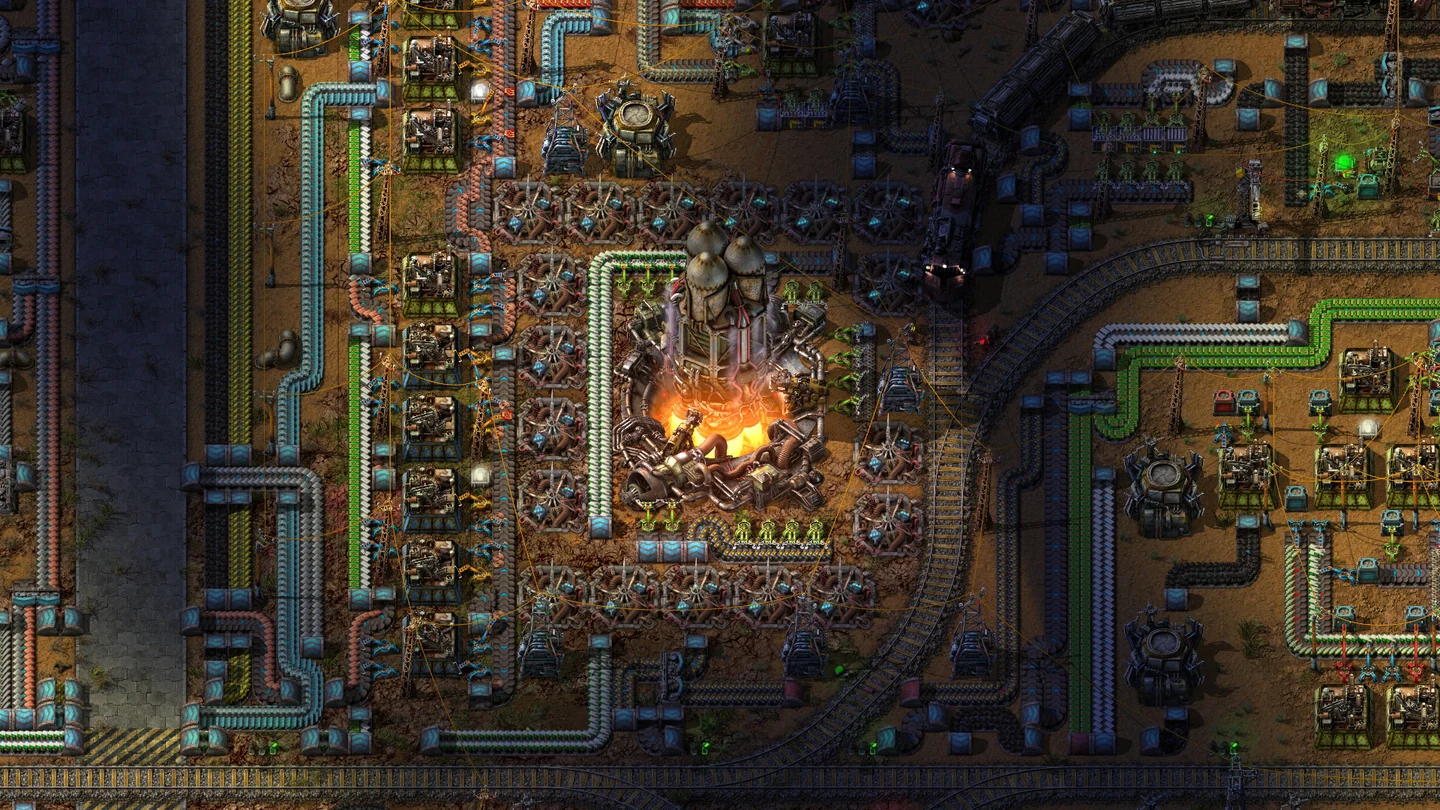
Back up the 2.0 factory before starting 2.1
- In 2.0, save at a known checkpoint under a recognizable name. Write down the exact build, enabled DLC, and mods or versions the world depends on. For a modded world, record any settings you expect to keep.
- Close Factorio and copy the save ZIP from
savesinto a backup folder outside the game’s data directory. Copy the local blueprint library,blueprint-storage-2.dat, if you use it. If yours is managed by Steam Cloud, check the application directory notes for the matching layout first. A game save and a blueprint library are separate files. - If you depend on a mod set, preserve the
modsfolder alongside the save. Retain your old build if available or identify where you can reinstall it before updating. A backup folder next to the live save provides less isolation than one outside the game’s writable directories.
| Desktop install | Typical user data directory |
|---|---|
| Windows installed or Steam | %APPDATA%\Factorio |
| macOS | ~/Library/Application Support/factorio |
| Linux | ~/.factorio |
| Windows portable ZIP | Check the extracted game’s own directory and its configured write-data path. |
Load a 2.1 copy and check your automation
Use a copy of the old ZIP with a distinctive name such as Rail-grid-2.1-test.zip. Start 2.1 and check whether a missing dependency or unsupported mod is reported before loading the factory. If a critical mod is missing, keep the original and check its official Mod Portal page or keep playing the old build until there is a working combination.
A successful load establishes that the save opens. Let the test copy run and look for normal production:
- Circuit-controlled logistics: choose one process that uses red or green inputs to enable something, such as a pump or train-loading inserter. Check that the signal comes from the expected side of the combinator and that the device still turns on and off at the intended condition. Wube calls out the 2.1 circuit input/output split as a risk for existing designs.
- Modded items and machines: inspect one production line that relies on each important mod and check its recipe, inputs and output. If a machine is missing or a recipe changed, preserve the test copy separately and decide whether replacing that dependency is worthwhile.
- Space Age changes: if your setup rolls quality through asteroid reprocessing, check that chain first. Wube removed the use of quality modules in asteroid reprocessing. Check the Recycler and Quality dependencies separately if your factory relies on them.
- Blueprints: open your normal library and place a small blueprint from it in your test world. After the checks pass, make a new 2.1 save and reload it before continuing the campaign.
Roll back with the original 2.0 files
Close 2.1 and launch the original or matching 2.0 build, using Wube’s older releases if needed. Restore the original mod set and a copy of the pre-upgrade save. Restore the corresponding blueprint library if it was upgraded. Before replacing a local file, confirm which copy Steam Cloud might sync. Preserve both copies until you can open the expected base and verify the right inventory and blueprints.
If the only copy is a world already saved in 2.1, first look for a pre-upgrade manual save, autosave or backup. Wube’s compatibility statement rules out downgrading the updated save or blueprint library. Continue the converted world in 2.1 if you cannot find an older copy.
More help with saves & setup across our game guides.
Sources
- Friday Facts #449: 2.1 Stable and one-way compatibilityWube Software · Checked Nov 14, 2026
- Factorio user data and blueprint storageOfficial Factorio Wiki · Checked Nov 14, 2026
- Mod installation and managementOfficial Factorio Wiki · Checked Nov 14, 2026
- Download older Factorio buildsWube Software · Checked Nov 14, 2026