The quick answer
ArtDock lists matches for up to five players and plans Steam Early Access for November 13, 2026. The separate Steam demo listing offers Install Demo. Use it to get the group onto the same build and try the table challenges before Early Access.
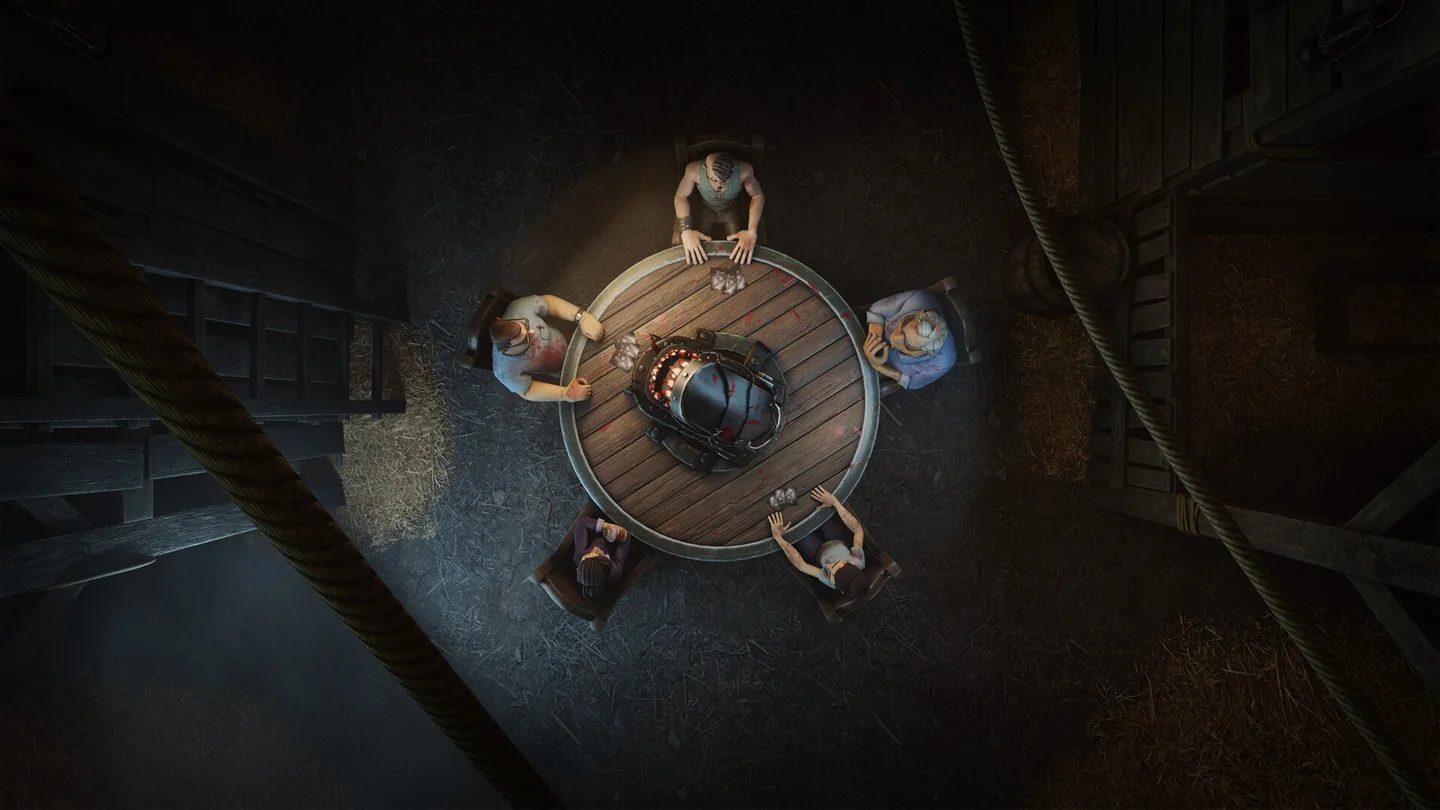
Plan for a table of up to five
Count everyone who will sit at the table, including the host if they are playing. With five people, everyone fits at the announced maximum. For a group of six or more, arrange a rotation between matches. If you are organizing a smaller group, check the minimum and whether the lobby fills seats in the build you are using before asking everyone to join.
| What you are planning | Where to start | What to check together |
|---|---|---|
| Try the demo | HANDS OVER Demo on Steam | Use Install Demo on the demo listing, then open the same build |
| Play the Early Access build | HANDS OVER on Steam | Confirm that Steam has unlocked the build and that your group is using it |
| Put more than five friends in one session | Plan who sits in each match | Rotate after a match so the next player can join the table |
| Find other players | Use the community link in ArtDock’s Steam announcement | Confirm which build and region the group is using |
ArtDock originally announced October 30, then moved Early Access to November 13, 2026. Check the main Steam page for the local unlock status before setting a start time.
Get everybody into the same build
Pick a host and have everyone open the same Steam listing first. If you are arranging an Early Access session, check each player has opened the main game entry before comparing their lobby screens. Use Install Demo from the separate demo listing if the group wants to see the table games ahead of launch. Agree on who is hosting, then have the group follow the invite or join options shown in that build.
Understand the table before your first match
ArtDock describes short challenges with a turn at the table and opportunities to play influence cards between turns. The cards can change the odds, protect the player using them or interfere with another player. Read the effect before you commit a card and decide which player or upcoming turn it would help.
One challenge asks players to press teeth one at a time. Pressing the wrong tooth is the danger. Before your turn, check the available choices and any effects other players have already put into play. ArtDock’s demo announcement also says play can continue after a character loses a hand. If it happens, look for the next instruction at the table before leaving the match.
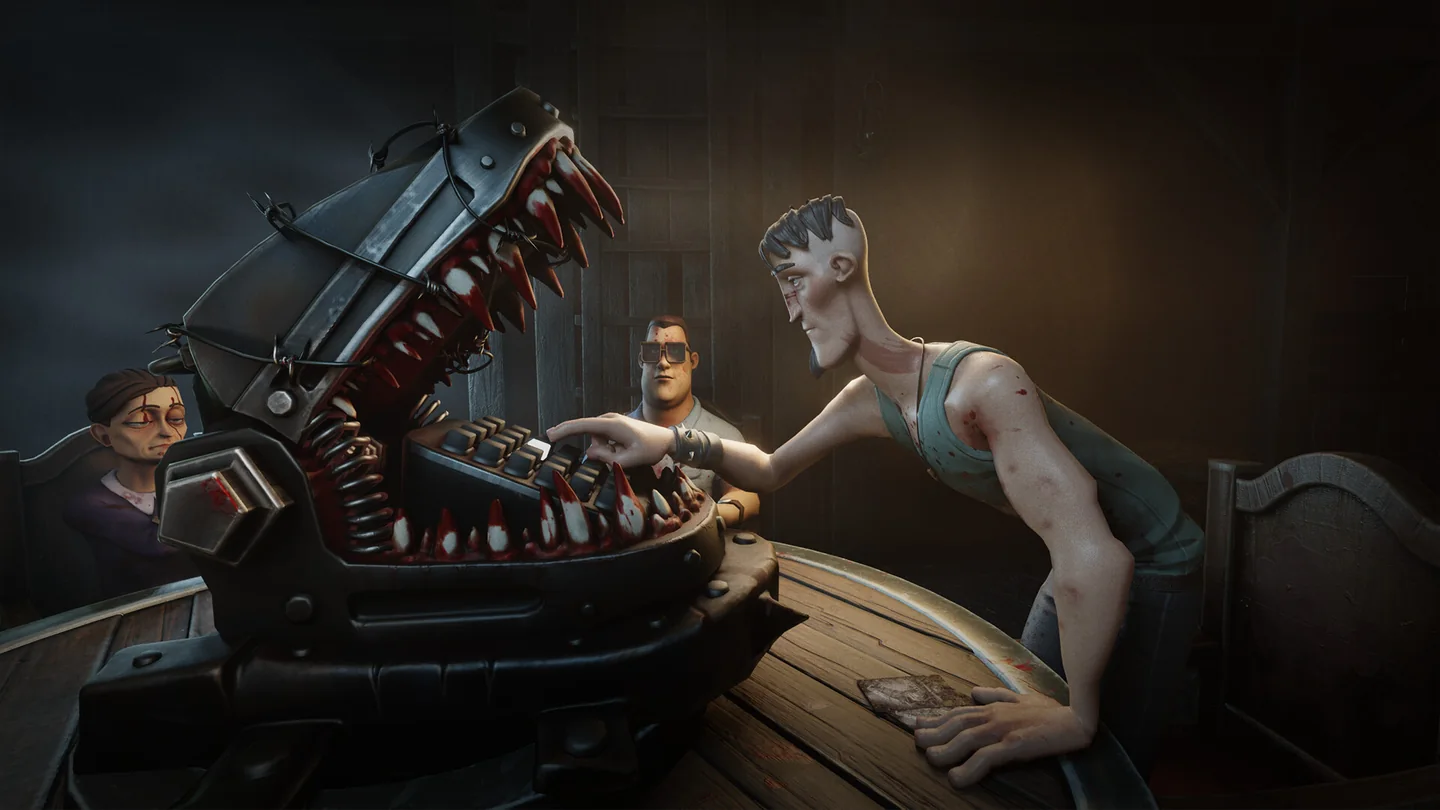
Check these details at launch
Use the main store’s status and the available lobby screen to confirm invitations, the minimum player count and any differences from the demo. ArtDock describes additional challenges, modes and progression as plans for Early Access. Start with the challenges and influence cards the current build actually presents.
More help with co-op & servers across our game guides.
Sources
- Steam store: release date, player cap and match rulesArtDock · Checked Nov 11, 2026
- Revised November 13 Early Access dateArtDock · Checked Nov 11, 2026
- Official Steam demo listingArtDock · Checked Nov 11, 2026
- Developer announcements: demo and Steam Next FestArtDock · Checked Nov 11, 2026