The quick answer
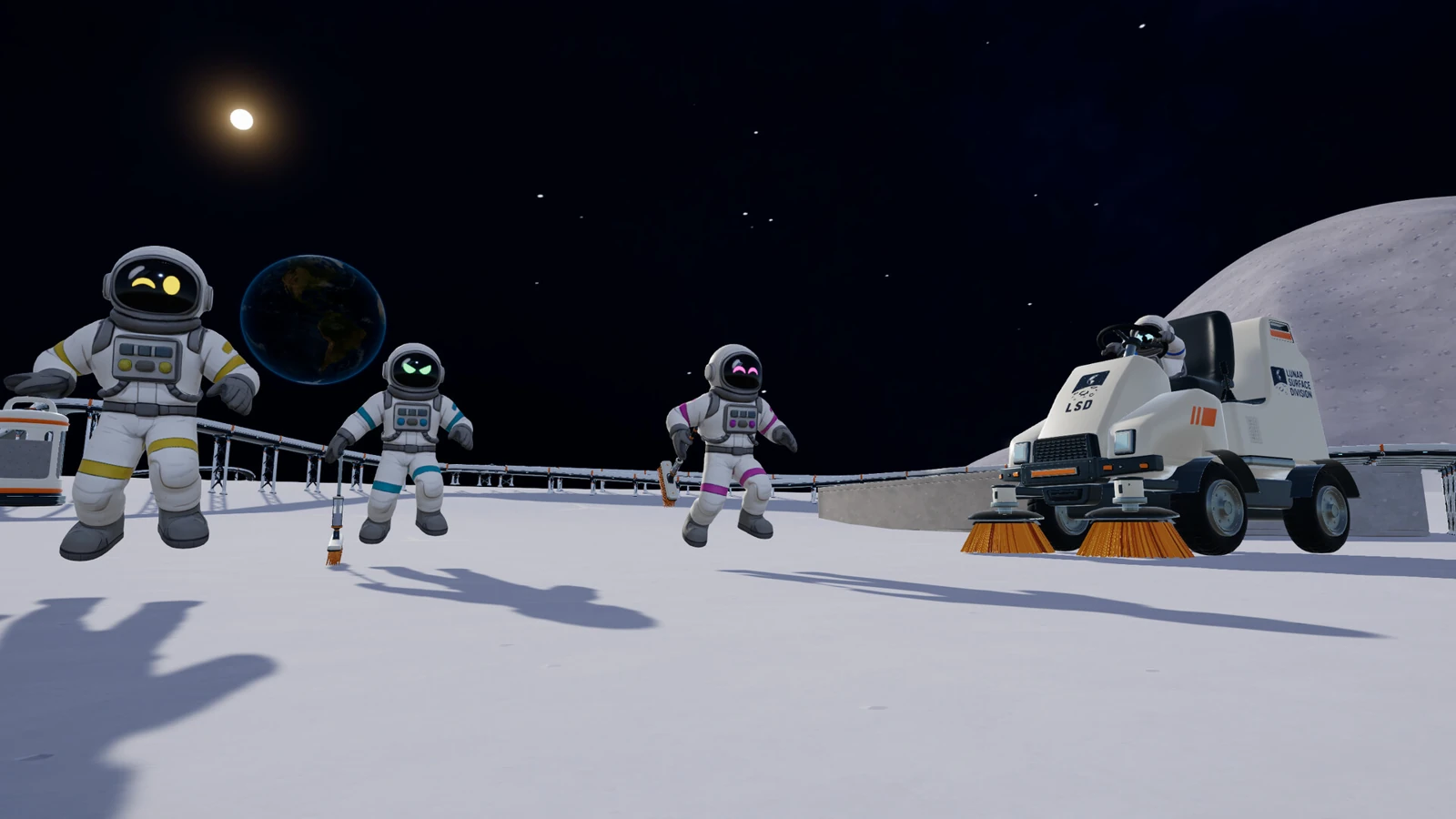
Moon Sweepers supports up to 16 players total in one online lobby. Open a save on the host’s PC and invite friends through Steam. To continue the same world when that host is offline, arrange access to a verified copy before the next session.
Host a Moon Sweepers lobby and invite friends
- Have everyone launch the Steam version and install pending updates. DragDrop Games required matching builds for the 1.0.3 rollout, so check versions on both ends when a join stops working after an update.
- On the host PC, choose Start game and select the save slot you want the group to use. For a closed group, choose Friends only or Invite only. Keep the host in the loaded world while guests connect.
- Send a Steam friend invite once the world is open. A public crew can also be found in Join game by the host’s name. Start with one guest, then bring in the rest. The 16-player limit includes the host.
- Have the first guest confirm they can move in the world and see the expected station or construction. Check Esc → Your Crew before moving on to the next invitation.
Which upgrades and building actions does the crew share?
Since 1.0.3, a purchase in the host’s Upgrade Matrix applies to the whole crew. That patch also keeps the highest Matrix level anyone bought in an older save. In 1.0.4, guests gained the ability to put splitters and mergers on another player’s belts. If two players are setting up a route, have one place the belt and the other add a splitter, then run a small load through it before extending the line.
Choose who can change your Moon
A public lobby lets strangers join and change the world. Patch 1.0.5 adds a confirmation before opening a world to the public, including when changing an existing crew. Read it before opening an established base. The host can kick, ban or unban through Esc → Your Crew. Bans apply to that save.
| What happened? | First check |
|---|---|
| The guest cannot find the host in Join game | Check that the host is in the right world and the lobby visibility fits the join method. For invite-only, resend the invitation after the world has loaded. |
| The guest is refused after an update | Confirm both Steam clients finished downloading and both players restarted the game. Check the crew ban list if one person alone cannot enter. |
| The host loads the save, then the game freezes | Update first. 1.0.5 fixes a freeze that affected some loaded worlds on both DirectX 11 and 12. Keep the save files if it persists. |
| A world reports damage or shows different progress | Record the slot and message, then check the host’s backups before replacing files or creating a new world in that slot. |
Find the host’s save and automatic backups
On the Windows host, open Run with Win + R, paste %USERPROFILE%\AppData\LocalLow\DragDropGames\MoonSweepers and press Enter.
| Copy | What it is for |
|---|---|
| MoonSessions | The live session files under the Windows data folder. This is the tree listed in the game’s Steam Cloud configuration. |
| Backups | Automatic world backups outside Steam Cloud. Since 1.0.4, the game keeps up to five per slot. The developer says it takes one a minute into a session, then every 30 minutes. |
| Your own dated copy | A separate folder you copy while the game is closed. Keep both MoonSessions and Backups to preserve the current world and its recovery history. |
After a crash, the game checks files on startup and can recover a damaged save from its backups, with a notification when repair is needed. Keep any known-good copy until you have opened the intended slot and verified it. DragDrop Games says saves written by 1.0.4 cannot be opened by older builds.
Move PCs or change the person who hosts
Same Steam account on another PC. Finish the session and let Steam Cloud sync. Keep the dated manual copy from the original PC, then launch on the destination. Open the intended slot and compare the base layout, cleaning progress and crew upgrades. The automatic Backups folder stays on the original PC unless you copy it yourself.
A different Steam account becomes host. Steam Cloud synchronizes the owning account’s files. It does not hand the crew’s world to a friend. If you want to try a manual move, preserve both PCs’ local save folders first and work with duplicates on matching builds. DragDrop Games’ public notes do not document a cross-account procedure that preserves player identities. Check the world and both players’ tools and upgrades before playing on, and return to the preserved source if anything differs.
SaveSync. The independent SaveSync developer says its Moon Sweepers handover restores into a free slot and maps players to their own characters. Keep the original backup and verify those claims with a short session before committing the crew’s main world. The tool is separate from Moon Sweepers and Steam Cloud.
For device compatibility before a session, see Moon Sweepers on PC, Xbox and PlayStation controllers, and Steam Deck.
More help with co-op & servers across our game guides.
Sources
- Moon Sweepers on Steam: online co-op, solo play and Steam CloudDragDrop Games / Valve · Checked Nov 14, 2026
- Patch 1.0.3: shared upgrades, host controls and matching buildsDragDrop Games · Checked Nov 14, 2026
- Patch 1.0.4: automatic backups and save recoveryDragDrop Games · Checked Nov 14, 2026
- Patch 1.0.5: public-lobby warning and world-load fixesDragDrop Games · Checked Nov 14, 2026
- Lobby menu and join optionsWikily (community reference) · Checked Nov 14, 2026
- Moon Sweepers Steam Cloud file configurationSteamDB (Steam configuration reference) · Checked Nov 14, 2026
- Moon Sweepers support and host handoverSaveSync (third-party developer) · Checked Nov 14, 2026