The quick answer
Run Steam signed in, have one player open an online session, and join with a Steam invite or the host’s current six-digit code. Online co-op supports six players total. If the game closes after loading starts, try a fresh two-player session on the same edition and update, then swap hosts to see what the crash follows.
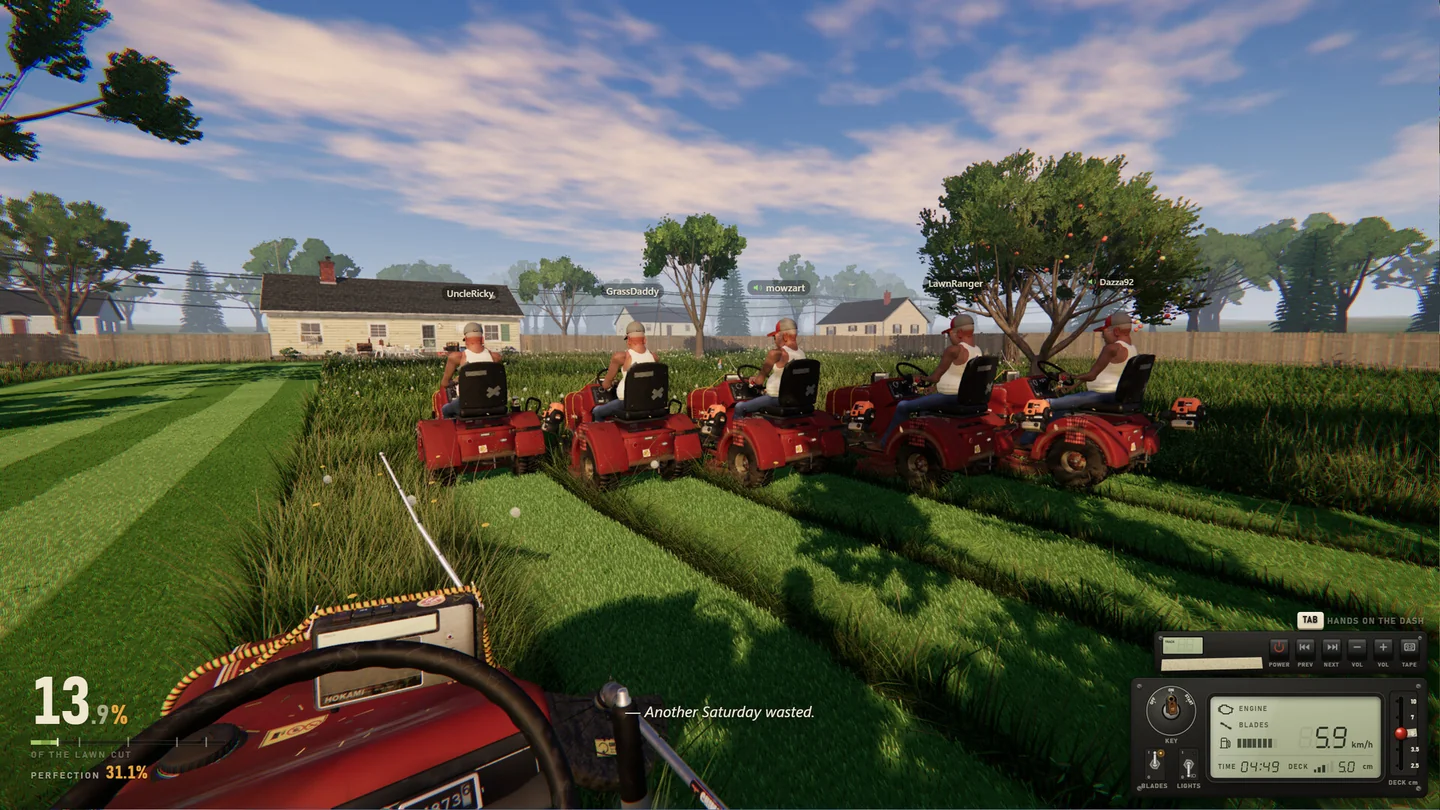
Set up a lobby and join it
- Open the same edition on both PCs. If you’re troubleshooting the full game, both players should launch the purchased game from their Steam libraries. If you’re testing the demo, both should launch the demo. Keep Steam running and signed in. The developer confirms demo save carryover, but does not say demo and full-game clients can share a lobby.
- Start a session with room for guests. The host opens an online session. Six is the total cap, including the host, so a host can bring up to five friends.
- Use one joining method. Accept the host’s Steam invite, or enter their current six-digit room code in the co-op joining interface. If a previous session ended, ask for the code from the session that’s open now. If the invite does nothing, try that same session’s code before changing anything else.
- Start with one guest. Once that player can load the yard and move, add the others one at a time. If a later join breaks the session, note whose game closed and how many players were already in the yard.
Find the step that breaks
| What happens | Try next | What it tells you |
|---|---|---|
| The invite never opens a session, or the code is rejected | Ask for a fresh invite or the current code; confirm the host has an open slot and you’re both online in Steam. | You haven’t reached yard loading. Try the other join method on the same lobby before changing hosts. |
| Loading starts, then the game closes | Try a fresh session with just the host and one guest on a built-in yard, then swap hosts. Keep the edition and yard the same between attempts. | Note whether it follows one PC, one host, or a specific yard. Changing one thing at a time makes the report useful. |
| Solo works and both players can join a built-in yard, but a specific yard or Workshop map fails | Retry the problem yard with the same two players and record the map name and whether the save came from the demo. | Report the difference between the working and failing yards. It doesn’t establish a save or map defect by itself. |
| The same PC also crashes in solo | Restart the game and Steam, apply any pending game update, and use Steam’s Verify integrity of game files on that PC. | A solo crash is useful evidence that the problem isn’t limited to the co-op invite. |
These steps narrow down the cause; they aren’t a confirmed fix. The November launch discussion includes a player report of the game closing during a friend join, with no developer reply visible when checked. The October 0.9.20 demo update describes faster joins. That note doesn’t establish that the same crash was fixed in the full game. Keep existing saves in place while you test.
Check the host’s yard and demo progress
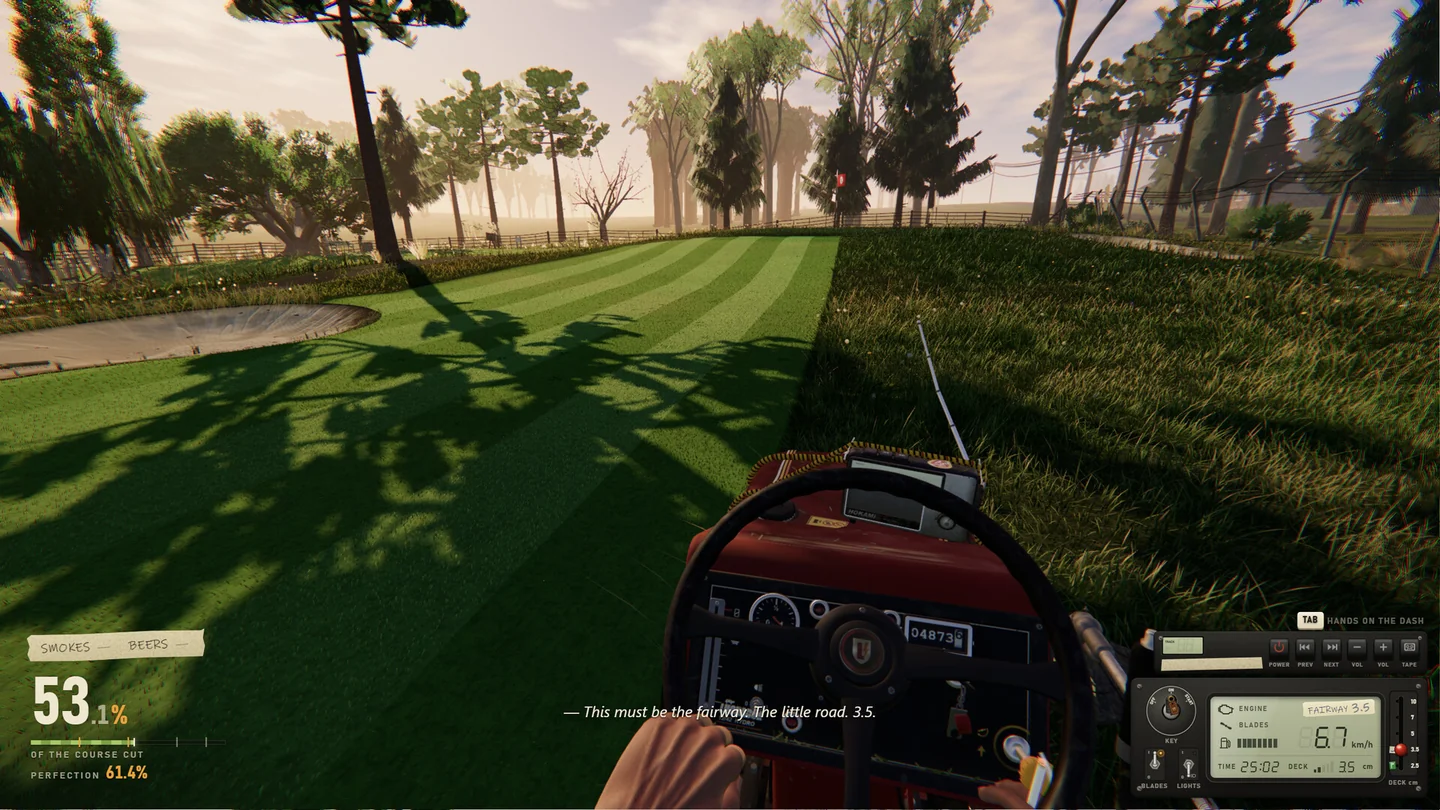
Superdou says a demo save carries into the full game, so you can resume Elvira’s backyard. The launch notice puts Rubén’s golf course after 90% in Elvira’s yard, and Marcela’s island after 90% on the course. If a group simply can’t select the next yard, check the available jobs and mowing progress first. If a guest actually reaches the loading screen and their game exits, use the crash steps above.
Send a report the developer can reproduce
Use Found a bug? on the title screen or in the pause menu. If the crash stops you from opening either menu, post in the One More Lawn Steam discussions. Include the edition and build if available, whether it was an invite or a code, the yard, how many players were present, whose game closed, and what happened after swapping hosts. Include the exact error text if there was one. Keep active room codes and personal details out of public posts.
More help with co-op & servers across our game guides.
Sources
- Steam store: supported platforms, co-op and joining methodsSuperdou · Checked Nov 13, 2026
- Full-game launch and demo 0.9.20 noticesSuperdou · Checked Nov 13, 2026
- Crash while joining a friend’s gameSteam Community · player report · Checked Nov 13, 2026
- How to verify installed game filesSteam Support · Checked Nov 13, 2026