The quick answer
In Steam, right-click Slay the Spire 2 → Properties → Game Versions & Betas → public-beta. Back up your saves before switching, then wait for Steam to finish downloading. To return to main, choose the default version in the same menu. Finish any beta run you want to keep playing before going back. For co-op, have everyone use the same branch and installed version.
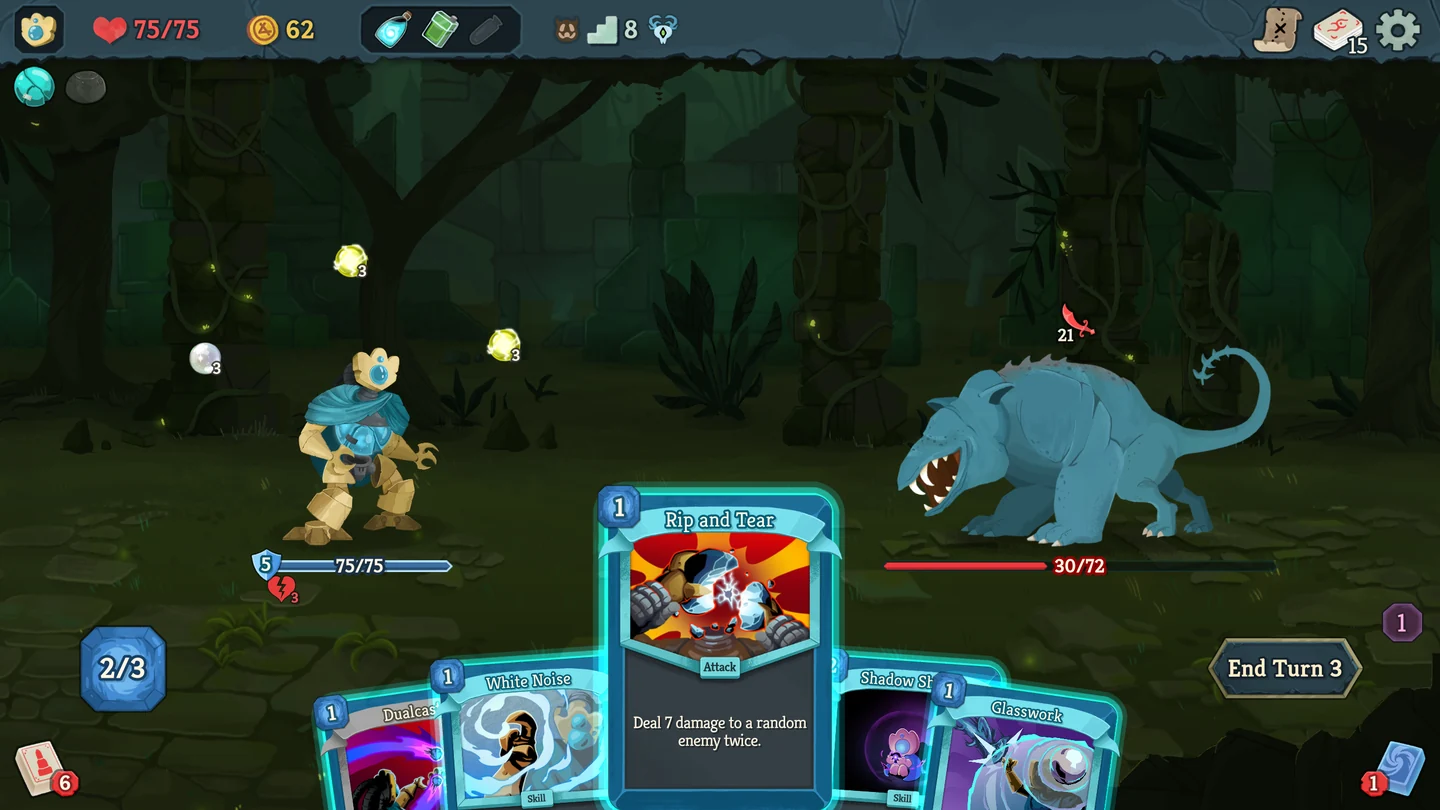
Choose main or public-beta
| What you want to do | Which branch to choose |
|---|---|
| Continue a run you started on main | Stay on main until you finish the run, especially if you only want to look at the beta. |
| Try The Fool, Blitz or Dread | Back up your saves, switch to public-beta and start a fresh run there. |
| Join an existing group | Ask the host which branch and version the group uses before downloading anything. |
Mega Crit released v0.113.0 on public-beta on November 12. It adds The Fool, a new playable character, Blitz, a shorter mode that removes the map, and Dread, a high-difficulty mode. The studio announced that main would receive the content and changes from the earlier v0.111.0 beta. At the November 13 check, Steam’s default branch still pointed to build 23811903, which corresponds to v0.107.1. Mega Crit’s beta announcement · Steam branch records.
Back up your saves before switching
- If you have an active run, save and exit normally. Close the game and let any pending Steam Cloud sync finish. If Steam flags a conflict, set it aside until you’ve copied the local files.
- On Windows, press Win + R and open
%APPDATA%\SlayTheSpire2\steam. Mega Crit’s troubleshooting post shows the Steam account folders under this location and the first profile’s saves insideprofile1\saves. Open your account folder and copy it to a separate folder outside the game’s save location. If you cannot tell which numbered folder is yours, copy the wholesteamfolder. - Label the copy with the date and branch, and open it to confirm that it contains your profile files. Keep the original files in place. If Steam had flagged a conflict, compare its timestamps with when and where you last played before choosing a copy. On other systems, confirm your local save location with Mega Crit support before switching a run you want to keep.
Join public-beta or return to main
- In Steam Library, right-click Slay the Spire 2 and open Properties → Game Versions & Betas.
- Select public-beta to join. To leave, select the default version in the same menu. Valve refers to that choice as default or none.
- Wait for Steam to finish downloading the selected build before launching. Steam shows the selected beta near Play when you are opted in. Reopen the branch menu if you need to confirm which version is selected.
If a beta run is still active, finish it on beta before returning to main. If you need to switch now, keep a separate copy of the beta save and avoid opening that run on main. Treat the installed branch and the version that wrote the save as two separate checks.
What v0.113.0 changed about saves
- A run saved by a newer version: The patch adds a prompt to update the game when it detects that kind of run, where the game could previously report a corrupt save. If you see the prompt, reopen the run on the branch and version that last wrote it, or on a newer compatible build.
- Run History on another device: Mega Crit fixed a bug where opening a run or Run History entry in an older version could delete that entry on other devices. Check the installed version on each device before opening the run. Keep the dated backup in case you need to recover progress.
These changes are listed for v0.113.0. An older main build may lack the new warning and the fix. If a run is missing after you switch, preserve the local files and your backup, verify the branch and check Steam Cloud status before trying a restore.
Fix a Steam friends lobby that won’t connect
Mega Crit’s FAQ says online co-op uses Steam friends. The game has no built-in matchmaking.
- Ask the host to name the branch. Everyone should open Game Versions & Betas, choose that branch and finish any pending Steam updates.
- Relaunch the game and compare versions before the host sends a fresh invite. If someone is on main and someone else is on public-beta, align the group before testing again. Cross-branch compatibility is unverified.
- Test with a new lobby and one Steam friend before resuming a saved group run. If the fresh lobby works, check which version last saved the old run. If the fresh lobby fails too, note each player’s branch and version, the exact error and whether the lobby was new. Mega Crit accepts reports through F2 or in-game settings.
See the Slay the Spire 2 hub for game details or browse more co-op setup guides.
More help with saves & setup across our game guides.
Sources
- Beta Patch Notes v0.113.0 (November 12, 2026)Mega Crit · Checked Nov 13, 2026
- Major Update #2 v0.107.1Mega Crit · Checked Nov 13, 2026
- Steam build IDs for the public and public-beta branchesSteamDB · Checked Nov 13, 2026
- Troubleshooting and the Windows Steam save directoryMega Crit · Checked Nov 13, 2026
- Online co-op with Steam friends and supported platformsMega Crit · Checked Nov 13, 2026
- Switching between Steam branches and the default versionValve · Checked Nov 13, 2026
- What to do when Steam Cloud files conflictValve · Checked Nov 13, 2026