The quick answer
WARDOGS Limited Mode restricts vendors to gear typically available in the early and middle of a season. BULKHEAD says there are no attack vehicles, AP or hollow-point ammo, level 3 or 4 armor, or anti-tank mines in this mode. Earned progression and cash carry over to other modes. Use the Limited filter in the server browser to find a match.
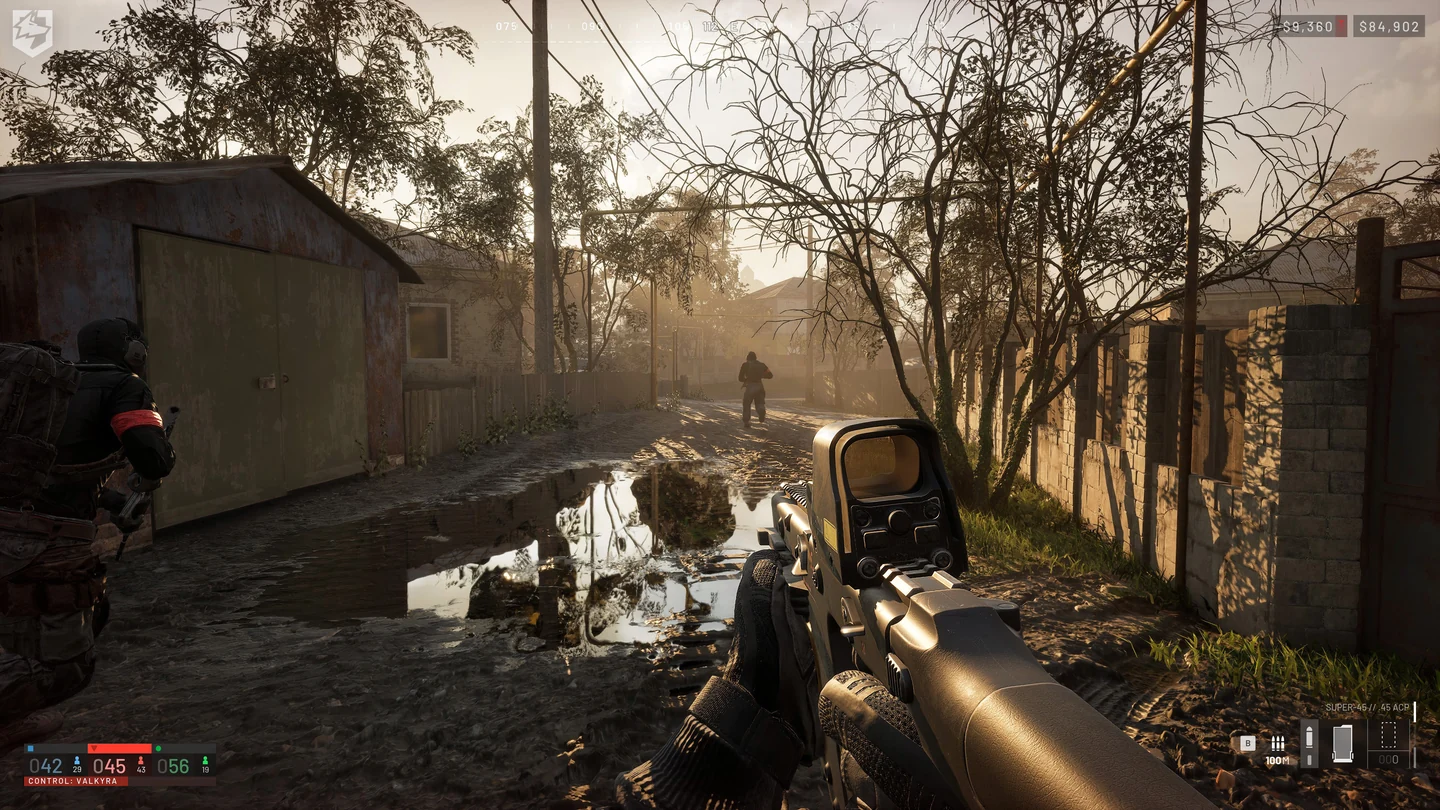
What the Limited Mode vendor leaves out
BULKHEAD released Limited Mode on November 12, 2026 as part of Update 0.3.0. The vendor selection is built around equipment usually available earlier in a season. Before committing to a loadout, check the vendor on the Limited server you joined. The patch notes give these examples.
| Equipment | Season 3 Limited rule |
|---|---|
| Ammunition | No hollow-point (HP) or armor-piercing (AP) rounds. |
| Armor | Levels 3 and 4 are unavailable. |
| Vehicles | Attack vehicles are excluded. |
| Buildables and defenses | No CIWS, Stingray, MG Nest or Drill Rig. Anti-tank mines are also excluded. |
Plan around what the vendor offers in Limited before heading out. BULKHEAD describes a restriction on attack vehicles. Check what is available on the server before assuming it has infantry-only rules.
Do cash and progression carry over?
Yes. BULKHEAD says cash and progression you earn in Limited carry over to other modes. You can build up your cash and work on a role in Limited, then switch modes when you want access to a different vendor selection. An unlock earned on a role track and an item being stocked by a Limited vendor are separate checks. This applies to mode changes within the season.
How Limited differs from Infantry
Open the server browser and look for the Limited filter that arrived with Season 3. Check the mode on the server entry before joining. Infantry Mode is a separate option in the Deploy flow, which BULKHEAD introduced to point players toward community servers with that modifier. Use the Infantry entry if you are looking for those servers, then read the individual server’s rules before building your loadout.
Where Sabatulo fits
Sabatulo is the game’s first city map. The patch notes identify a central hospital, swimming pool, power station and river embankment. The tight streets, building interiors and high points offer different approaches to the same area. If your route crosses open streets, look for an approach through buildings or coordinate with squadmates watching from higher ground.
Sabatulo is the map name. Limited is a ruleset. Check the map and mode fields separately when you want a specific combination. If the list is empty, check the region and mode filters. See the WARDOGS hub for more Season 3 guides.
More help with crafting & progression across our game guides.
Sources
- Season 03 patch notes and Limited Mode equipment rulesBULKHEAD / Team17 · Checked Nov 13, 2026
- Update 0.3.0 and Season 3 went live November 12BULKHEAD / Team17 · Checked Nov 13, 2026
- The Deploy screen and Infantry Mode community serversBULKHEAD / Team17 · Checked Nov 13, 2026