The quick answer
Progress in the November 6 Primal Dread balance beta is intended to carry into the main branch when the update goes live. To join on Steam, open Brotato → Properties → Betas and select beta.
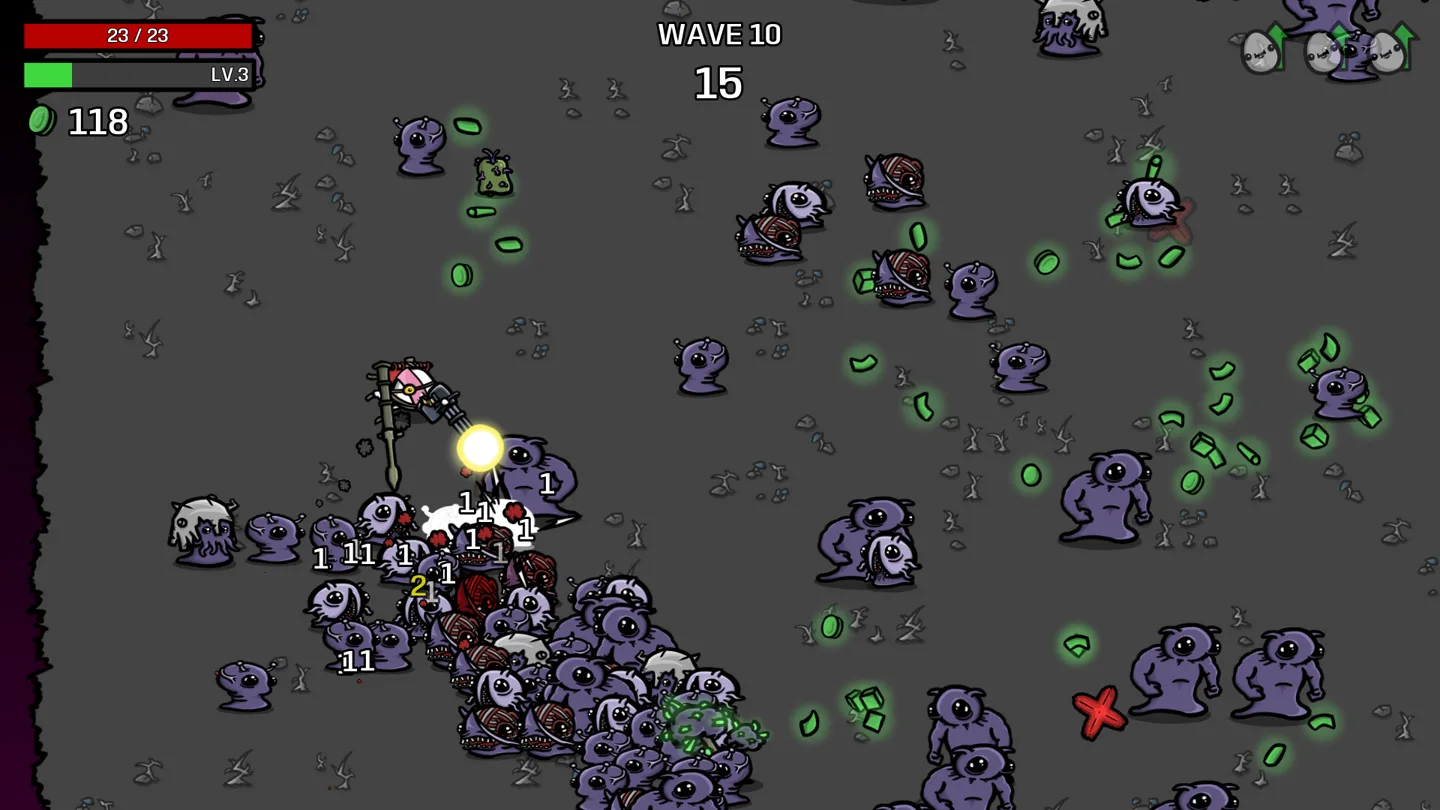
Join the balance beta on Steam
- Open your Steam Library and right-click Brotato.
- Select Properties, then Betas.
- Under Beta participation, choose beta.
- Let Steam finish updating the game before launching it.
Before playing, deactivate and unsubscribe from Workshop mods. The developers warn that outdated mods can cause crashes or corrupt a save on this branch.
Will the beta reset your progress?
For 1.2.0.2.beta-0, the developers are using the same progression rather than creating a separate beta progression. Your progress is intended to carry over when this balance update reaches the main branch.
These save rules apply to the November balance beta. Check the branch notes again before moving to a different test build.
Why unlocks and builds may differ
This branch changes Mutation, Mecha and Variant, alongside enemy tuning and bug fixes. It also repairs the verify challenge unlocks option and automatically grants missing challenge rewards when the game starts.
Those fixes are listed for the beta. If you are playing the default release, check your installed version before expecting the beta behavior.
To change which expansion content appears in a run without joining a beta, use Item Sets on the Character Selection screen.
More help with saves & setup across our game guides.
Sources
- Balancing in Open BetaBlobfish / Evil Empire · Checked Nov 7, 2026