The quick answer
Sweep one patch near the North Station, hold the deposit prompt at the intake to load its tray, then use the station button to sell. Check your balance before heading back out. Buy a wider brush if passes are slow, or upgrade capacity if the tool keeps filling before you finish a strip.
Make your first dust sale at the North Station
This route follows the in-game Field Manual and DragDrop Games’ patch notes for the 1.0 series.
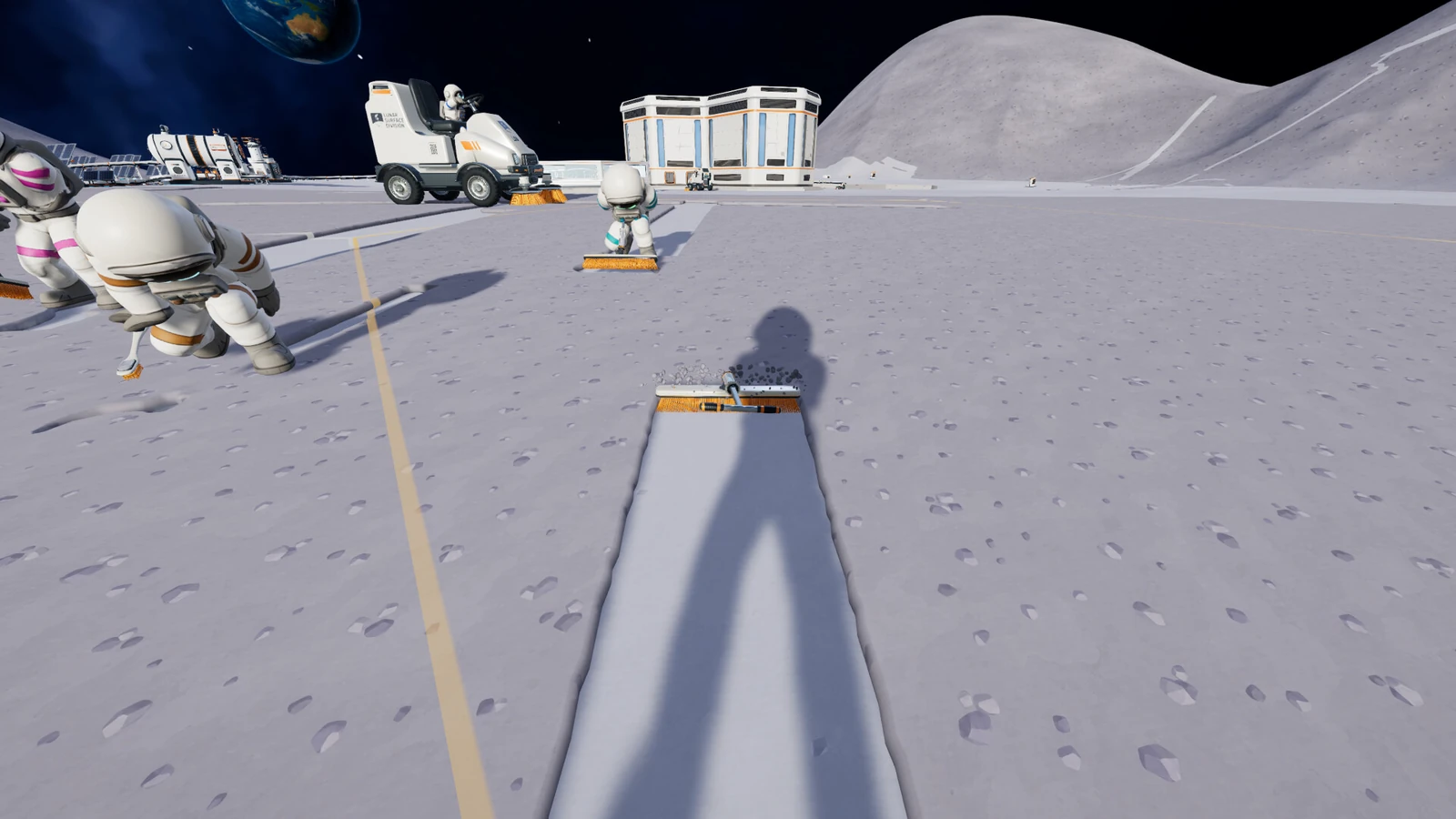
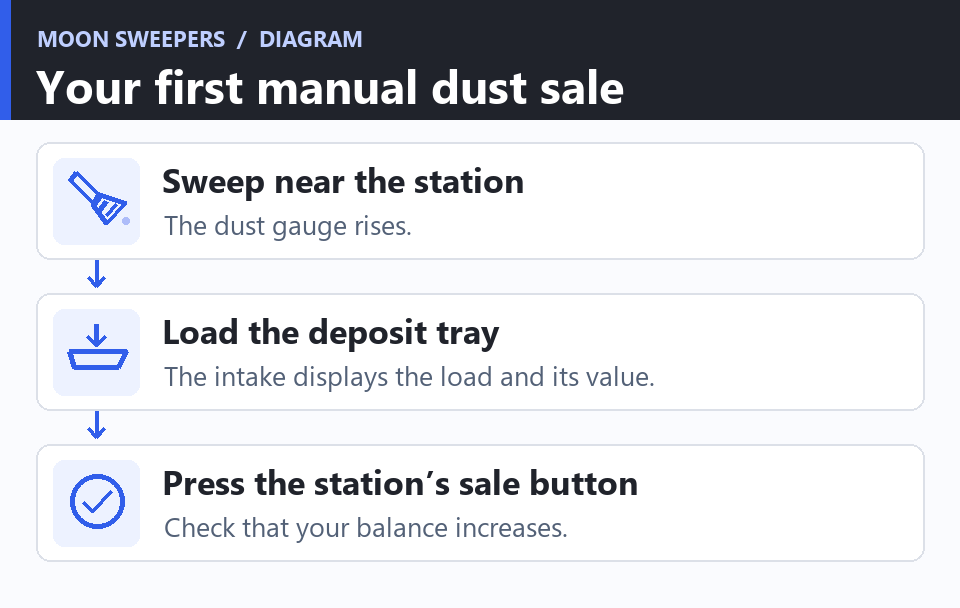
Start in a new world with the Toothbrush. Pick a visibly dusty patch just outside the North Station. Keep the station within sight so that a full container means a short return trip. Use the cleaning input shown for your tool and make overlapping passes. The dust gauge should rise as the ground clears. A full tool stops picking up more dust.
- Return to the station with dust in the tool. At the deposit intake, hold the indicated interaction to load the tray.
- Check the intake display for the material and payment. Press the station’s sale or launch button to sell the load.
- Check that your balance changes. When the tray has dust and the balance has not moved, finish the sale at the station. When the tray is empty, check whether dust is still in your tool or in a capsule you set down.
If you packed the dust while outside, carry the capsule to the station or retrieve its contents before trying the intake again. The in-game Field Manual transcript separates packing, retrieving and depositing. Use the prompt for the action you are taking. The Steam milestones Dust Delivery and Return to Sender track the first deposit and the launch of a full container as separate events.
Finish one hex before moving farther from the station
Use Region Scan on the patch you are standing in. Check the edges and clean remaining streaks, especially near the corners. Fully clearing a hex earns a separate reward. The station map distinguishes untouched, started and cleared ground. If the patch looks clean but still reads unfinished, use the scan outline and work along the perimeter again.
Watch where your time goes during the next two loads. If most of it goes into covering narrow strips, upgrade the brush. If you keep breaking off to unload, increase capacity or work closer to the station. If the walk is longer than the sweep, moving your work back toward the intake can help without spending anything.
What to buy first with your dust money
Use the supply wall for a new tool and the Upgrade Matrix behind the station’s service table for upgrades. Check which tool an upgrade applies to before installing it. A container upgrade for the toothbrush only helps while you keep that tool in rotation.
| What slows you down | What to buy or change | How to check that it helped |
|---|---|---|
| The starting brush leaves narrow strips | Consider the Hand Brush if you are still building up cash, or save for the Household Broom for a wider pass and larger container. | Sweep a similar patch and see whether you need fewer passes. |
| The brush fills well before the patch is done | Compare a larger tool with the container upgrade for the brush you intend to keep. | Count unload trips on the next comparable patch. |
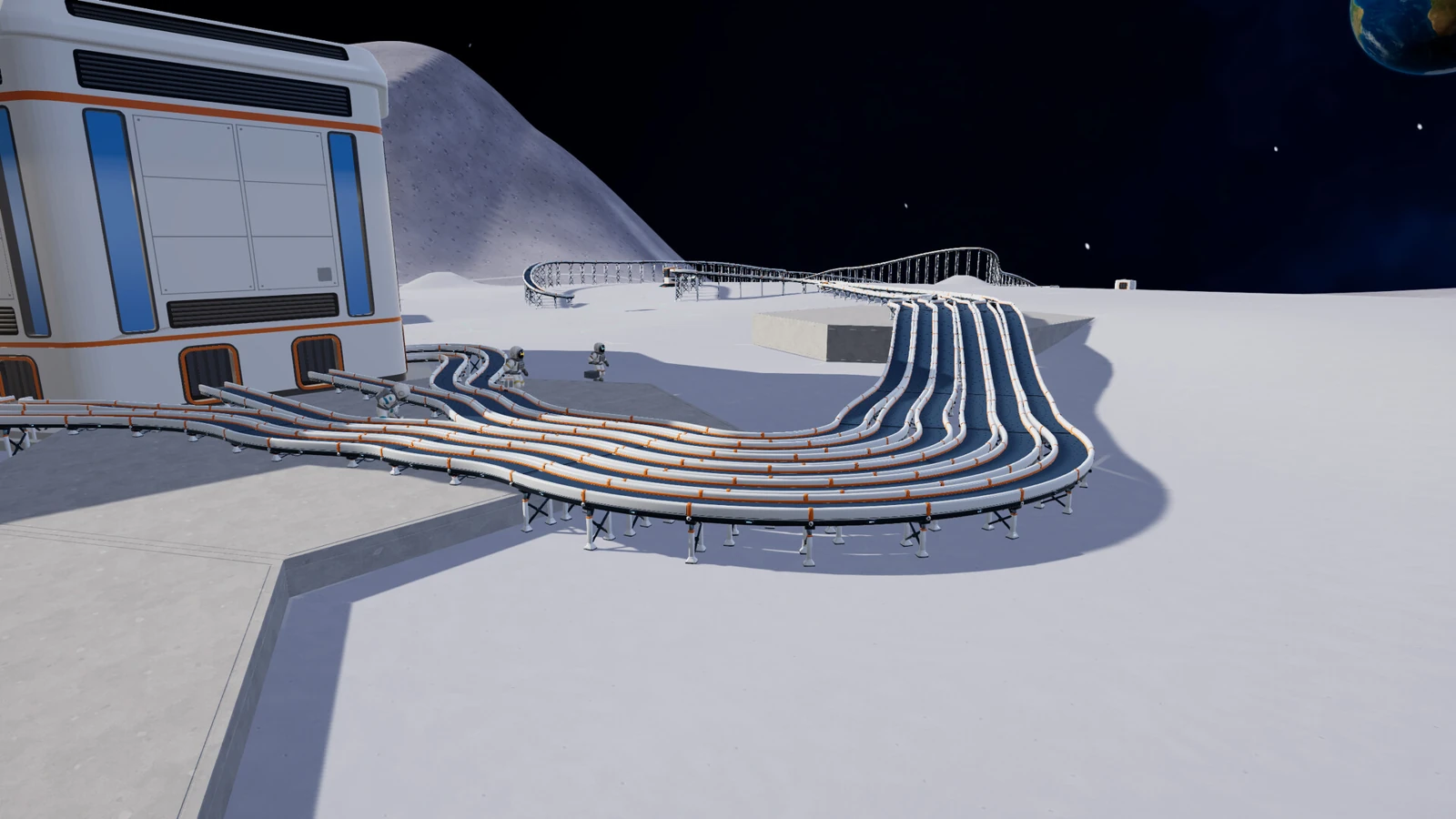
| You spend most of the run carrying dust | Work closer to a station now. Save for the Building Tool and a short line when you have a place to unload. | Once the belt is in place, see whether you can unload near the patch and watch a shipment arrive on its own. |
The 1.0.5 equipment reference lists the Hand Brush at $10 with 1 kg base capacity and the Household Broom at $25 with 3 kg. Use the current price at the wall when you buy. If you are close to the broom and can finish another hex, saving the smaller purchase may make sense. If regular unloads are already slowing every pass, buy the intermediate tool you can use immediately.
Decide what to build after your first upgrade
Repeat the loop on a nearby dusty hex until you can finish a sector, sell dust and show that your purchase solved a problem. That is enough progress to choose between continuing by hand and spending on a short delivery line. Keep some money for the belt and its source when you buy the Building Tool.
On a crew save, agree on the purchase before spending. The crew shares money and since 1.0.3 purchases in the host’s Upgrade Matrix apply to everyone. One crewmate can sweep while another handles the first deliveries. Compare the co-op setup and save guide or move on to your first Packager, belt and robot route.
More help with crafting & progression across our game guides.
Sources
- Moon Sweepers game loop and starting toothbrushDragDrop Games · Checked Nov 14, 2026
- First cleanup, depot deposit, shipment and brush milestonesDragDrop Games / Valve · Checked Nov 14, 2026
- 1.0.3: depot payouts and shared Upgrade MatrixDragDrop Games · Checked Nov 14, 2026
- 1.0.4: Moon map, sector payment display and discovered stationsDragDrop Games · Checked Nov 14, 2026
- Field Manual: cleaning, getting paid and exploringIn-game manual transcribed by Wikily · Checked Nov 14, 2026
- 1.0.5 tool costs and base container sizesWikily (community reference) · Checked Nov 14, 2026