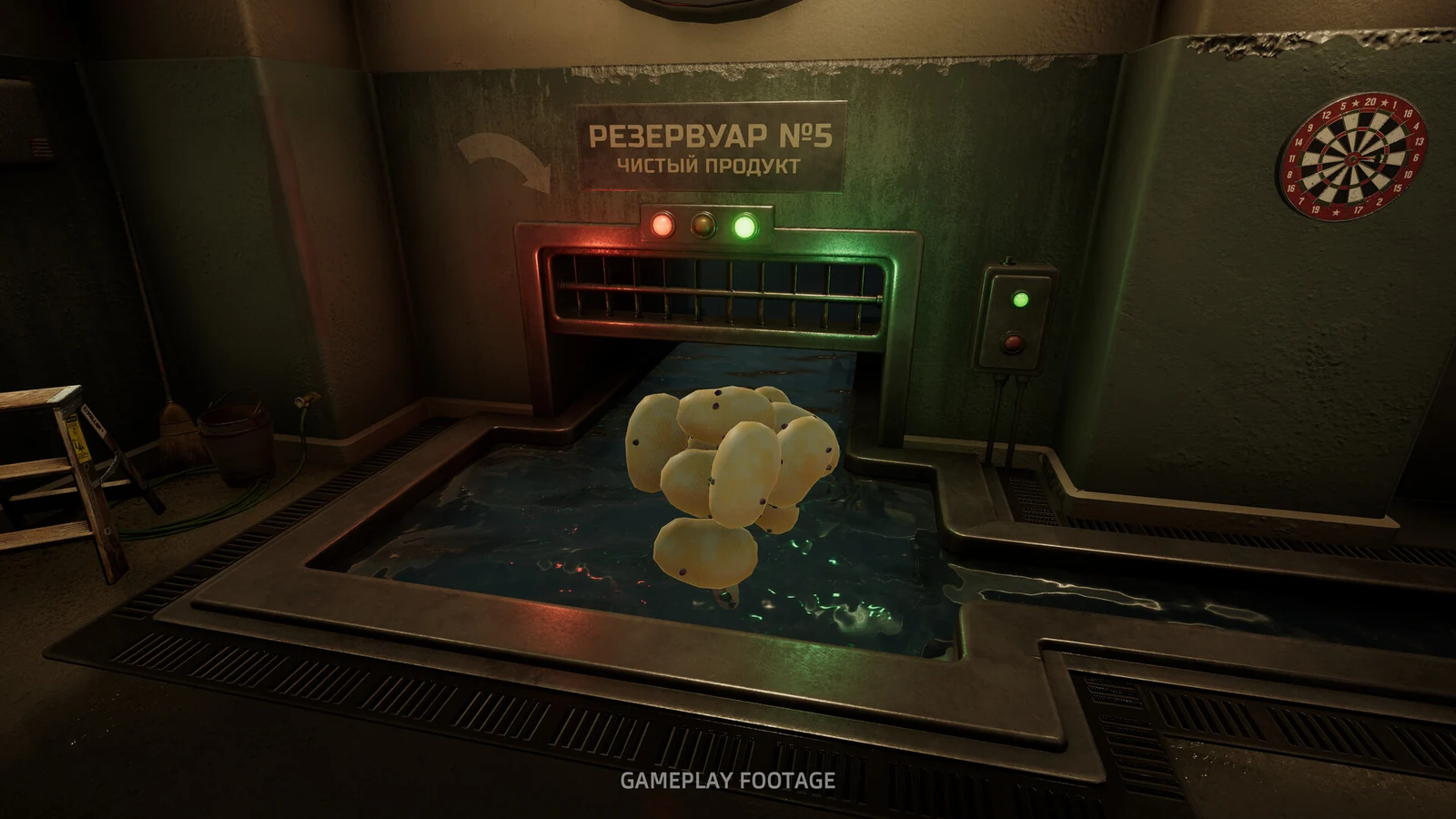
The quick answer
After the credits in v1.0.4, choose Continue Playing to return to the hangar. Once the old pile is mostly gone, order a new one from the State telephone. Completed shifts have their own save slot, and New Game preserves them. Saves written by 1.0.4 cannot be opened in older versions.
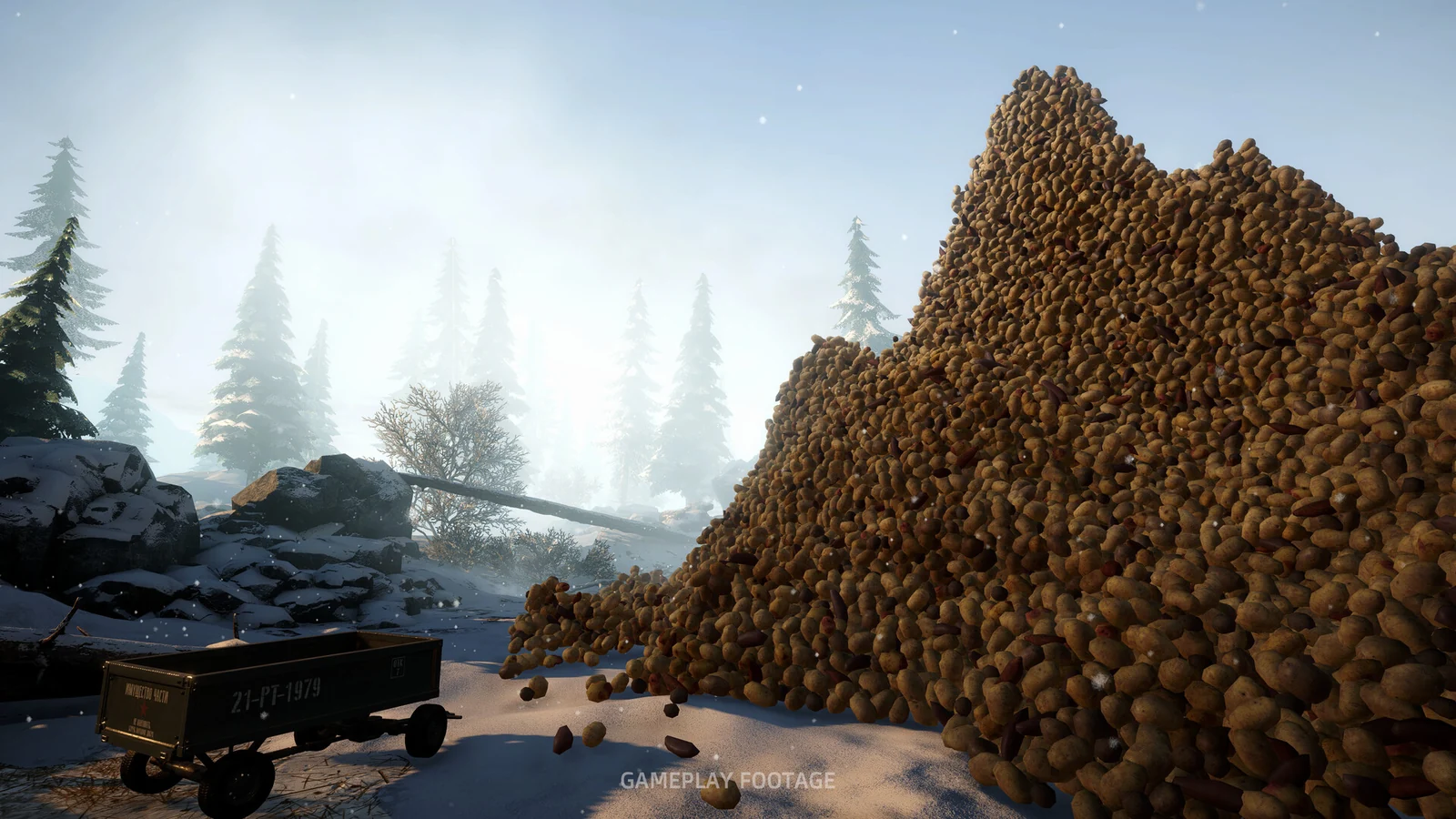
Keep peeling after the credits
You no longer need to start a new shift just because you want another pile of potatoes. Patch 1.0.4, published November 9, 2026 (UTC), adds a way to return to your completed run.
- Reach the credits on the current version.
- Choose Continue Playing to return to the hangar with the finished save. Main Menu is the alternative if you want to leave.
- Continue working on the existing pile.
- Once that pile is mostly gone, use the State telephone to order a new pile. The announcement says it arrives seconds later.
The option is tied to the old pile being mostly cleared. You do not need to use a guessed potato-count threshold: the patch does not publish one. If you cannot request more yet, continue working on the existing pile and check again.
Finished saves also no longer force a floor-cleanup task. A one-time developer note appears when you first return to a completed save; that note is part of the new continuation flow.
This is continuation of a finished run. It should not be read as a promise that a separate, freely configurable Sandbox Mode is already available.
Choose the action that matches your goal
Several release-week changes affect completed games, but they solve different problems:
| What you want | Use this | What it means |
|---|---|---|
| Keep using the completed run | Continue Playing after the credits | Return to the hangar with the finished save |
| Peel another pile in that run | State telephone when the previous pile is mostly gone | Replenish potatoes without starting the story again |
| Watch the ending again | The completed save’s ending-replay support | This was added in 1.0.1; a new shift is unnecessary just to replay the ending |
| Begin another run | New Game | Since 1.0.3, completed shifts are kept in a separate save slot |
| Return to a finished run after starting over | The completed-shift save slot | Starting a new game is not meant to erase that completed archive |
Version 1.0.3 also transfers older completed runs into the completed-shift arrangement. The notes do not say that all items, upgrades or story decisions carry into a new run. Preserving a completed shift and inheriting its progression are different things.
Understand what is saved inside containers
If you load and notice potatoes in a different place, check the container before concluding they have vanished.
| Where the potatoes were when you saved | Documented behavior after loading |
|---|---|
| Machine hopper | Contents are preserved, following 1.0.2 |
| Vacuum tank | Contents are preserved, following 1.0.2 |
| Bucket or wheelbarrow | Potatoes return to the main pile |
The last row is an intentional load behavior stated in the patch notes. An empty wheelbarrow after loading therefore does not by itself show that those potatoes were deleted.
Version 1.0.1 separately fixed cleared yards becoming uncleared and finished saves restarting the snowstorm. If a returned pile or weather event seems wrong, distinguish that older bug from the new pile you deliberately ordered after finishing.
For a machine that has stopped rather than a container that looks different, use the power, snowstorm and jam checks.
Keep v1.0.4 saves on v1.0.4 or later
The current patch adds automatic backups. If a save is damaged, the game is designed to load the previous backup instead of beginning again. A backup represents an earlier state, so recovery need not reproduce the exact moment just before the damage.
There is an important version boundary: a save made in 1.0.4 cannot be opened in an older game version. Do not roll the game back and expect that save to remain compatible. The earlier 1.0.1 update also backed up old saves before converting them to its newer format; that is a separate change from the latest automatic fallback.
These notes do not provide a universal manual file-renaming or format-conversion method. Preserve existing files if recovery fails, and use the game’s Troubleshooting report option rather than overwriting them with an unverified workaround.
Check a recovered or archived run before continuing
After loading, compare the shift you selected with the progress you expect: whether it is finished, which equipment is present, and where potatoes should be stored. Remember that a bucket or wheelbarrow can legitimately be empty because its potatoes returned to the pile.
The 1.0.4 notes specifically address loading problems involving muted audio, old items appearing in new games, black overlays that remain on screen, and an early death loading another run’s save. If those symptoms recur, record which slot you loaded and which version you were using.
Ending replay should also preserve the recorded shift time: that fix was added in 1.0.2. There is no need to start a new run merely to protect the clock when rewatching an ending on an updated completed save.
More help with saves & setup across our game guides.
Sources
- Patch 1.0.4: Continue Playing, new piles and safer savesGolden Horn Studios · Checked Nov 9, 2026
- Hotfix 1.0.3: completed-shift archivesGolden Horn Studios · Checked Nov 9, 2026
- Hotfix 1.0.2: container contents and ending replay timeGolden Horn Studios · Checked Nov 9, 2026
- Hotfix 1.0.1: ending replay and older-save backupsGolden Horn Studios · Checked Nov 9, 2026