The quick answer
Check the power panel before feeding more potatoes into a stopped machine. Snowstorms interrupt main power, and the Spoon Catapult needs both its own switch and the Main Switch on. If power is available, separate an input problem, a blocked output and an inaccessible pile before using the matching troubleshooting tool.
Check power before treating a machine as jammed
The power system changed in Hotfix 1.0.3, followed by switch improvements in Patch 1.0.4. A machine that has stopped during a storm may be waiting for electricity rather than more potatoes or another upgrade.
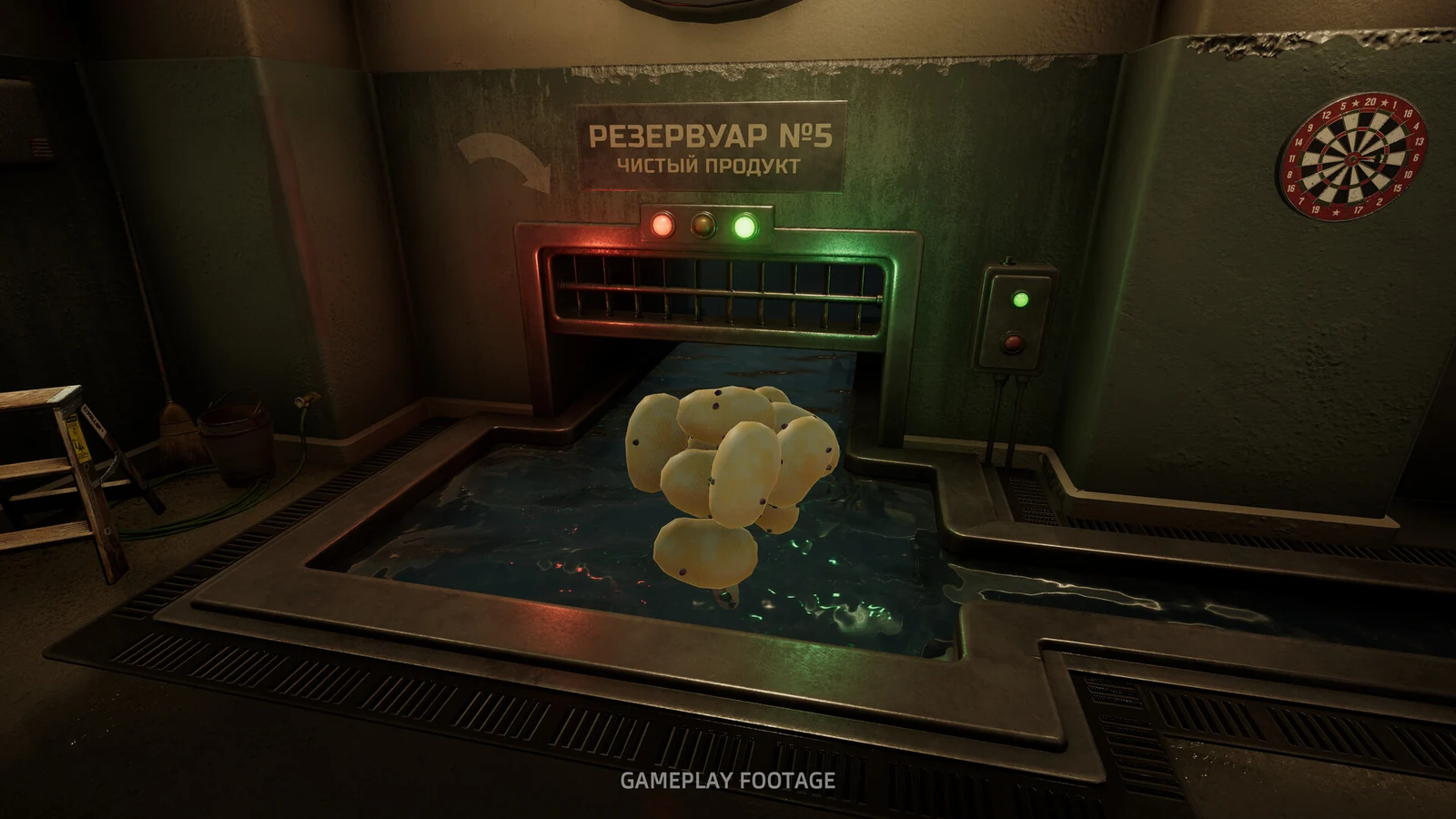
Start at the panel introduced in 1.0.3. It controls machines and displays power status. Check the Main Switch, then the relevant machine’s own control where one exists. Switch states are saved, so loading a save is not a reason to assume every switch has returned to an on position.
For the Spoon Catapult, check both controls. It has its own switch, but that does not replace the Main Switch. Version 1.0.4 adds a reminder when the catapult is switched on while main power is off, corrects its knob direction, and makes switch notices show the latest state instead of stacking old messages.
If a notice appears inconsistent with what you expected, inspect the current panel state before repeatedly toggling controls. The aim is to establish which supply or switch is stopping the machine, not to cycle everything blindly.
A snowstorm is a different problem from a blocked hopper
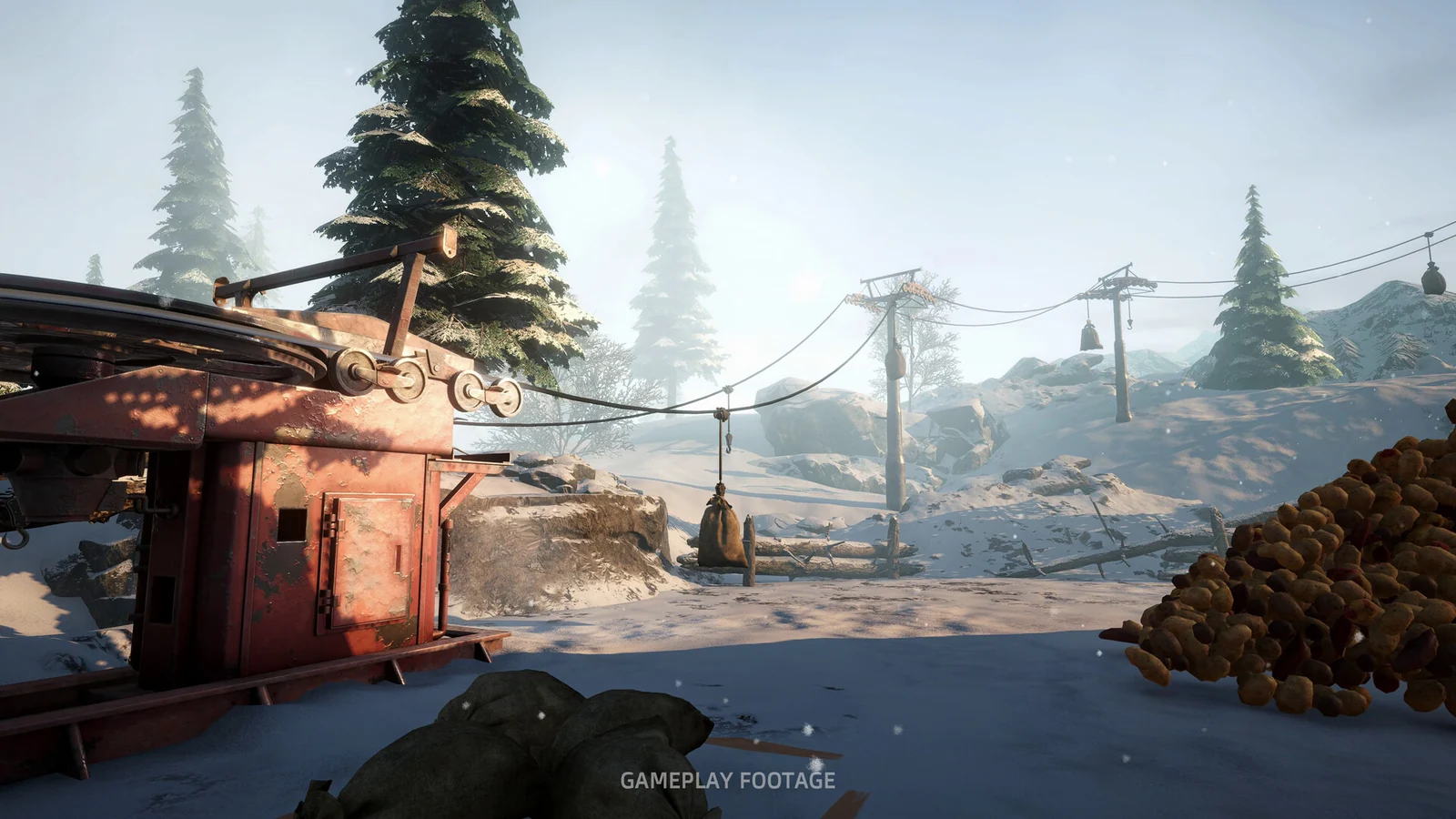
The official 1.0.3 notes say snowstorms trip main power until they pass. During that interruption, manual tools still work without power. You can continue suitable hand work instead of trying to force a powered machine to run.
Once the weather has passed, check the panel again and confirm the current power and switch states. The announcement does not specify that every interrupted machine needs the same manual reset, so use what the panel shows rather than assuming either an automatic restart or a broken machine.
Use the symptom to choose the next check:
| What you see | Check next | Relevant version change |
|---|---|---|
| Powered machines stop during a snowstorm | Main-power status; use manual tools while power is interrupted | 1.0.3 introduced the storm/power behavior |
| Spoon Catapult is on but does nothing | Its own switch and the Main Switch | 1.0.4 adds the missing-main-power reminder |
| A full machine will not take another sack | Whether the hopper has room | Since 1.0.2, a full machine leaves the sack intact |
| A cut potato will not stay in the peeling-machine hopper | Whether it is being rejected as an input | 1.0.1 changed cut potatoes to roll back out unpeeled |
| Finished potatoes back up in the water channel | The output channel and installed version | 1.0.2 addressed late-game channel jams and associated slowdowns |
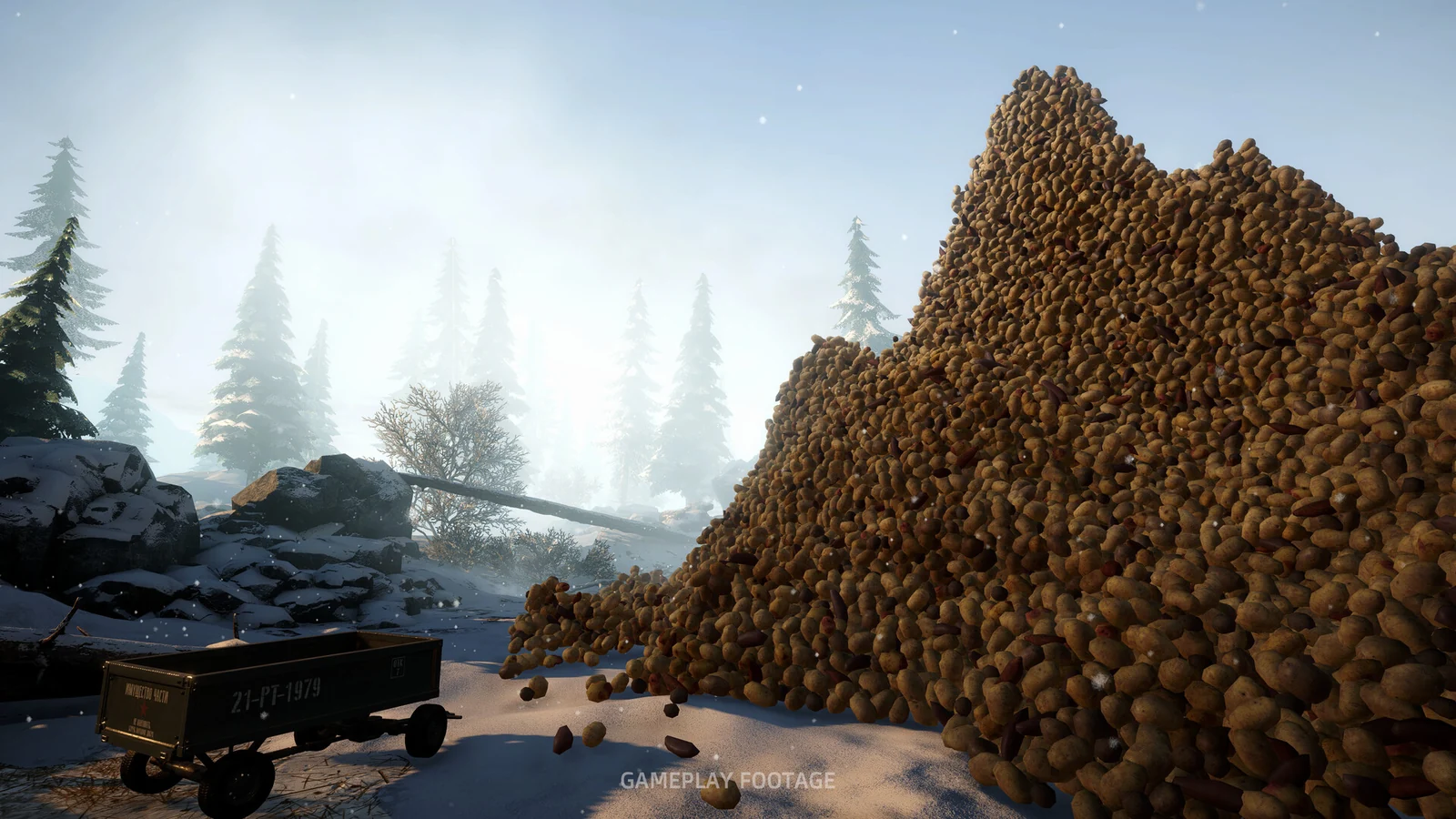
| Potatoes are difficult to reach in the pile | The pile itself, rather than the machine | Repile remains available from the pause menu |
Follow the potatoes through the line
After confirming power, inspect the input, processing point and output separately.
At the input: check whether the machine can accept more material before opening another sack over it. The 1.0.2 change preserves a sack when the machine is full. An intact sack is therefore different from a sack disappearing into the machine.
At the hopper: a cut potato rolling back out is not necessarily the old stuck-potato bug. That rejection behavior was specifically introduced in 1.0.1. Do not keep returning the same rejected input and interpret the repeated result as proof that the hopper is broken.
At the output: the water channel had a documented late-game jam problem that could cause severe slowdown or crashes. Version 1.0.2 changed water movement and increased the final two channel-speed levels. If you are following launch-day troubleshooting advice, update first. A patch’s fix claim is not a guarantee that every future blockage has the same cause.
If the problem appears only after saving and loading, use the save and completed-shift guide before counting missing container contents as lost progress. Hoppers, the vacuum tank, buckets and wheelbarrows have different documented load behavior.
Use Repile for the pile, Troubleshooting for a stuck interaction
Repile is still in the pause menu. Version 1.0.2 removed the red “hold R” badge; it did not remove the function. Version 1.0.3 changed re-piling to make a compact mound.
Use it when the pile is the obstacle. It does not replace checking main power or a full hopper. Similarly, Unstuck, Wheelbarrow and Sack are specific recovery options on the Troubleshooting page, rather than a required sequence for every machine failure. The 1.0.1 notes reduced those tools and Repile to a 60-second cooldown.
The 1.0.3 notes also name fixes to Claw Crane boundaries and Sack Gantry jams. If either still fails in the current version, record the exact interaction that fails instead of assuming an unrelated old workaround will repair it.
If the fault persists
Use the report option on the game’s Troubleshooting page. Include the installed version, machine name, weather, visible power state, what was in the hopper or container, and whether the failure began after loading. Those details distinguish a supply interruption from a physics, input or save problem.
Patch 1.0.4 was published on November 9, 2026 (UTC). This guide covers the documented changes through that version; update before comparing your result with a release-week report.
More help with crafting & progression across our game guides.
Sources
- Patch 1.0.4: Spoon Catapult switches and loading fixesGolden Horn Studios · Checked Nov 9, 2026
- Hotfix 1.0.3: power panel, snowstorms and machine fixesGolden Horn Studios · Checked Nov 9, 2026
- Hotfix 1.0.2: water channel, hoppers and RepileGolden Horn Studios · Checked Nov 9, 2026
- Hotfix 1.0.1: hopper behavior and Troubleshooting toolsGolden Horn Studios · Checked Nov 9, 2026