The quick answer
REKA 1.0 has background autosaving during normal play and after important quest or cottage-building moments. Open Settings and adjust Auto Save Frequency to change how often it saves.
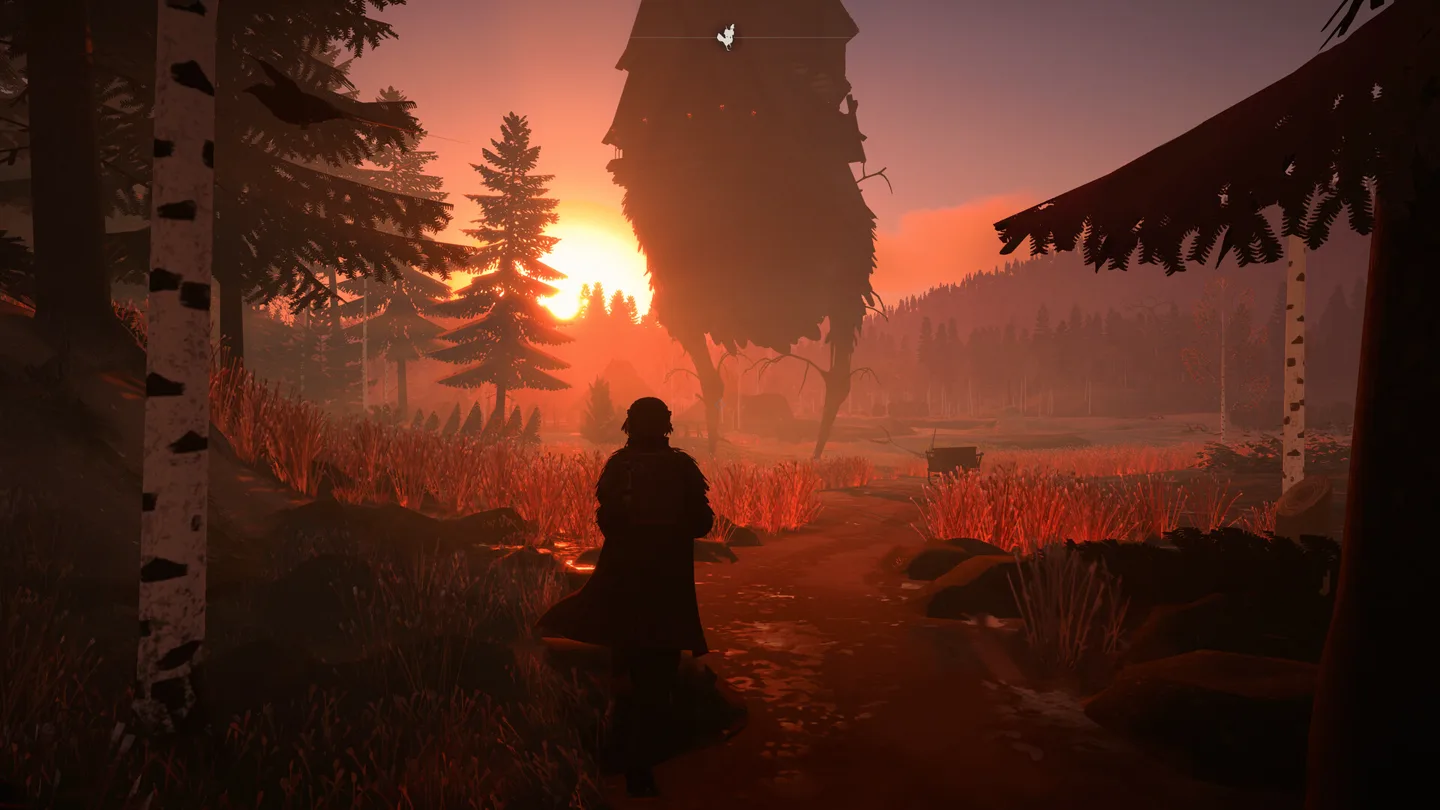
Change the autosave frequency
Open Settings and look for Auto Save Frequency. Choose the interval you want before continuing your game. This controls the regular background saves; the game also saves around important quest events and hut-building sessions.
Autosaving no longer stops to ask whether you want to save. The October update changed that prompt into an automatic save, and the 1.0 release includes the feature.
| What you are doing | How saving works in 1.0 |
|---|---|
| Exploring and playing normally | Background saves run at the selected frequency. |
| Reaching an important quest moment | The game also saves around these events. |
| Working on your cottage | Hut-building sessions can trigger a save. |
| Returning with an older save | The game compresses the old save when it first opens it. |
Why older advice says there is no autosave
REKA’s saving system changed during Early Access. Advice about relying on a save prompt, or needing a separate autosave workaround, may describe an older build. In the current 1.0 game, start with the built-in frequency setting.
The October patch also reduced save-file size and stuttering during saves. A compressed save uses a different storage format; that change does not itself mean the game has discarded your progress.
If a save will not load
Install the latest update before retrying. Hotfix 4, released on November 6, addresses several specific loading problems:
- Freezes when loading a save containing clay walls.
- Broken saves involving both variations of the bludnik shelf.
- Saves made after buying out an item from Bogdan during Dziady.
- Saving while the game is still loading.
The loading system can return to the main menu if loading fails or takes longer than five minutes. A return to the menu is therefore different from successfully loading an empty world.
Keep a copy of an affected save before experimenting with it. If the problem continues after updating, use REKA’s in-game bug-report option and describe what happened immediately before the failed load.
Planning a cottage rebuild? See how the Saw and building tools handle overlapping walls, roofs and stairs.
More help with saves & setup across our game guides.
Sources
- REKA 1.0 is now live!Emberstorm Entertainment · Checked Nov 7, 2026
- REKA October PatchEmberstorm Entertainment · Checked Nov 7, 2026
- REKA Hotfix 4Emberstorm Entertainment · Checked Nov 7, 2026