The quick answer
Fill a pit and read its unlock notice before shopping. Full pits unlock abilities and can raise device availability, while the next room still needs its key. If you keep making trips with full pockets, improve carrying capacity; if a packed pile takes too many pickups, inspect Ball Magnet in skills.exe.
Separate the pit, the key and the shop
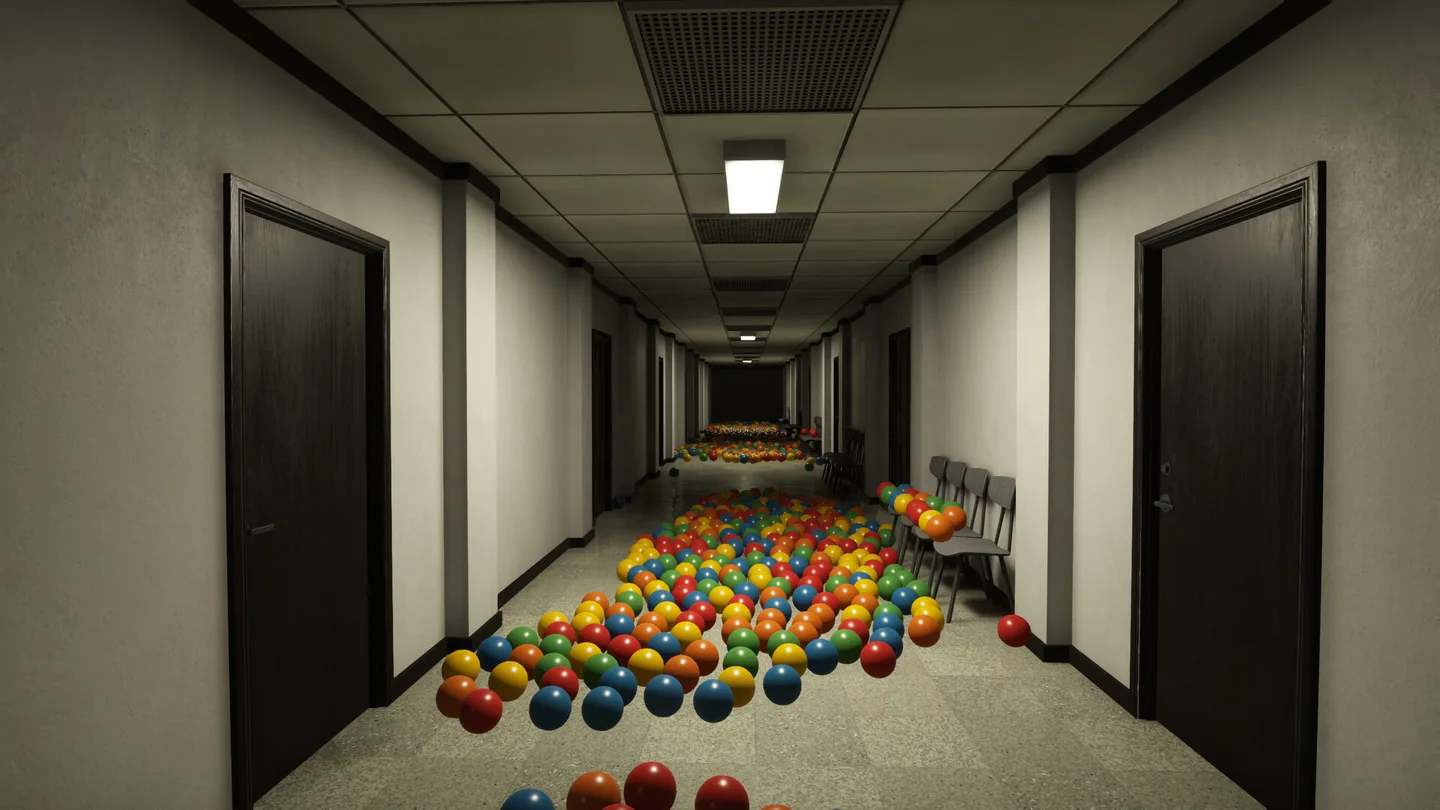
Collect loose balls and return them to a ball pit. Filling the pit unlocks abilities; collecting balls also funds purchases. The lock on the next area and a locked shop entry are separate decisions. Follow the clue the game gives you before buying something unrelated.
| What you see | What it means | What to do next |
|---|---|---|
| A pit still needs balls | Its unlock is still pending | Work the room, return the load and recheck the pit |
| A full pit shows an unlock | The pit points to what it unlocked and where to find it | Read the notice, then open the relevant terminal entry |
| A room is still locked | Access requires the room key | Check the key in the shop and keep collecting if you cannot afford it |
| The shop lists a pit for more copies of a device | The displayed pit is the requirement for more copies | Note which pit it names; if the room is locked, get its key first |
The November 6 patch made a full pit show both the unlock and where to find it. The November 9 update made the shop show the required pit for additional device copies even if you do not own the room key. Use both hints: one explains what you earned, the other tells you where to work next.
Choose the upgrade that shortens your next shift
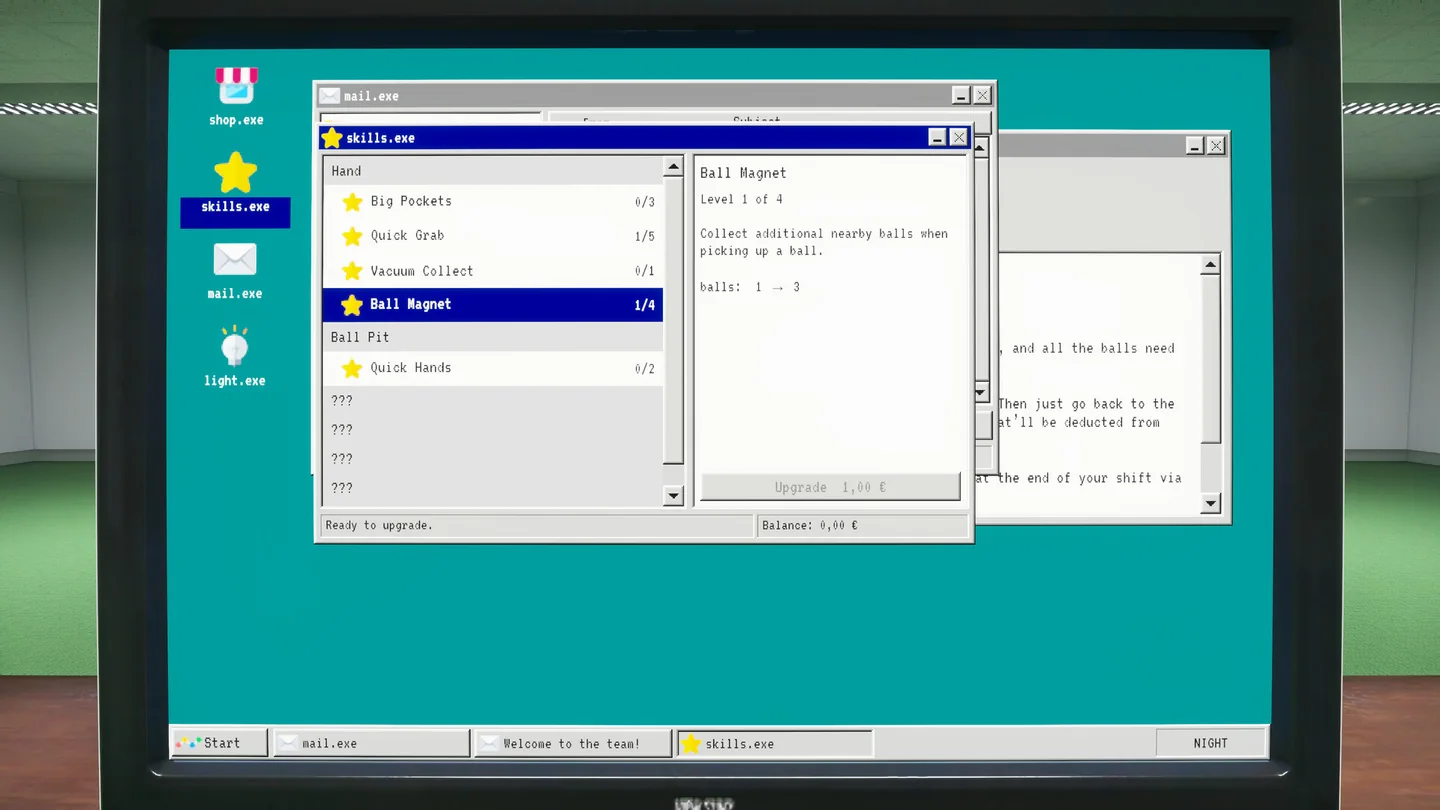
Open skills.exe on the office computer and select the skill to see what the next level changes. The official screenshot shows Big Pockets, Quick Grab, Vacuum Collect and Ball Magnet under Hand, with Quick Hands under Ball Pit. Skills and shop devices are different purchases; compare them against the same problem before spending.
| Where time goes | First change to consider | Check after you return to the room |
|---|---|---|
| Walking back and forth with a full load | Compare the next Big Pockets level | Can you finish a larger part of the pile before returning? |
| Repeated pickups in a dense patch | Read Ball Magnet; its description says a pickup collects additional nearby balls | Does one pickup clear more of the nearby cluster? |
| Searching when the room gets dark | Check whether the flashlight is available in the shop | Can you identify the return path before the shift ends? |
| Needing a second device for another part of the room | Read the additional-copy hint in the shop | Does it name a pit you can already reach? |
For a room you are nearly done with, finish the reachable balls and read the filled-pit notice before spending. For a room you are going to work for several more trips, improve the part of the loop you repeat the most. The full release lets you carry two tools at once, so a collection tool and a light can be a useful pair for a late shift.
When equipment changes the loop
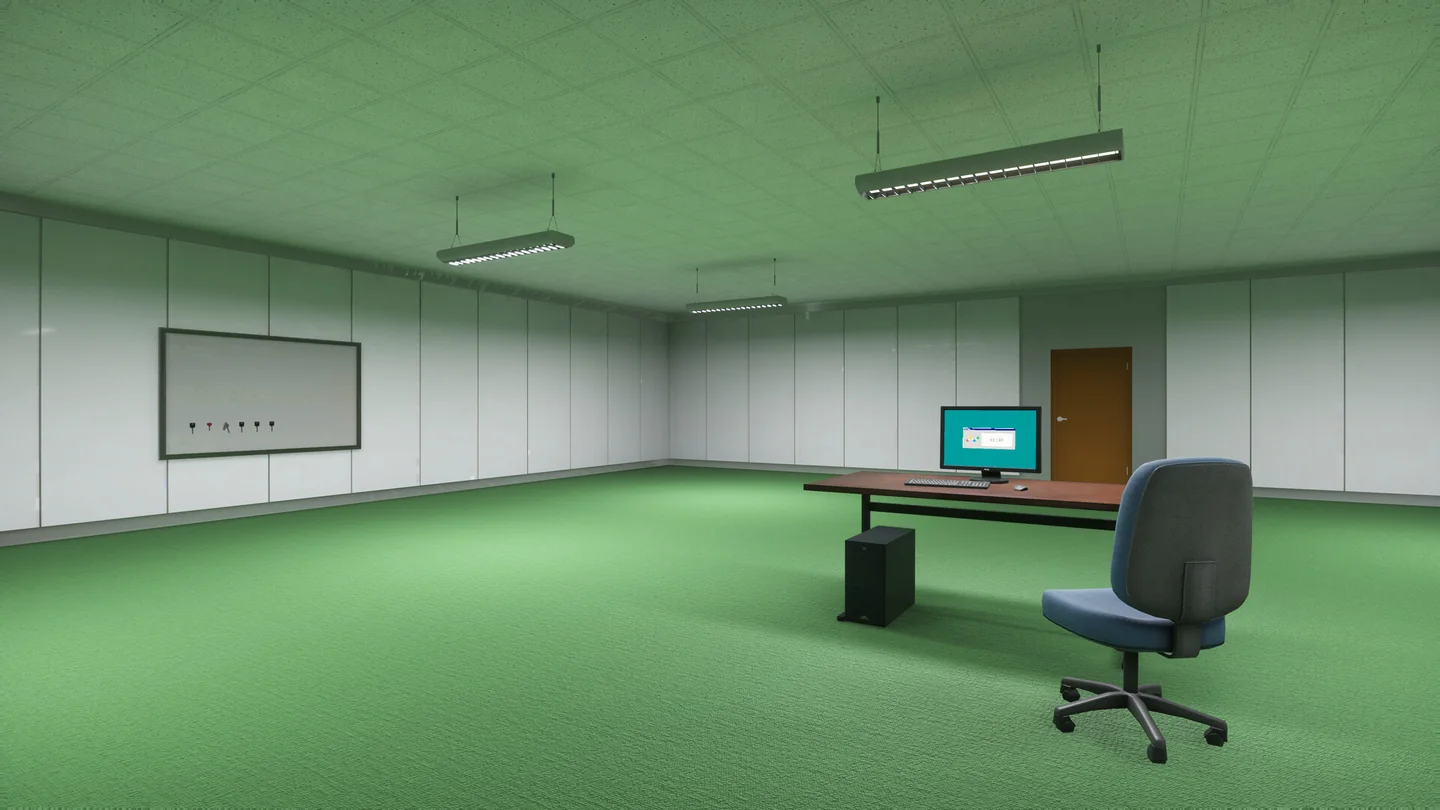
Later equipment includes robots, stations and ball vacuums. A second copy can be useful when it gives you a second work area; it does not open a locked room by itself. Read the shop’s named pit before planning a layout around a copy you cannot buy yet.
If ball vents are already part of your setup, the November 6 patch says they keep operating with all pits full and bank the surplus as bonus balls. The same update stopped upgraded vents from pulling through walls. A ball behind geometry is a recovery problem rather than a reason to buy more vent range.

A room is almost complete but the last ball is stuck
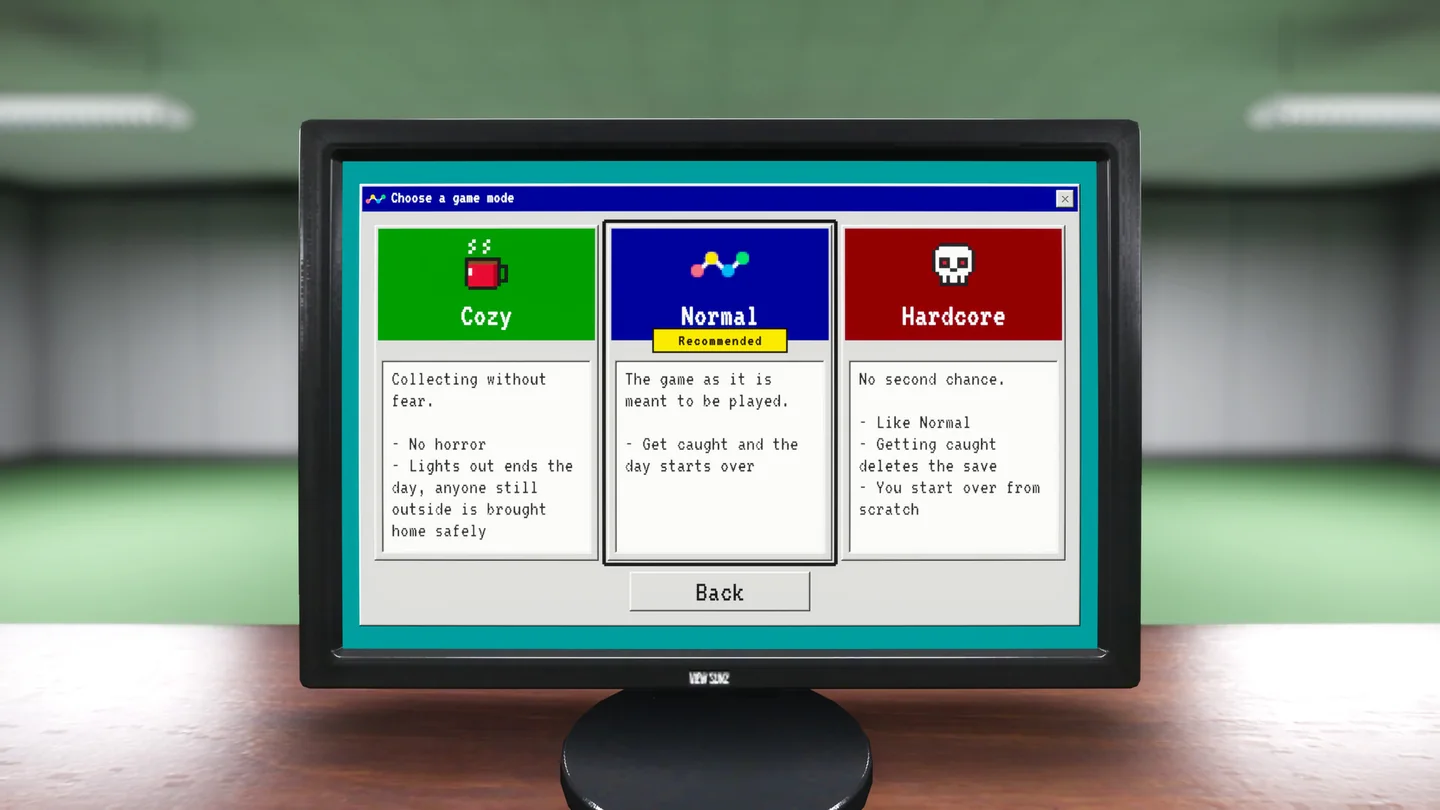
Update the full game first if the last balls are stuck in the hotel or pool room. Then use the stuck-ball and device recovery guide to pick the smallest reset. If the shift is ending, read the lights-out and difficulty guide before deciding how much longer to stay in the room.
More help with crafting & progression across our game guides.
Sources
- Playrooms on Steam: Your Job, Tools and the skills.exe screenshotTwo Pixels UG · Checked Nov 11, 2026
- Launch notice: two tools and full-game equipmentTwo Pixels UG · Checked Nov 11, 2026
- November 6 patch: filled pits and ball ventsTwo Pixels UG · Checked Nov 11, 2026
- November 9 patch: shop unlock hintsTwo Pixels UG · Checked Nov 11, 2026