The quick answer
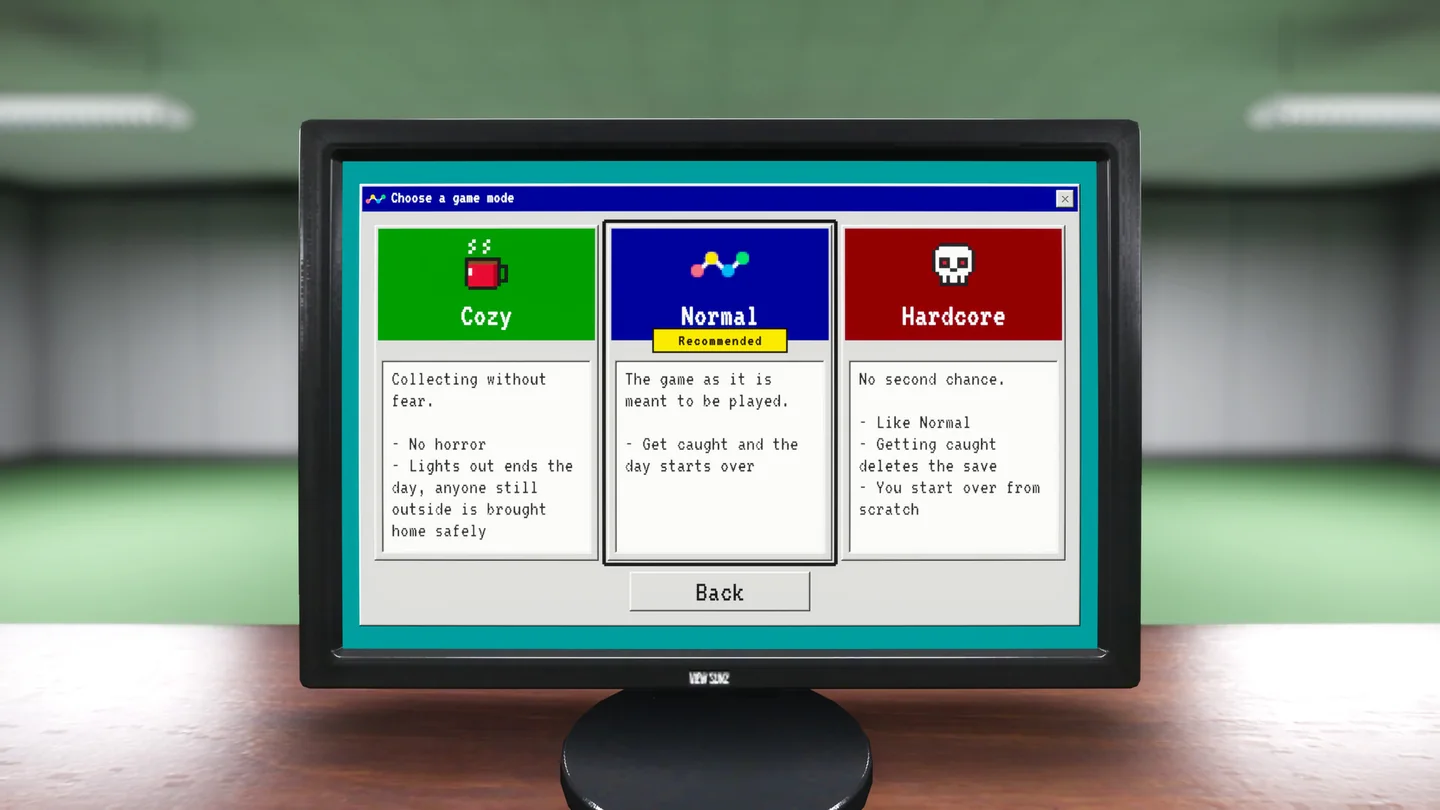
Cozy removes horror and brings anyone still outside home safely at lights out. Normal starts the day over if you get caught. Hardcore uses the Normal danger but deletes the save if you get caught. Choose the mode by the progress you are willing to risk.
Pick the loss rule before the first shift
| Mode | What the mode screen says happens | Choose it if… |
|---|---|---|
| Cozy | No horror. Lights out ends the day; anyone still outside is brought home safely. | You want to clean rooms and plan upgrades without being hunted. |
| Normal | Getting caught starts the day over. The mode screen marks it recommended. | You want the horror and can afford to repeat a shift. |
| Hardcore | Getting caught deletes the save, so you begin again from scratch. | You want a run where the entire save is on the line. |
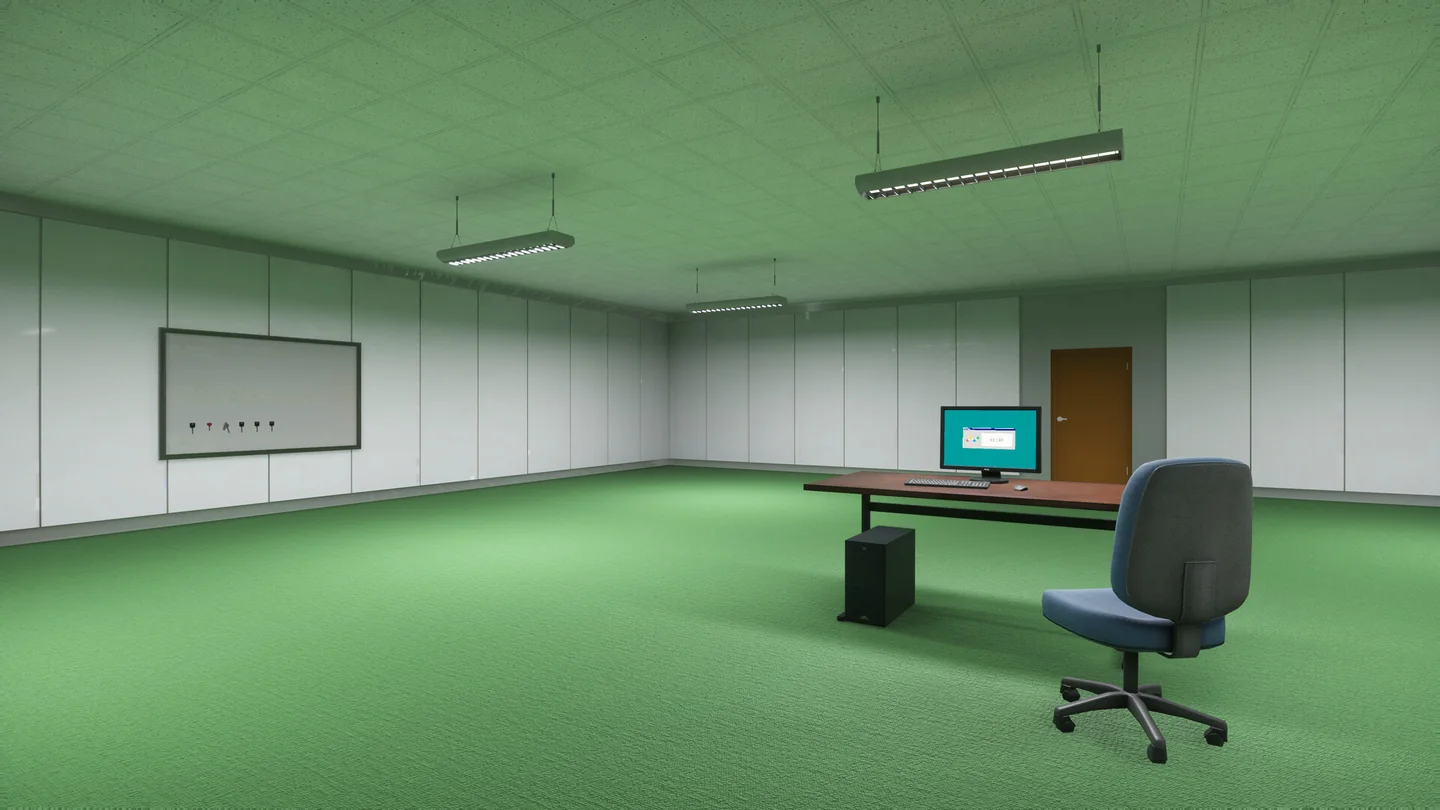
The difference between Normal and Hardcore is easiest to see after several productive shifts: Normal can cost the day’s work; Hardcore can cost all the previous days as well. Cozy still has an end to the workday. The November 6 update also made the Green Office lock with the hub at night in Cozy.
Plan a return route while the lights are on
- Find the way back before picking up the next load. On entering an unfamiliar room, turn around and identify the exit you just used. It is easier to learn that route with the lights still on.
- Choose a stopping point close to that route. As the shift winds down, clear a cluster along your way back or return the balls you already carry. Starting another sweep deep in an unfamiliar area adds a trip in the dark.
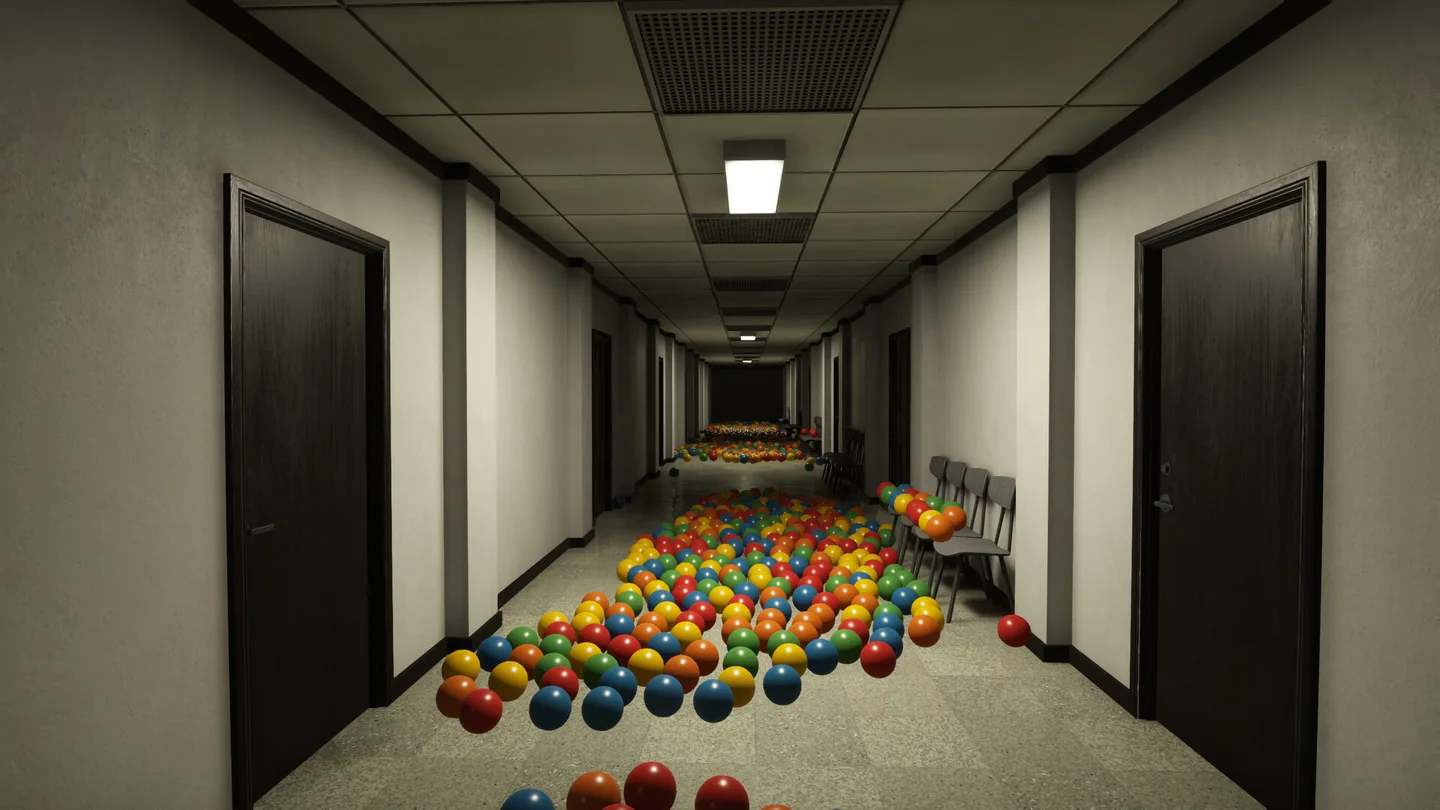
- Follow the light as the building goes dark. Two Pixels says the lights go out in sequence at shift end and advises staying in lit areas. Bring a flashlight if you have one, but make the return trip part of the plan instead of counting on the flashlight to make an encounter safe.
- Decide whether one more load is worth the mode’s penalty. In Normal, compare the extra trip with repeating the shift. In Hardcore, compare it with losing the save. In Cozy, expect the shift to end even if you still have work left.
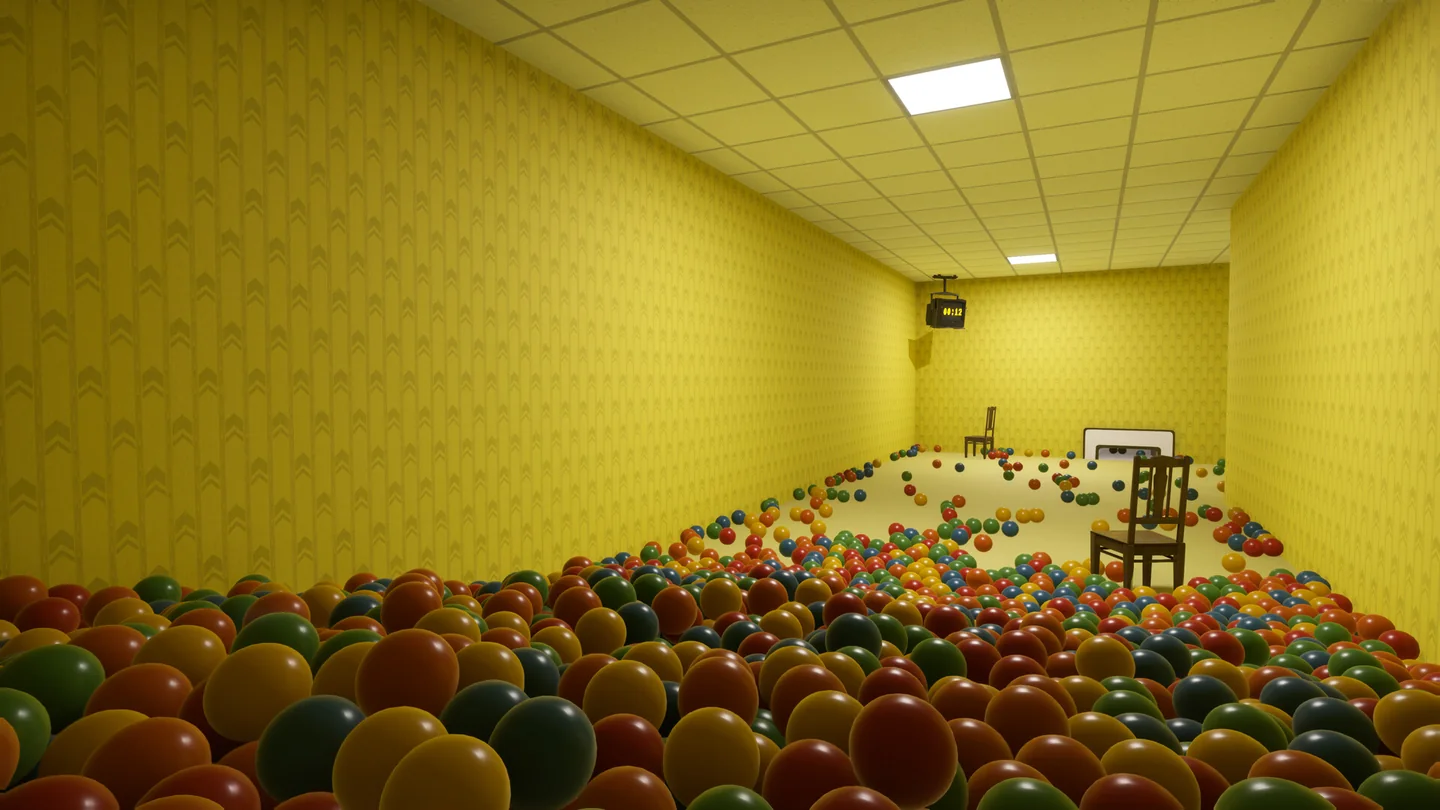
Can I restart to avoid being caught?
The Restart day command in Pause → Help restores the morning checkpoint and is unavailable at night or while you are being hunted. Two Pixels also lists the prologue, sleep and death as unavailable states. Make the choice before the shift gets to that point. For stuck balls or missing machines during the day, there are smaller actions that do not require returning to morning; see the Help menu recovery guide.
Turn down specific sounds without changing mode
Open Settings → Audio and turn on Extra Audio Settings. It adds separate sliders for Animals, Mouth & Breathing, Footsteps and Water. The developer also assigns coffee, fruit and the boss’s phone mumbling to Mouth & Breathing. Use Cozy if you want to remove the horror rules; use the sliders when a specific sound is the problem. Footsteps are adjustable separately, so you can turn down mouth sounds without also lowering them.
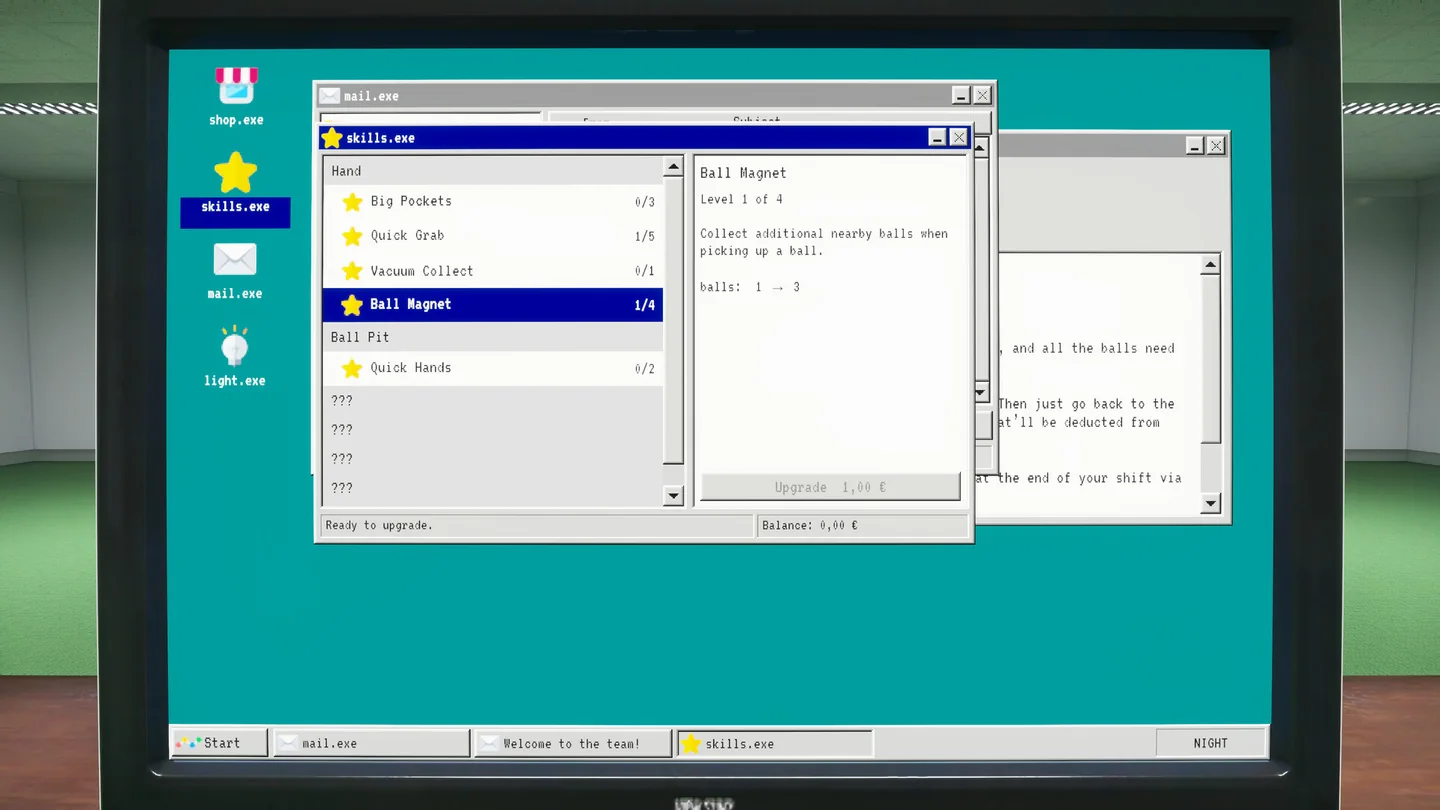
For choosing a flashlight, collection skill or next key, see the ball pits and equipment guide.
More help with crafting & progression across our game guides.
Sources
- Playrooms on Steam: mode selection screenshot and working hoursTwo Pixels UG · Checked Nov 11, 2026
- November 6 update: Cozy mode Green Office closureTwo Pixels UG · Checked Nov 11, 2026
- November 9 update: restart restrictions and audio settingsTwo Pixels UG · Checked Nov 11, 2026