The quick answer
Open Pause → Help and choose by what is stuck: Unstuck moves you; Reset Room Balls moves uncollected balls in this room; Bring devices home recalls equipment. Restart day loads the morning checkpoint. Update and reload first for the documented hotel, pool and school ball fixes.
Match the Help command to the stuck object
Open the pause menu and choose Help. Select the action that affects the smallest part of your shift.
| Symptom | Help command | What the command changes |
|---|---|---|
| Your character is trapped in geometry | Unstuck | Moves you to the nearest free spot |
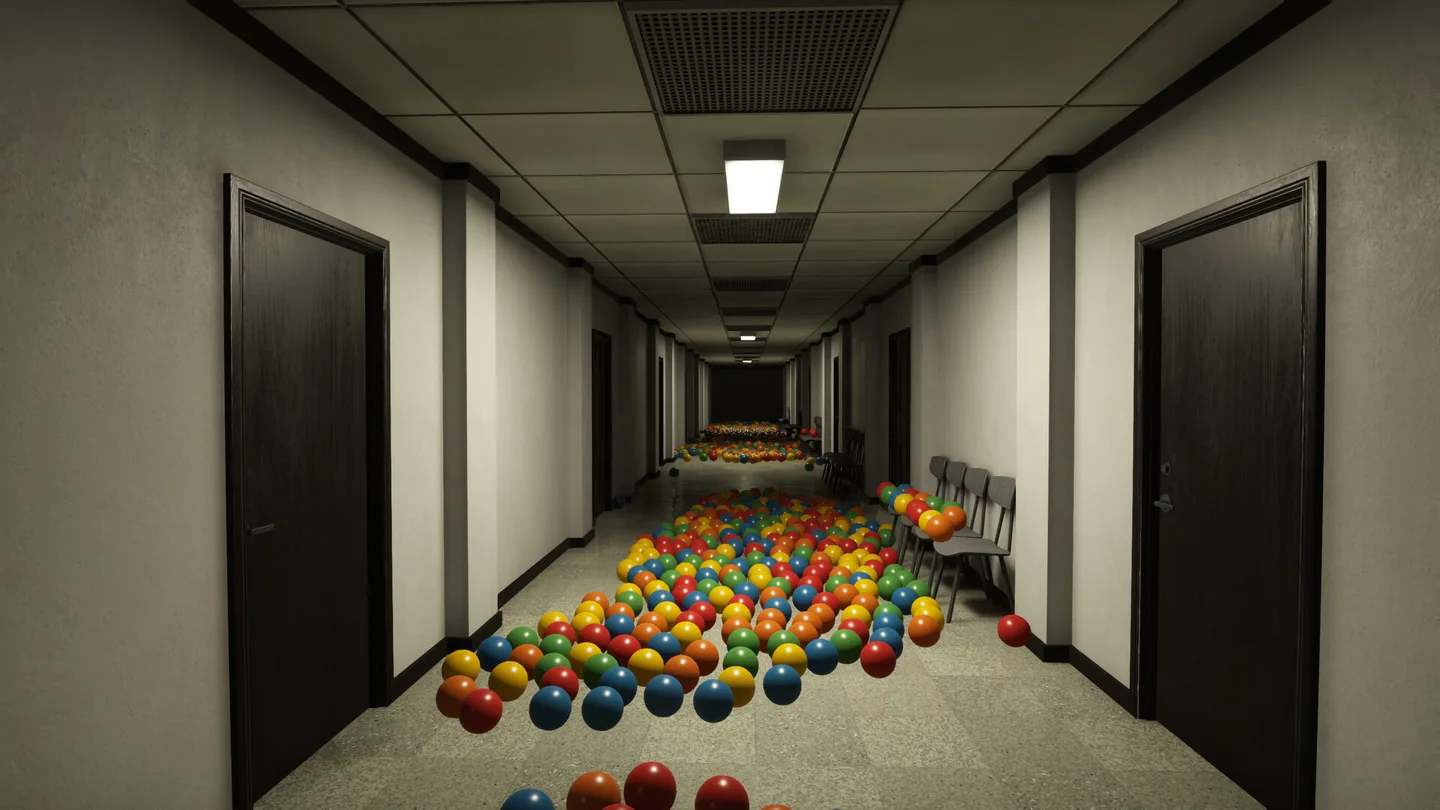
| Uncollected balls are stuck or scattered in this room | Reset Room Balls | Returns the current room’s uncollected balls to their starting positions |
| A robot, station or ball vacuum is missing or out of reach | Bring devices home | Returns all three device types to the starting room’s parking row; robots dock |
| You are willing to redo the shift | Restart day | Loads the morning checkpoint; plan to redo work completed since then |
Bring devices home is a group recall. Check where your other machines are working before using it to rescue one vacuum. After the recall, go back to the parking row and redeploy what you need. The patch notes describe one use per working day, with a repeat use available only after 10 minutes. Check whether the command is available before planning a second recall.
Hotel or pool stuck below 100%: update before resetting
Two Pixels moved stuck hotel and pool balls to reachable floor and explicitly said existing saves keep their progress. Update the game, reload the affected save, then search the floor near the former obstruction. The preceding patch also placed balls above a hotel wall on the pile below. The early Steam discussion includes reports of resets returning balls to bad positions, which is why updating and checking the new position comes before repeating the reset.
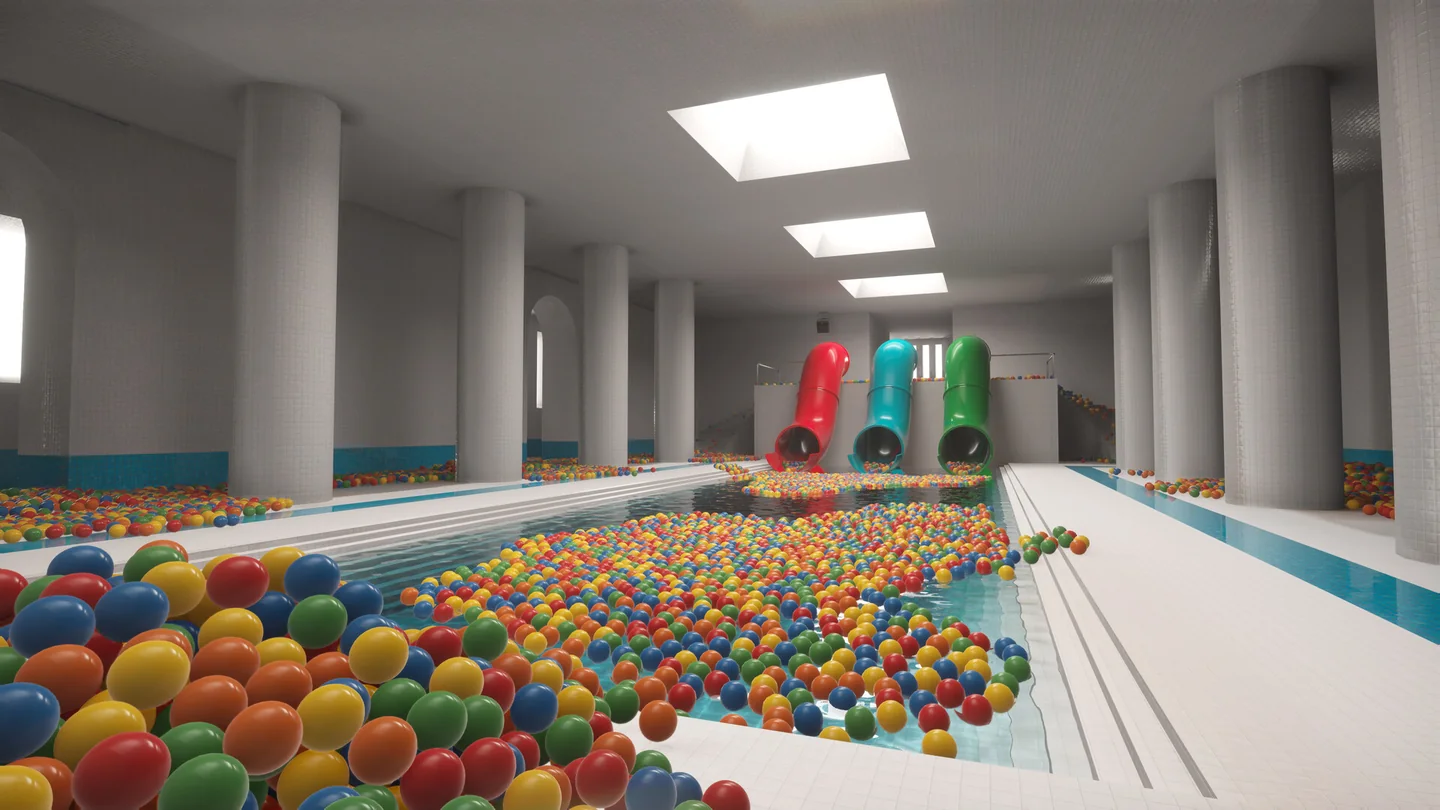
If the updated room still has a reachable-area problem, try Reset Room Balls once from inside that room. Check the starting clusters again; a remaining ball may have moved. The command cannot fill a pit or clean a second room for you. If the ball still clips through a surface after the update, save the exact room and location with a screenshot when you report it.
School cleanup: check the lockers and the pile below the TV
The November 6 patch moved school locker fountain balls out of the sealed chamber and onto the floor in front of the locker. Reopen the relevant locker and check the floor nearby. Two Pixels also says the Help reset no longer removes those spawned balls. If your problem is at the school TV, check the pile below it; the same patch moved the unreachable balls there and applies the change to old saves on load.
When Restart day is unavailable
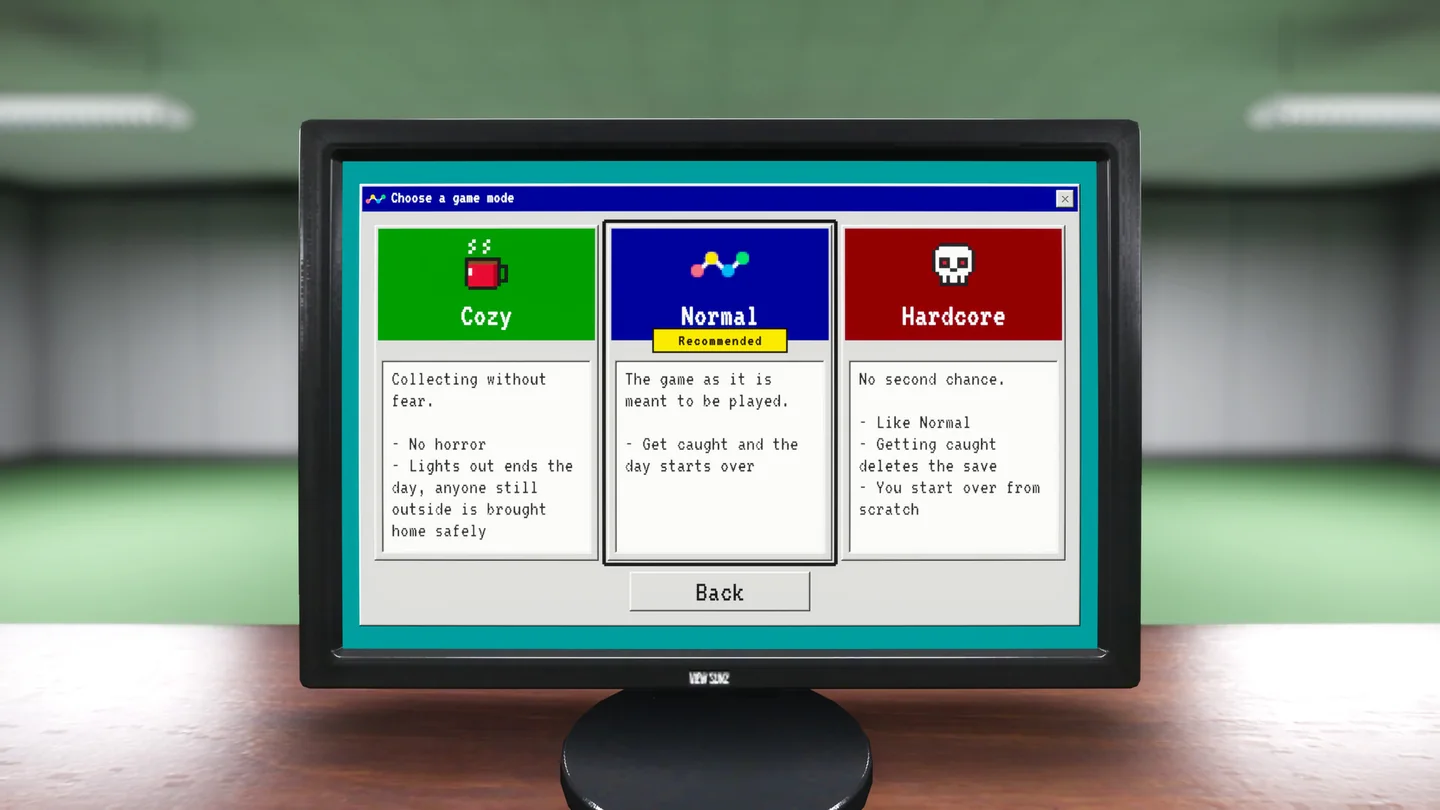
Restart day is unavailable in the prologue, at night, while you are being hunted, while asleep or once you are dead. If you only need to recover a device or a ball, use its dedicated action during the shift. A reset to morning is a deliberate rollback, and the difficulty rules govern what happens if you get caught.
If you finished the game before Balli’s hazmat suit could unlock, the November 9 patch says to reload the completed save to receive it retroactively. Try that before replaying the ending. For a shop entry that is locked rather than missing, use the pit and equipment unlock checklist.
More help with saves & setup across our game guides.
Sources
- November 9 Help menu and Balli fixTwo Pixels UG · Checked Nov 11, 2026
- November 6 update: hotel and pool recovery on existing savesTwo Pixels UG · Checked Nov 11, 2026
- November 6 patch: school lockers and unreachable ballsTwo Pixels UG · Checked Nov 11, 2026
- Developer reply in the Hotel bugged discussionTwo Pixels UG · Checked Nov 11, 2026