The quick answer
Switching branches does not make the other branch’s saves appear. Default and Experimental keep separate save locations; return to the branch where you created the world.
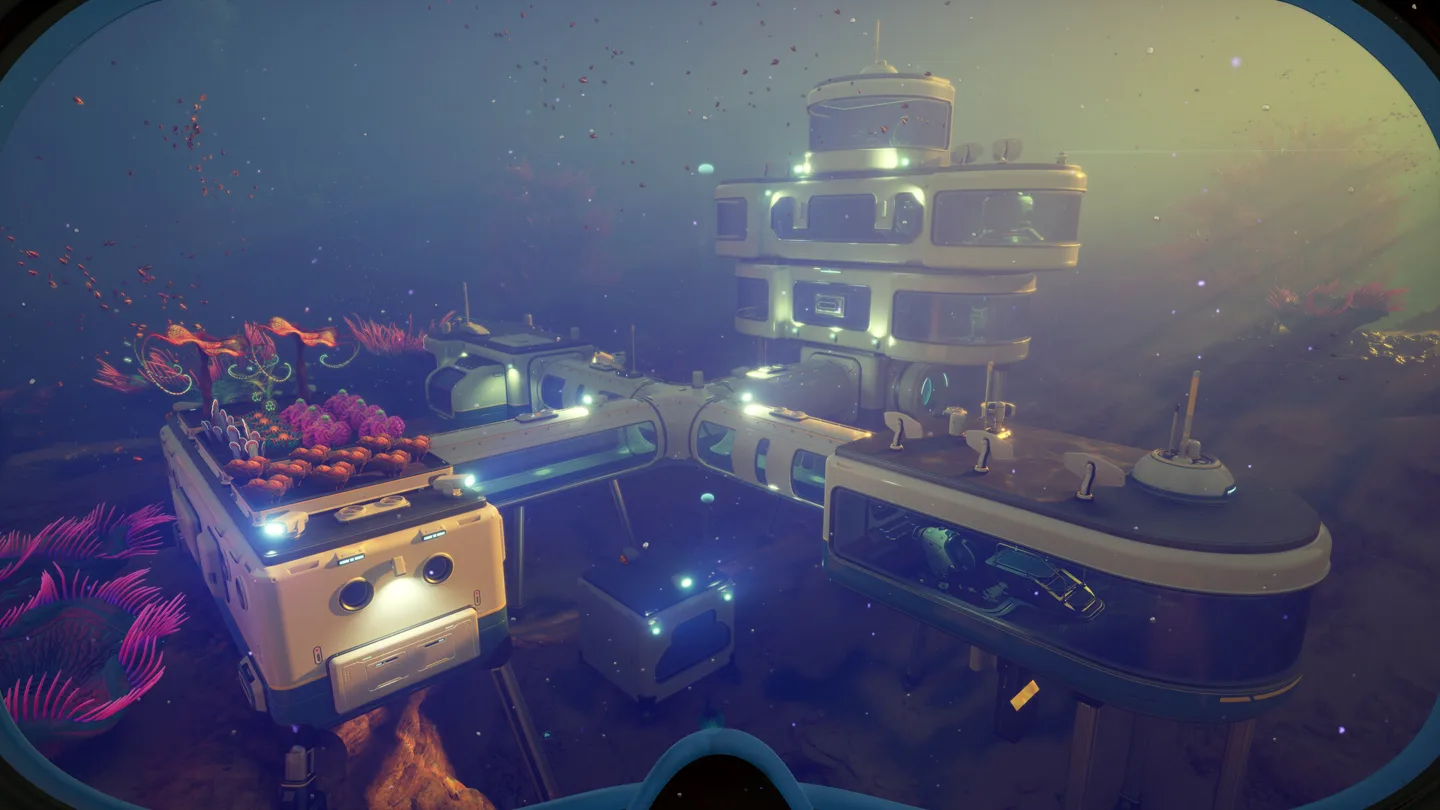
Match the world to its branch
| Where you created the save | Where it appears |
|---|---|
| Default branch | Default branch |
| Experimental branch | Experimental branch |
Unknown Worlds describes this separation on both PC and Xbox. On Xbox, Experimental is a separate app alongside the stable version. Opening the other app can therefore look like an empty save list without proving that a world was deleted.
A safe order for checking
- Identify which branch or Xbox app you played last.
- Open that version and look for the world there.
- Keep a manual backup before further branch changes.
The developer does not support carrying worlds across branches through import/export. A backup is protection for the original world, not a promise of cross-branch compatibility.
Friends must use the same branch
Default and Experimental players cannot join one multiplayer session. Agree on a branch before troubleshooting invitations. If the world is on Default but a friend installed Experimental to try a new feature, align those versions first.
Changing the world between solo and co-op is a separate supported operation. Use the save-conversion instructions when that is the change you actually need.
More help with saves & setup across our game guides.
Sources
- What happens to saves on ExperimentalUnknown Worlds support · Checked Nov 7, 2026
- Playing with Default-branch playersUnknown Worlds support · Checked Nov 7, 2026