The quick answer
Your existing save is retained for 1.0. FRAME BREAK recommends a fresh start for the revised progression, but does not require one. Check farming previews, automation and your world before rebuilding an old farm.
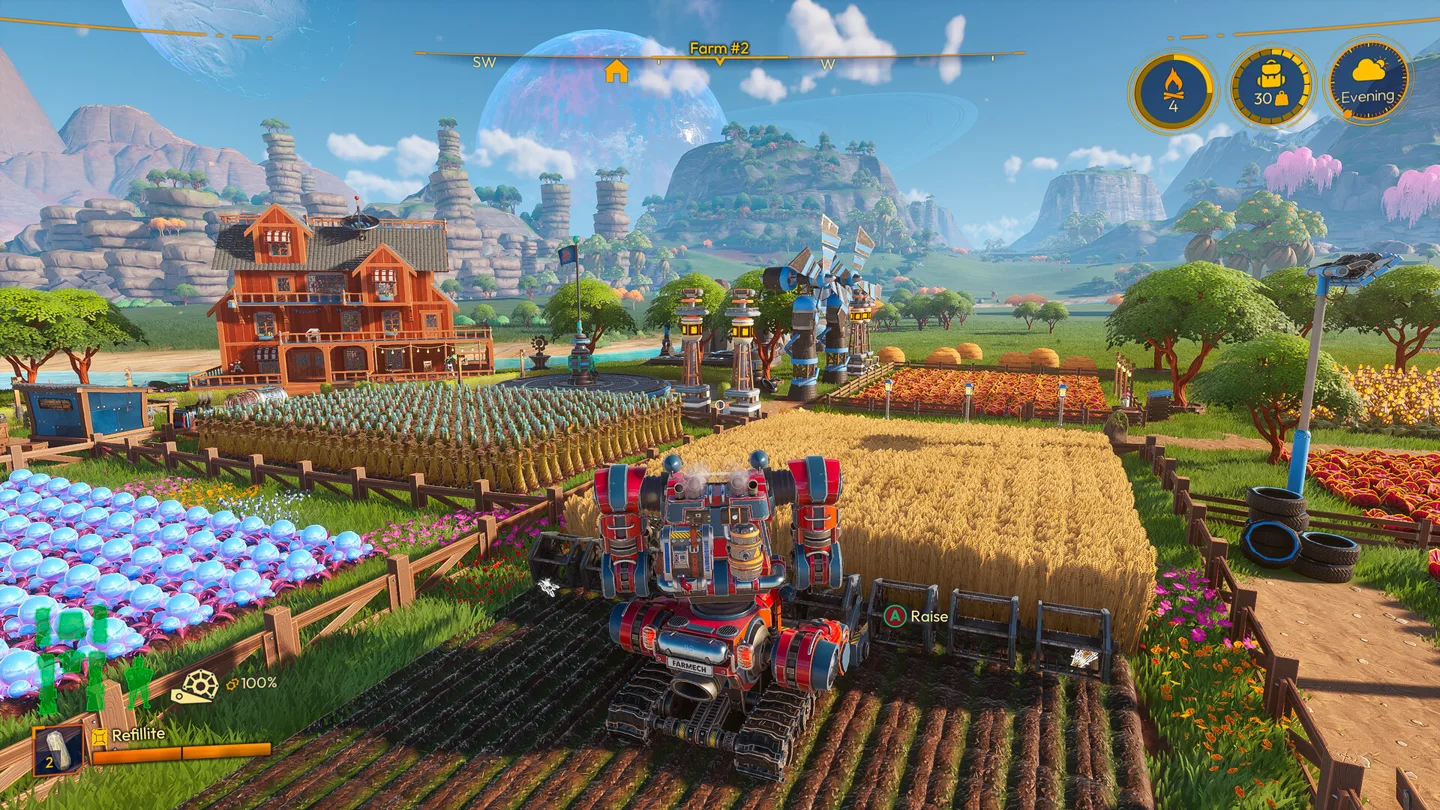
Keep your farm or start again?
FRAME BREAK’s FAQ says existing saves remain usable. A new save is recommended for experiencing the rebalanced progression naturally, but it is optional.
Choose based on what you want from the return. If you are attached to an established farm, inspect it before deciding to abandon it. If you want the revised introduction and unlock order, a separately named new save avoids confusing the two playthroughs.
Check these changes first
- Farming: mutated harvests now also supply the normal crop. Check the planting preview instead of assuming an older rotation chart is still the best guide.
- Time and weather: day transitions are seamless, and weather can change during the day.
- Progression: the release adds regions and a main-story ending. An old task list may not describe everything now available.
- Building: the patch notes include structural-integrity corrections. Inspect complex constructions rather than assuming every old arrangement behaves identically.
- Automation and upgrades: review the current menus and unlocks before following a pre-1.0 factory plan.
A useful first session back
Start with one familiar area of your farm. Check storage, look at a mound’s planting preview, open your active tasks and inspect an important production chain. This gives you a smaller set of changes to understand than rebuilding everything immediately.
If friends share the world, agree who will make major changes. Naming a backup clearly can also help the group distinguish the old state from its current working world.
Avoid two common sources of confusion
An old guide can still be indexed above current documentation. Check the article’s date and the version it describes. In particular, older terminology around Fertilizer and Mulch can send you toward the wrong item.
A release date is not a patch number. The 1.0 release arrived on November 4, 2026, while subsequent hotfixes can change individual issues. For troubleshooting, use the exact version displayed in your game and the developer’s latest patch notes.
Where to go next
Read mutated crops in 1.0 for farming terminology, or Shared saves if the main question is keeping your co-op farm available.
The Lightyear Frontier hub keeps the game links and these guides together.
More help with version changes across our game guides.
Sources
- 1.0 frequently asked questionsFRAME BREAK · Checked Nov 7, 2026
- 1.0 release notesFRAME BREAK · Checked Nov 7, 2026
- 1.0 farming improvementsFRAME BREAK · Checked Nov 7, 2026