The quick answer
In 1.0, harvesting a mutated crop gives both the mutated and normal crop. You can preview planting results in the HUD. Mulch changes a mound's type; Fertilizer improves yield without changing its type.
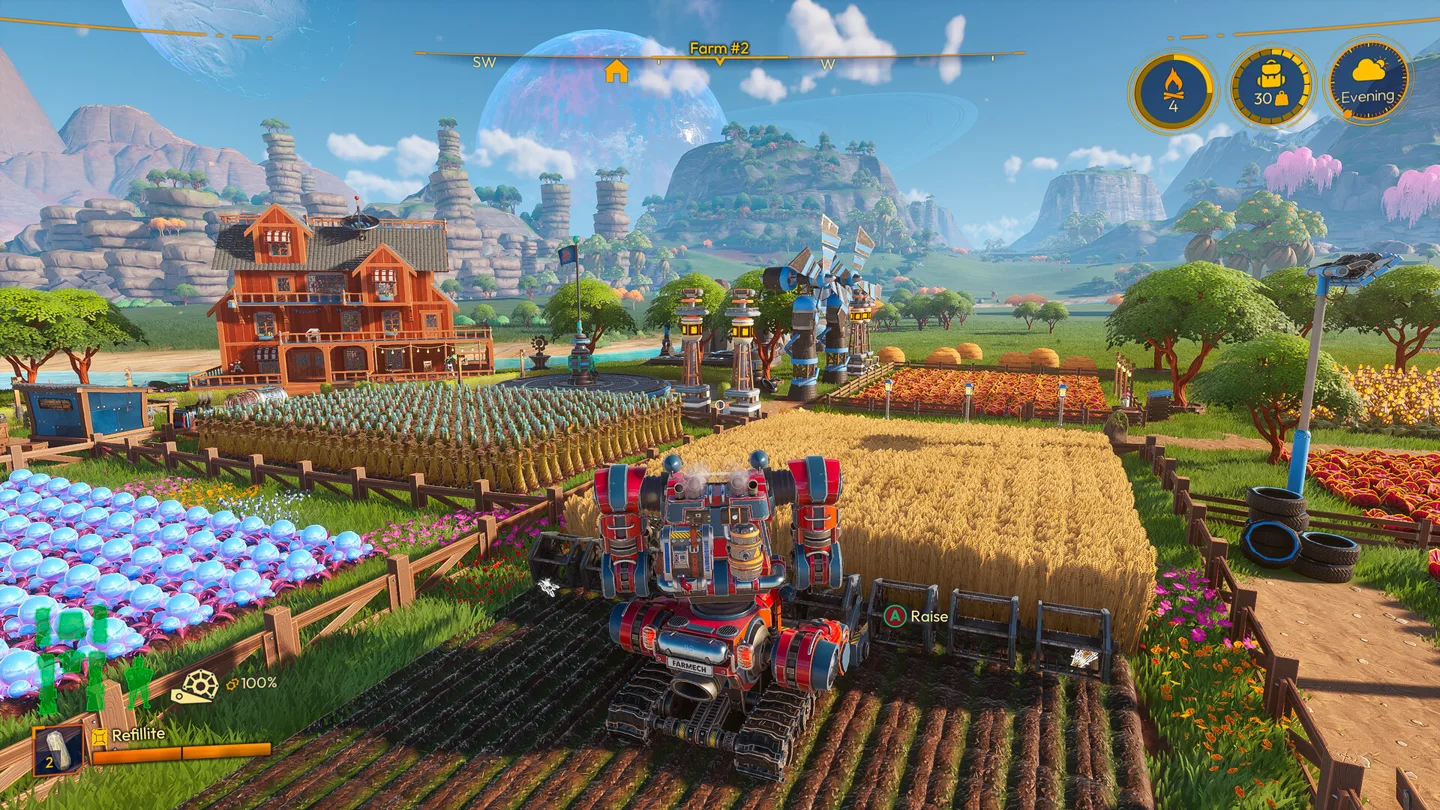
Start with the version of the advice
A farming guide written before 1.0 may describe mutated crops as replacing the ordinary harvest. FRAME BREAK changed that behavior: a mutated harvest now gives the normal crop as well.
The same update makes the expected planting result visible in the HUD. For a live farm, that preview is a better starting point than memorizing an old chart without checking its version.
A practical crop-rotation workflow
- Choose the result you need. Decide whether the next harvest is for ordinary production or a mutated delivery.
- Inspect the mound before committing seed. Use the planting preview to see the expected result for the current conditions.
- Change the mound type if needed. Use the appropriate Mulch, then check the preview again.
- Consider yield separately. Once the result is correct, decide whether applying Fertilizer is worthwhile for that planting.
- Repeat only after the result is clear. Check a small section before committing an entire field.
Mulch and Fertilizer do different jobs
| Item group | What it changes | What to check |
|---|---|---|
| Mulch | The mound type: Phosphoric, Nitrogenic or Potassic | Whether the planting preview now shows the result you want |
| Fertilizer | Yield without changing the mound type | Whether the extra output is worth using it on this crop |
| Seed Stacking | Additional seeds in the same mound for a yield bonus, once the relevant upgrade is unlocked | Your Seed Shooter upgrades and the in-game prompt |
The old type-changing fertilizers were renamed Mulch. If an older guide tells you to use fertilizer to change the soil, that terminology may now be the source of confusion.
Why a mutated crop is not automatically the best next move
A harvest is only one side of a delivery. Look at the full requested bundle before producing a large field. The Country Roads update increased the accompanying metal-item costs for mutated deliveries; exact requirements should be checked in your current game.
A sensible planning question is: “Can I complete this delivery with the other materials I have?” That is more useful than optimizing crop output while the rest of the request remains out of reach.
Check your next planting
Use the current HUD preview to check a seed-and-mound combination before planting. If you are returning to an old farm, read the 1.0 returning-player guide before reorganizing your production.
Playing on a shared farm
Agree on field changes with your group. A production plan is easier to follow if other players know which mounds are reserved for a particular delivery.
Our Shared saves guide explains how the same farm can stay accessible when the original host is offline.
More help with crafting & progression across our game guides.
Sources
- 1.0 Farming & Tool ImprovementsFRAME BREAK · Checked Nov 7, 2026
- 1.0 release notesFRAME BREAK · Checked Nov 7, 2026
- Country Roads balance changesFRAME BREAK · Checked Nov 7, 2026