The quick answer
Use Planning Mode to place holograms without automatically contributing materials. A crafting Construct’s roof check now looks directly above its center and four corners; cover that footprint when an old efficiency bonus disappears.
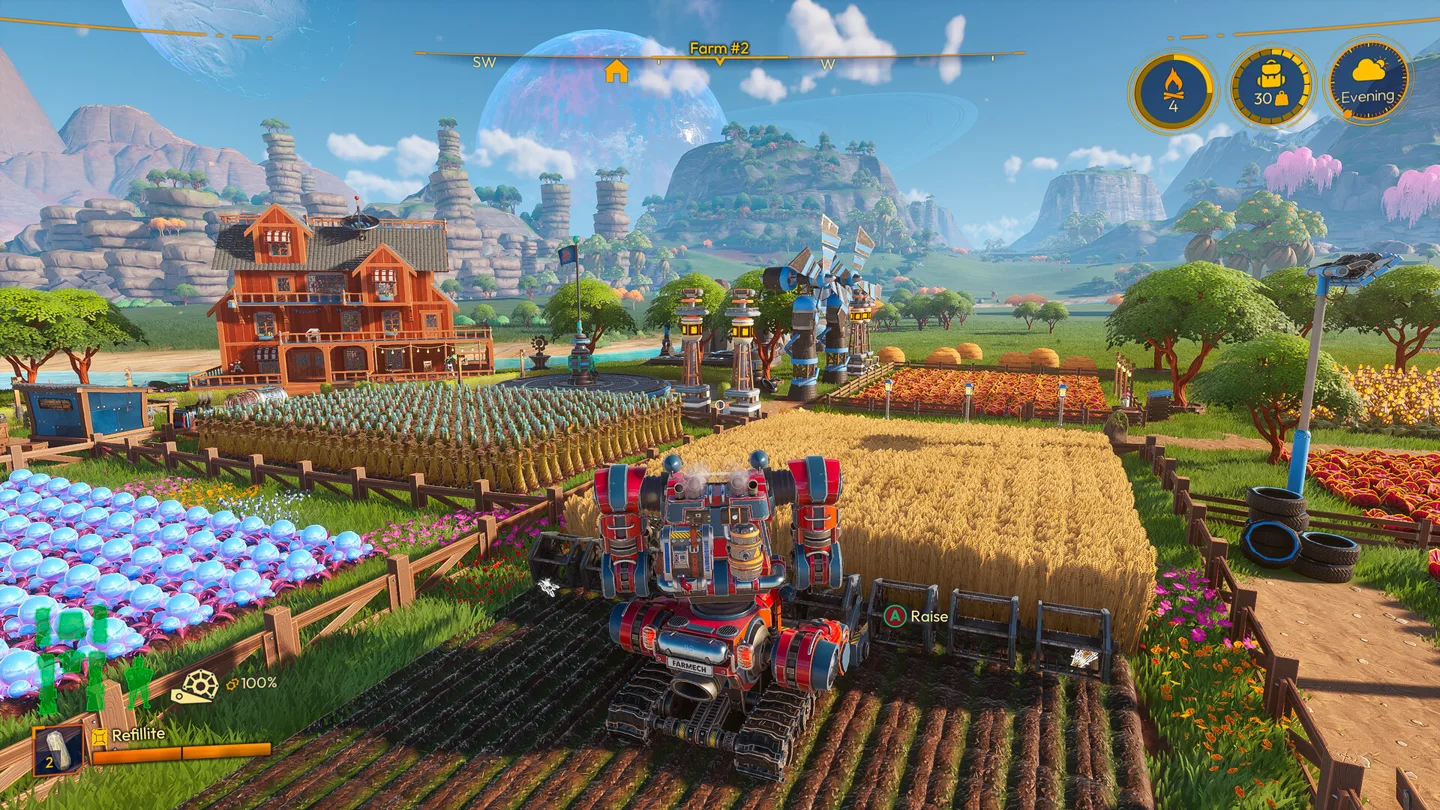
Plan the production flow before paying for the build
Open Build Mode and enable Planning Mode before laying out a larger structure. It places holograms without contributing resources, letting you arrange the work area before committing its materials.
For a production building, start with the machinery and logistics footprint. Reserve room for storage ports, pipes, access to the Construct and trailer movement if you use it for deliveries. Then plan the shell around that layout. A decorative building that blocks its own output is harder to repair after every wall is complete.
Once the layout works, leave Planning Mode when you want to contribute materials. You can hold Interact to keep contributing across different Constructs instead of pressing separately for each piece. The same hold behavior helps when collecting several resources on foot.
Fix a missing crafting roof bonus
The roof-efficiency placement check changed in 1.0. It now checks directly upward from the center and four corners of each crafting Construct. The earlier check fanned outward and could accept unusual roof arrangements.
If an old machine suddenly loses the bonus:
- Identify its actual footprint, not just the interaction point.
- Inspect the roof directly over the center and each corner.
- Adjust the roof layout to cover the relevant footprint.
- Check the machine’s displayed efficiency again.
- Repeat for adjacent Constructs; a roof that works for one placement may leave a corner of the next uncovered.
Make one correction at a time. Rebuilding the entire workshop first makes it harder to distinguish a roof-placement problem from a machine-supply or Energy issue. Use the automation checklist if materials still are not moving after the roof arrangement is corrected.
Coziness benefits that affect everyday work
| Buff | Stated effect | Where it helps |
|---|---|---|
| Homestead Swiftness | 50% more Exofarmer movement speed inside a Home Area | Running between storage and work areas on foot |
| Eco Driving | 20% lower mech fuel consumption | Reducing the ongoing fuel burden of mech work |
Homestead Swiftness has an explicit Home Area condition; do not plan distant expeditions as if the speed increase applies everywhere. Eco Driving reduces consumption, rather than giving an extra 20% of fuel each time you fill up.
These are reasons to care about a functional homestead as well as appearance. Check which buffs your home actually provides before assigning a benefit to a particular decoration arrangement.
Choose higher-tier Constructs for a concrete problem
The release expands the available tiers of Drone Stations, Fuel Mixers, Furnaces, Grinders, Mineral Crushers, Oil Pressers, Sawmills, Seed Extractors, Seed Splicers, Silos, Storage Sheds and the Fertilizer Infuser.
Several noteworthy additions are Drone Station III, Furnace III, Seed Extractor IV and Seed Splicer II/III. Their existence is not a reason to replace everything at once. Begin with the operation you cannot keep supplied or the storage limit that stops a working chain. Check the tier’s current recipe and unlock before reallocating materials.
The old Compost Box is now the Fertilizer Infuser; its rename can make an old build list look as though a familiar production step has disappeared.
Decoration unlocks and pathmaking
Lola’s new bathroom decorations become available after 16 deliveries, while kitchen decorations arrive after 31. If the stock is missing, check delivery progression before hunting for a separate recipe.
The H.O.E. can make Dirt and Stone paths, cut Grass and remove what you placed. It is useful for corners that a larger landscaping Mode cannot reach. The November 6 hotfix widens its path-painting radius, so update if the initial release behavior feels excessively slow.
That hotfix also removes unfinished Constructs that were accidentally offered by the merchant. An item disappearing from the shop after updating is therefore not necessarily a progression setback. For the main unlock routes, use the milestone and delivery guide.
More help with crafting & progression across our game guides.
Sources
- Lightyear Frontier 1.0 OUT NOW!FRAME BREAK · Checked Nov 7, 2026
- 1.0 Building, Constructs & Decorations - Frontier NewsFRAME BREAK · Checked Nov 7, 2026
- HOTFIX NOVEMBER 6TH | v 1.0.2563FRAME BREAK · Checked Nov 7, 2026