The quick answer
Balanced is the recommended starting preset. Relaxed removes damage and lengthens days, Creative removes building/crafting costs and threats, and Challenging increases damage, makes fuel scarcer and permanently loses items on knockout.
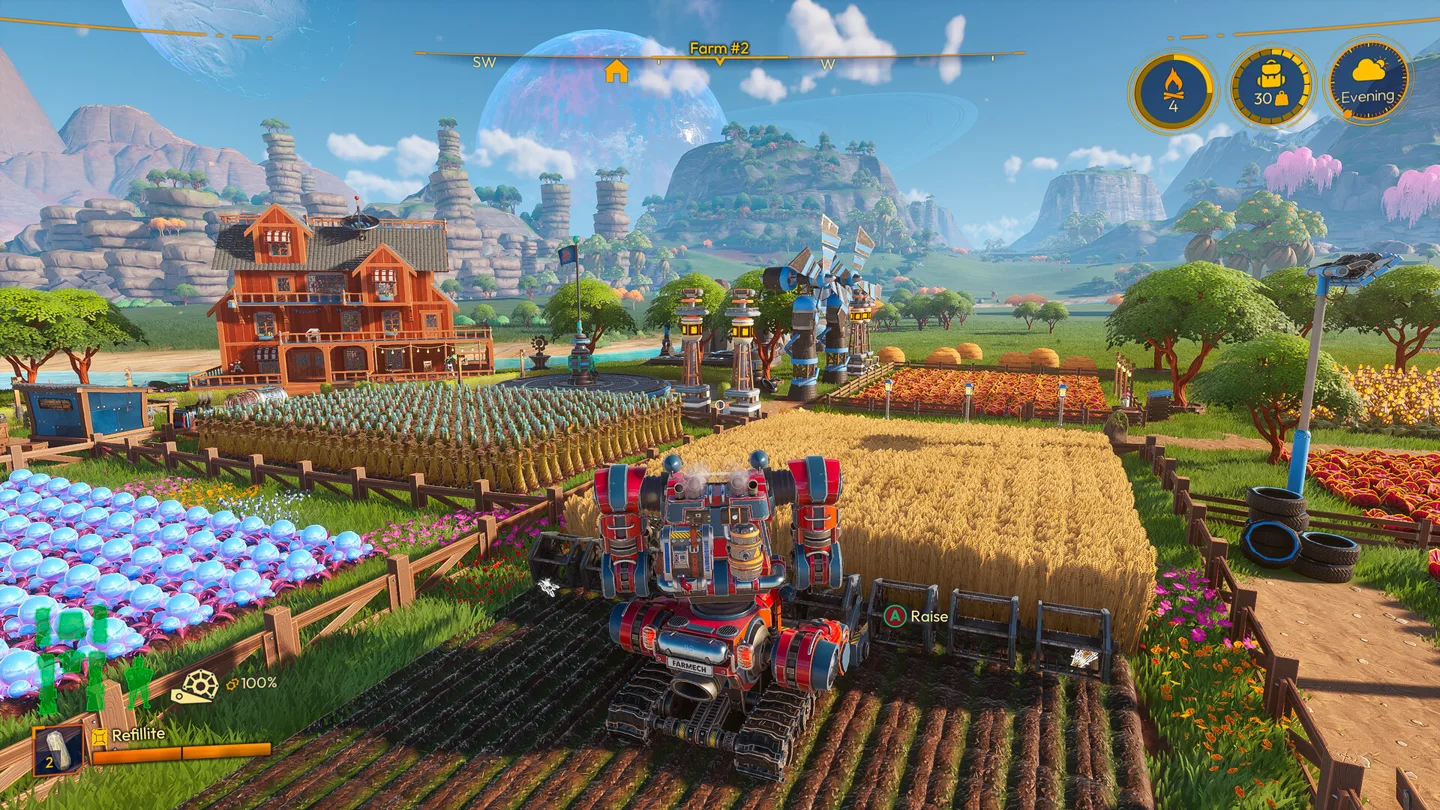
Choose around the pressure you want
The preset appears when starting a new save; existing saves also show these options the first time they load into 1.0. Use Customize to adjust individual settings instead of assuming you must accept every part of a preset.
| Preset | Officially described behavior | Suitable goal |
|---|---|---|
| Creative | No building/crafting cost, damage or threats | Experimenting with layouts and decoration |
| Relaxed | No damage taken and longer days | Learning systems or farming with less time pressure |
| Balanced | Standard experience; recommended for new players | Discovering the progression with its default trade-offs |
| Challenging | Increased damage, scarcer fuel and permanent item loss on knockout | A run where preparation and loss matter more |
If you are unsure, begin with Balanced and decide what is actually uncomfortable before changing a setting. For a group focused on building together, Creative removes a different burden from Relaxed: materials and recipe costs versus damage and daily pace.
The custom settings that change a farming plan
The per-world settings include Day Length, Growth Time, Crafting Time, Item Weight, fuel consumption for the Mech and Constructs, damage settings, weather-related threats and No Costs. They can change the meaning of a production timetable or a hauling recommendation.
For example, a harvest plan written for default growth time cannot be treated as an exact schedule after changing Growth Time. Lower Item Weight changes the logistics problem, while a faster crafting setting changes machine throughput. Keep those conditions in mind before comparing farms or following a speed-focused route.
Change a small number of related options at a time. If the problem is that fieldwork fills the day, consider day length or the relevant tool upgrade before altering every production setting. If you want to test a build without resource collection, use an appropriately configured separate world.
Co-op settings belong to the world
The 1.0 framework is per-world and host-controlled. A guest’s preferred pacing does not automatically override the shared farm. Agree on settings before designing a group production plan, especially changes to growth, crafting, damage and item loss.
A useful group checklist is: the intended pace, whether losses are acceptable, how much hauling matters and whether construction should require resources. Record the choices with the farm’s name or group notes so everyone is planning under the same conditions.
Use Shared saves for who can access the farm when the original host is offline. World access and the host’s control over playstyle settings answer different questions.
Treat Challenging’s losses as a planning constraint
Permanent item loss on knockout changes the cost of an expedition. Bring the resources needed for the trip, leave unrelated valuables behind and check fuel before committing to unfamiliar terrain. Lola’s retrieval service should not be assumed to reverse a preset’s permanent-loss rule.
For late-game exploration, check the Highlands and hauling guide. For a difficulty problem caused by inadequate equipment rather than the settings themselves, use the upgrade guide to identify a relevant capability.
More help with crafting & progression across our game guides.
Sources
- Lightyear Frontier 1.0 OUT NOW!FRAME BREAK · Checked Nov 7, 2026
- 1.0 Quality of Life Improvements - Frontier NewsFRAME BREAK · Checked Nov 7, 2026
- 1.0 Frequently Asked QuestionsFRAME BREAK · Checked Nov 7, 2026